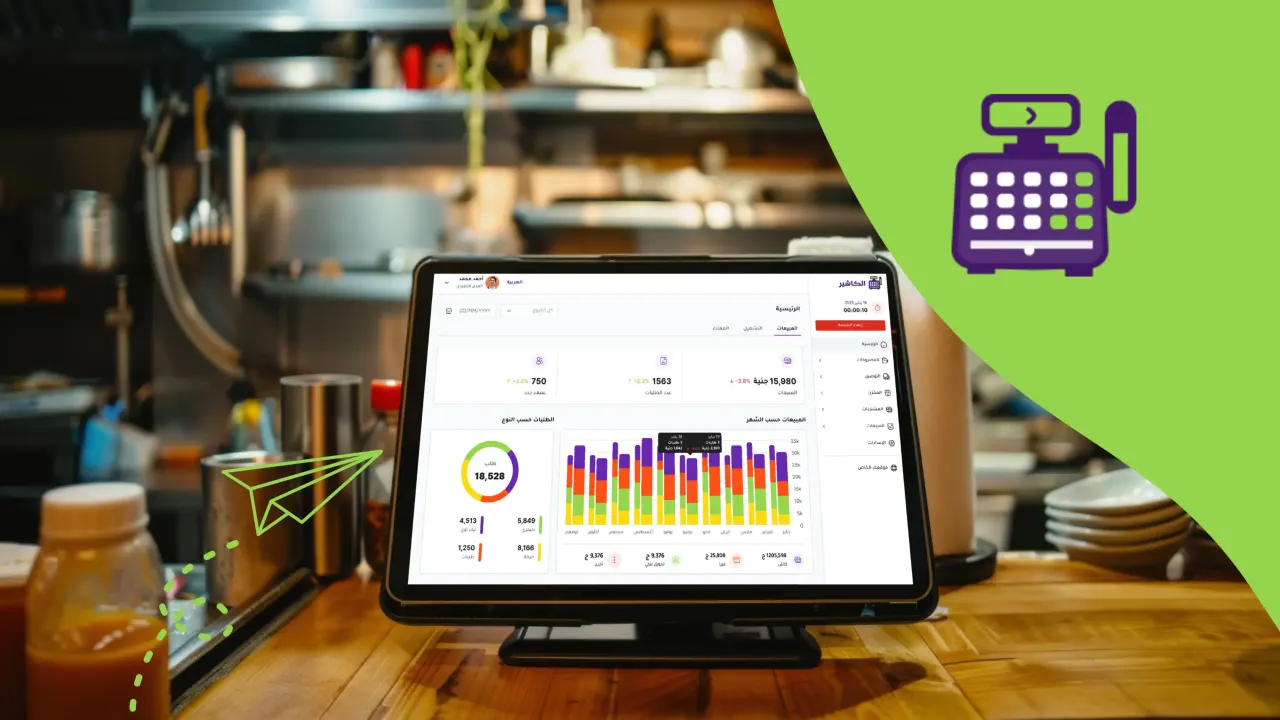
The business environment in Saudi Arabia and around the world is going through a rapid digital transformation, and relying on traditional methods such as paper ledgers or a manual cashier is no longer enough to keep up with the market and the competition. This is where the importance of the point of sale (POS) comes in, now a central tool for managing business operations efficiently and professionally.
What is a point of sale?
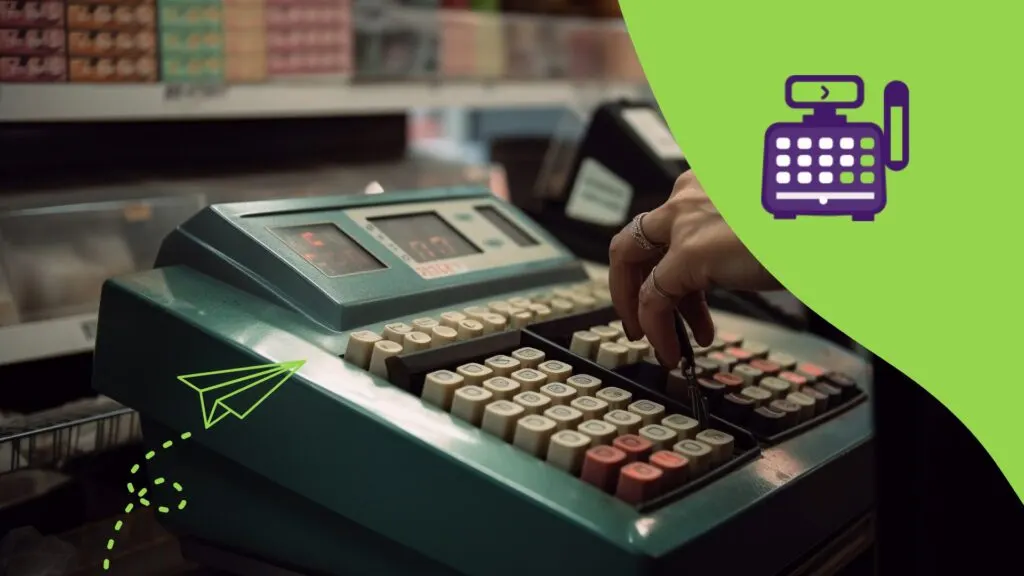
The point of sale is where the customer meets the store to complete a purchase. In the past, this meant a simple machine for issuing invoices, but today POS has become an integrated system combining hardware and software to help the business owner fully control sales, inventory, expenses, and staff.
For example: when a customer buys a cup of coffee at a café, the system records the transaction, deducts the quantity from inventory (coffee beans and milk), and adds the revenue to the daily reports automatically.
Components of POS systems
Hardware
Hardware is the physical components that staff and customers use to complete a sale. It includes:
Touchscreens: make it faster for staff to enter orders compared with traditional devices. For example, a restaurant employee can enter an order with several items in seconds.
Receipt printers: issue paper or digital receipts, which is essential for transparency with customers. Some systems send the invoice directly to email or mobile.
Barcode scanner: reduces human error and saves time, especially in retail stores with thousands of products.
Cash drawer: despite the spread of electronic payment, many customers in Saudi Arabia still prefer to pay in cash, so the cash drawer remains essential.
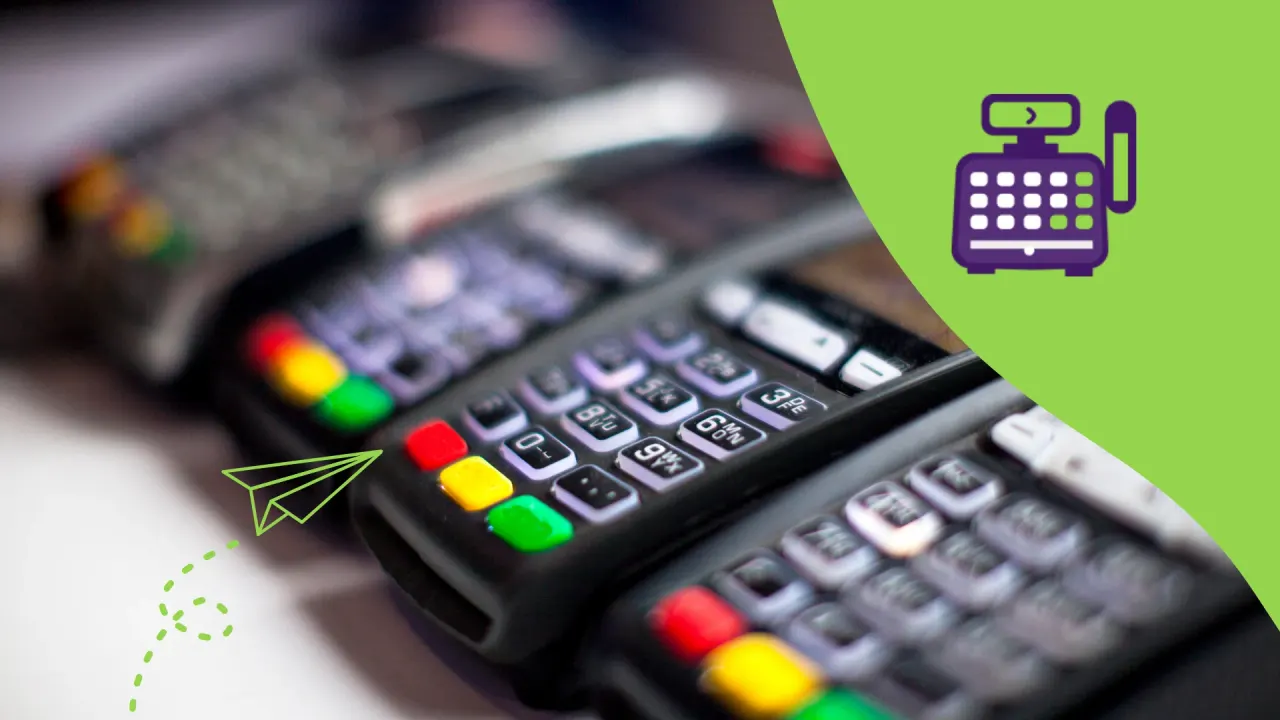
Card payment terminals: to accept payment via mada, Visa, Mastercard, Apple Pay, and digital wallets.
Customer display: shows the invoice details right in front of the customer to promote transparency.
Software
It is the most important element, because it is the brain of the system and controls all operations:
Easy-to-use sales interface: lets staff finish a sale quickly without complexity.
Inventory management: updates quantities automatically with every sale, and sends alerts when a product is about to run out.
Revenue and expense tracking: records every riyal that comes into or goes out of the business, helping you keep to the budget.
Staff management: tracks their working hours and permissions to prevent tampering.
Reports and analytics: show information such as best-selling products, peak times, and profit and loss ratios.
Integration with online platforms: connect the physical store with the website or delivery app to unify sales data.
Features of modern POS systems
Improving the customer experience
Today’s customer looks for speed and accuracy. POS systems make payment faster and more flexible, as they can pay in cash, electronically, or via smartphone. In addition, some systems offer loyalty programs that give customers points or discounts when they buy again, increasing their satisfaction and loyalty.
Saving time and reducing mistakes
Instead of recording orders by hand, the system saves everything instantly. This reduces the chance of mistakes such as entering wrong prices or forgetting to apply promotional discounts. In a busy restaurant, for example, a single mistake can upset a group of customers, while an electronic system prevents these situations.
Detailed and accurate reports
One of the most important advantages of POS is that it does not only record sales, it analyzes them. A clothing store owner can find out which colors or sizes are most in demand, and so focus their next purchases on the most profitable products.
Smart inventory management
The system deducts quantities automatically with every sale and sends an alert when stock is low. This reduces lost customers due to out-of-stock products, and helps control purchasing and avoid overstocking.
Connectivity flexibility
Some systems like Alcashier allow you to work in offline mode. This means sales do not stop even if the internet goes down, and data is uploaded automatically when the connection returns. This is an essential feature in cities or areas that may suffer from a weak network.
Integration with accounting and management
Data can be exported directly to accounting software, saving the accountant’s time and reducing mistakes. The system can also be linked to the online store so that all operations are managed from a single dashboard.
Security and data protection
With growing cyber threats, security has become an element that cannot be compromised. Modern systems provide data encryption, cloud backups, and different permissions for staff so that no one can tamper with or delete data.
How do you choose the right POS system for your business?
Nature of the business
Restaurants and cafés: need specialized systems to manage tables, split bills, and send orders straight to the kitchen.
Retail stores: need strong barcode management, detailed sales reports, and a promotions feature.
Salons and clinics: need an appointment booking feature alongside sales.
Multi-branch businesses: should choose a cloud-based system that gathers the data of all branches in a single dashboard.
Scalability
A common mistake is choosing a system that only fits the current size of the business. It is better to choose a system that can grow with you if you expand by opening new branches or adding new services.
Ease of use
The system should be simple enough for staff to learn in a short time. The easier the training, the lower the chance of mistakes or disruption to work.
Language and currency support
In the Saudi market, it is essential for the system to support Arabic and English, and be compatible with payment systems such as mada and Apple Pay, with support for local currencies.
Connectivity flexibility
Make sure the system does not depend entirely on the internet, or you will lose sales when the network goes down. Systems that support offline mode with later syncing are the best choice.
Security and data protection
Choose a system with encryption and backup, with flexible permissions so that each employee can be given an appropriate level of access. For example: the cashier cannot view revenue reports, while the manager can.
Cost and technical support
Compare monthly and annual subscription plans, and think about additional costs such as hardware or maintenance. Don’t forget to check that fast local technical support is available around the clock.
A practical example: Alcashier
The Alcashier system is a Saudi platform designed specifically to meet the needs of the local market.
Supports Arabic and English.
Works online and offline with automatic sync.
Integrated with electronic payment and online stores.
Provides real-time reports that help you make accurate decisions.
Suitable for both small and large businesses.
Frequently asked questions about POS
Do POS systems work without internet?
Yes, many modern systems such as Alcashier support offline mode. This means that even if the internet goes down, sales can be recorded normally, then synced automatically with the cloud when the connection returns. This feature is essential for restaurants and stores that cannot afford downtime.
Can POS be connected to online stores?
Definitely. One of the most important advantages of modern POS systems is their integration with digital channels. When a customer buys through the online store, the product is deducted directly from inventory and the records in the system are updated. This ensures that sales and inventory data are unified between the physical and online stores.
How secure is customer data in a POS system?
Modern systems rely on advanced encryption technologies and cloud storage with continuous backups. In addition, the business owner can set different permissions for staff so that no one can view all the data, which strengthens information protection.
Is POS useful for small businesses?
Yes, even the smallest shops benefit from it. Instead of recording sales by hand, the owner can follow revenue and inventory in real time through an easy dashboard. This helps them make better decisions and avoid mistakes, with room to expand in the future.
What are the most important criteria for choosing a POS system?
Compatibility with the nature of the business (restaurants, retail, salons…).
Ease of use and availability of training.
Arabic and English support.
Ability to work offline with data syncing.
Detailed reports for management.
Security and encryption.
Fast and effective technical support.
Summary
POS is no longer just a device for issuing invoices; it has become the backbone of any successful business. By choosing the right system, you can manage sales, track inventory, control expenses, and improve the customer experience. Investing in an integrated system like Alcashier means you are not only running your business, you are putting it on the path to growth and success in the age of digital transformation.
Can POS become the gateway for Saudi restaurants to regional expansion?
The restaurant sector in the Kingdom of Saudi Arabia is witnessing an unprecedented boom driven by Vision 2030, and growing demand for diverse food experiences from…
Cashier system: choosing and running POS software in Saudi Arabia
If you run a store, restaurant, café, or salon, the story often starts in front of the register: a line moving forward, an employee searching for…
The difference between traditional POS and electronic POS
With the acceleration of digital transformation in the business world, point-of-sale (POS) systems have become more than a tool for completing a payment. They have…
The post What is a point of sale? And how to choose the right system for your business appeared first on Alcashier Software.