Slow item search
The cashier scrolls a long list while the customer waits.
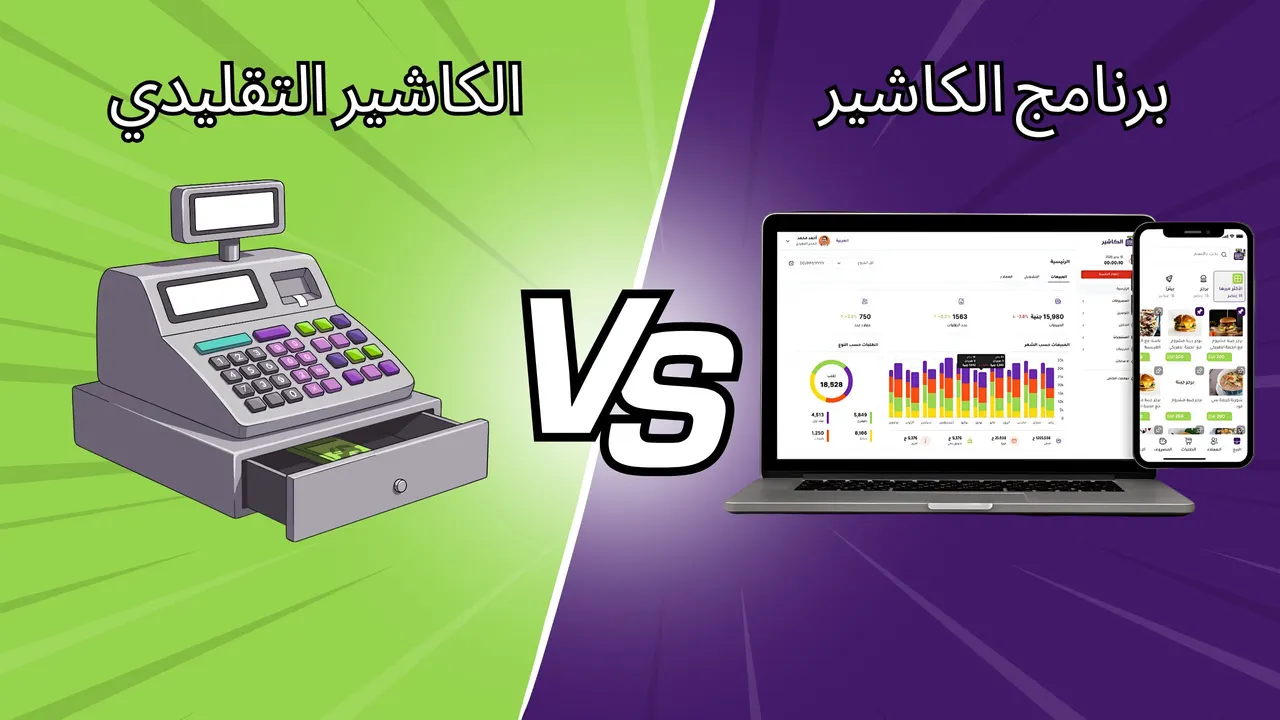
Turn the phone, tablet or computer you already own into a full point of sale: barcode, variants and modifiers, and every payment method with change calculation.
Cash, credit card, transfer and Talabat Search by name or barcode Cancellation with the admin PIN
Every minute at the till costs you a customer.
The cashier scrolls a long list while the customer waits.
Mistakes in change and a mismatch in the drawer at the end of the day.
You can’t tell who cancelled the order or why.
Four steps, a few minutes.
Start freeEach cashier opens their shift at their branch before the first sale.
Search by name or scan the barcode, then choose the variant and modifiers.
Cash, card, transfer or Talabat Visa, and the software calculates the change or the remaining balance.
An invoice with your logo, tax details and QR code.
iPhone, Android, Windows and the browser.
By name, code or barcode, including scale barcodes.
A discount, an extra discount or a promo code on any order.
Dine In, Takeaway, Pickup, Delivery and Talabat.
Full or partial payment, with the balance kept on the order until you collect it.
Every cancellation is recorded under its owner’s name.
From the dining room to takeaway — order after order.
A Free plan to get started, and Pro when your business grows.
Everything you need to start selling today.
When your branches and team grow.
 Available on the mobile app
Turn any phone into an extra cashier during the rush with the Alcashier app.
Yes, Alcashier works on iPhone and Android, so you can turn any phone or tablet into an extra point of sale during the rush.
No, start with the device you already have. A printer and cash drawer are optional.
Yes. Search by barcode or product code when adding products to the order, including scale barcodes for products sold by the kilo.
Cash (with change calculation), credit card, transfer and Talabat. Customers can also pay part now and the rest later.
Yes. Enter the amount paid and the remaining balance stays on the order until you collect it with “Collect Payment”.
Cancelling an order needs the admin PIN, so a cashier can’t cancel orders on their own.
Yes. Talabat orders are a separate order type and payment method, so their sales show up separately on the Dashboard.
Yes, from the Alcashier app on iPhone and Android.