Cashier
 Deutsch
 Français
 Español
Search
Name or barcode, instantly
Find products by name, code or barcode, including weight barcodes from your scale.
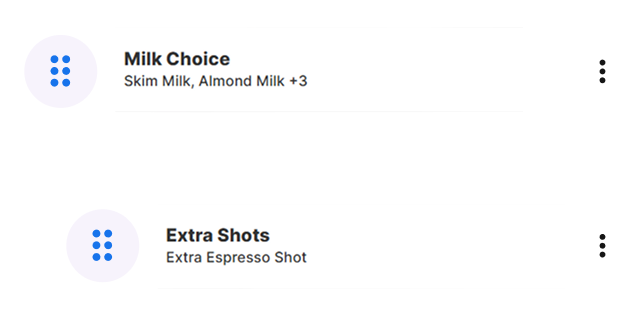
Find any product by name or barcode, add sizes and extras, apply a discount or promo code, and take payment in seconds. Cashier POS works out the change for you.
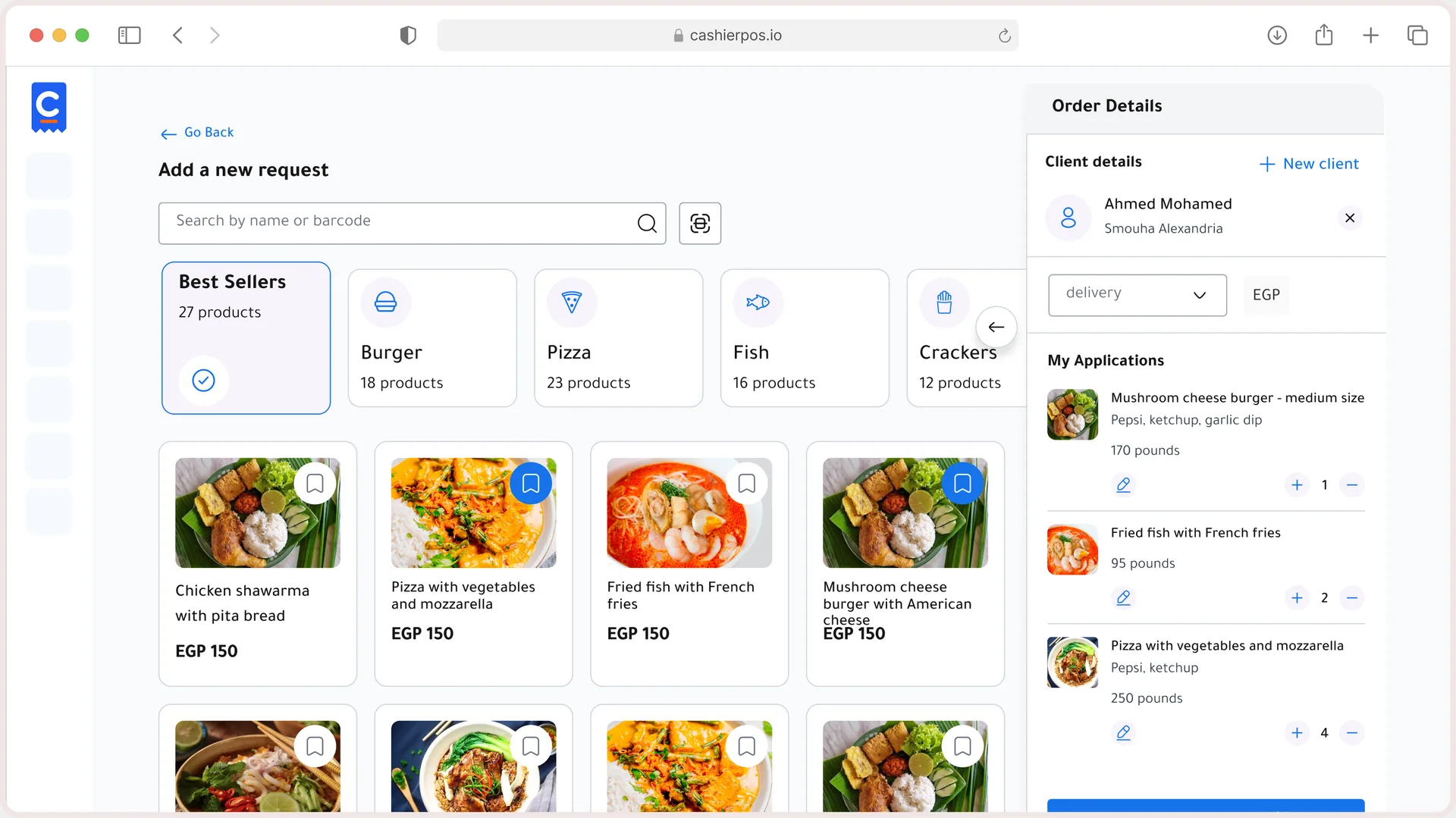
Barcode search, Variants & modifiers, Promo codes, Discounts, Dine in, takeaway, pickup & delivery, Talabat orders, Cash, card, transfer & Talabat visa and Printed invoices.
See all featuresEach cashier starts a session for their branch before the first sale, so every order is tracked from the start.
Start free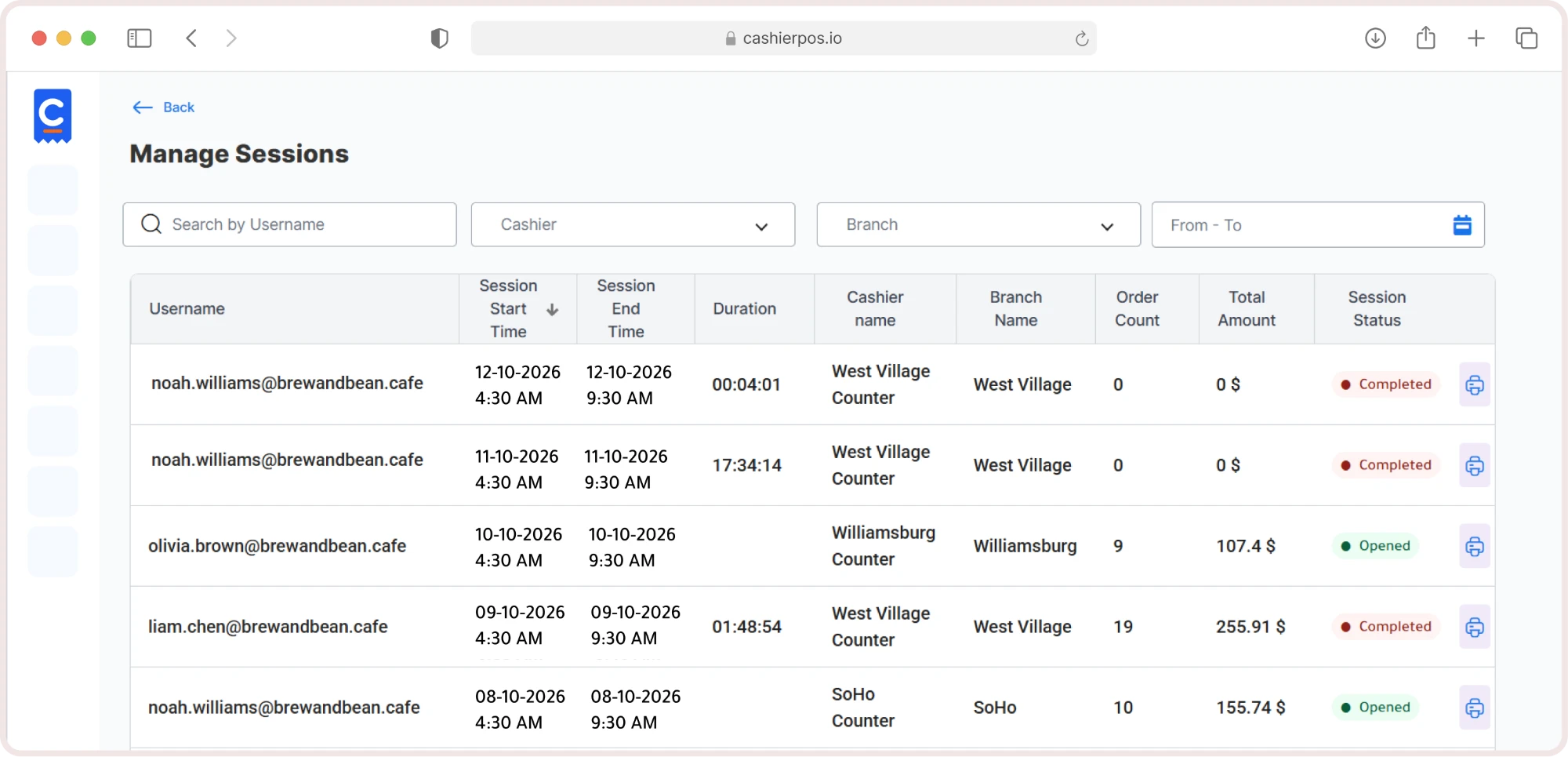
Search by name or scan a barcode, pick the size, add modifiers and quantities.
Start freeRecord cash, card or bank transfer. Enter the amount paid and Cashier POS shows the change or the remaining balance.
Start free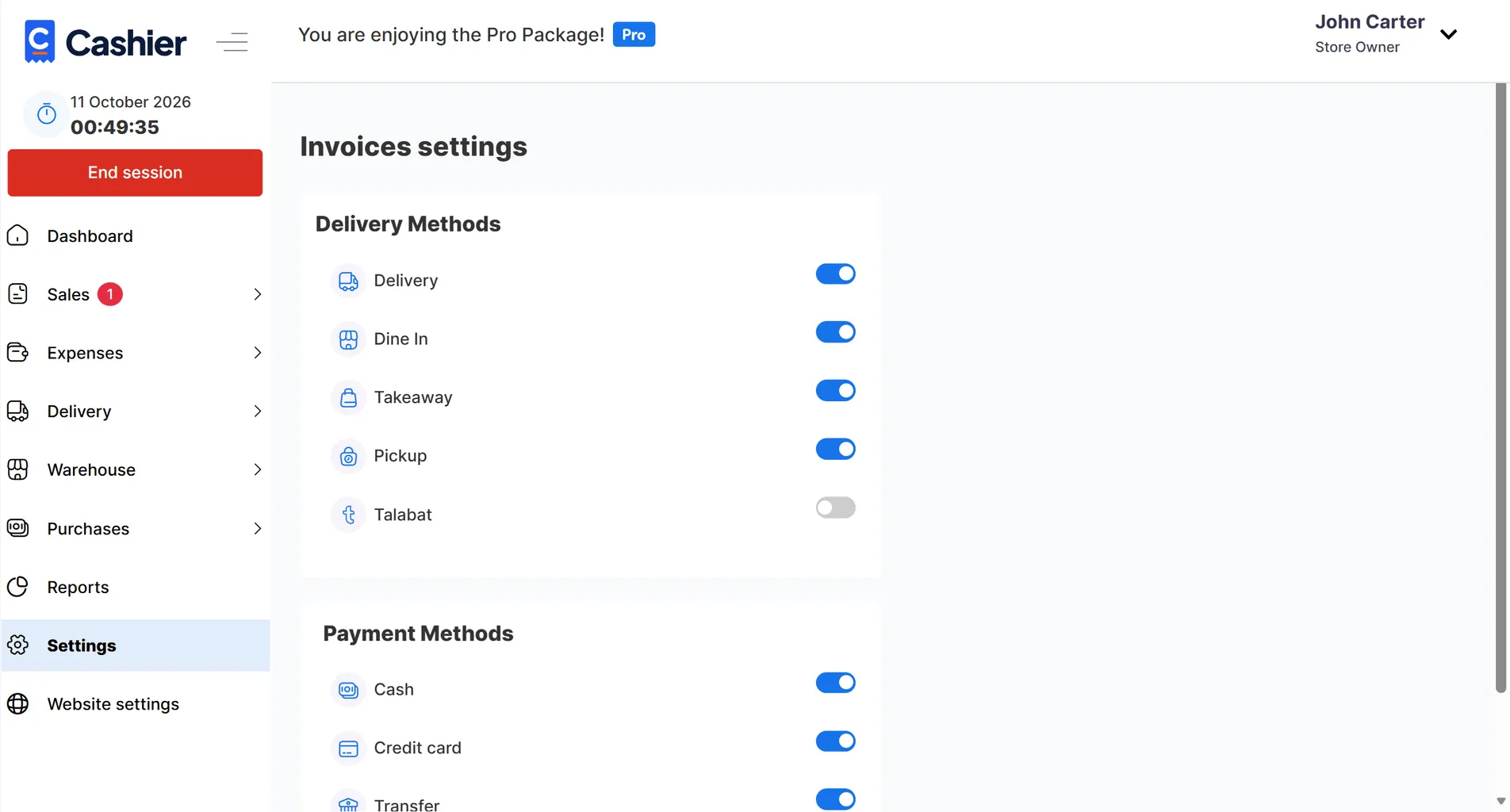
Print the invoice with your logo, tax details and QR code, then start the next order.
Start free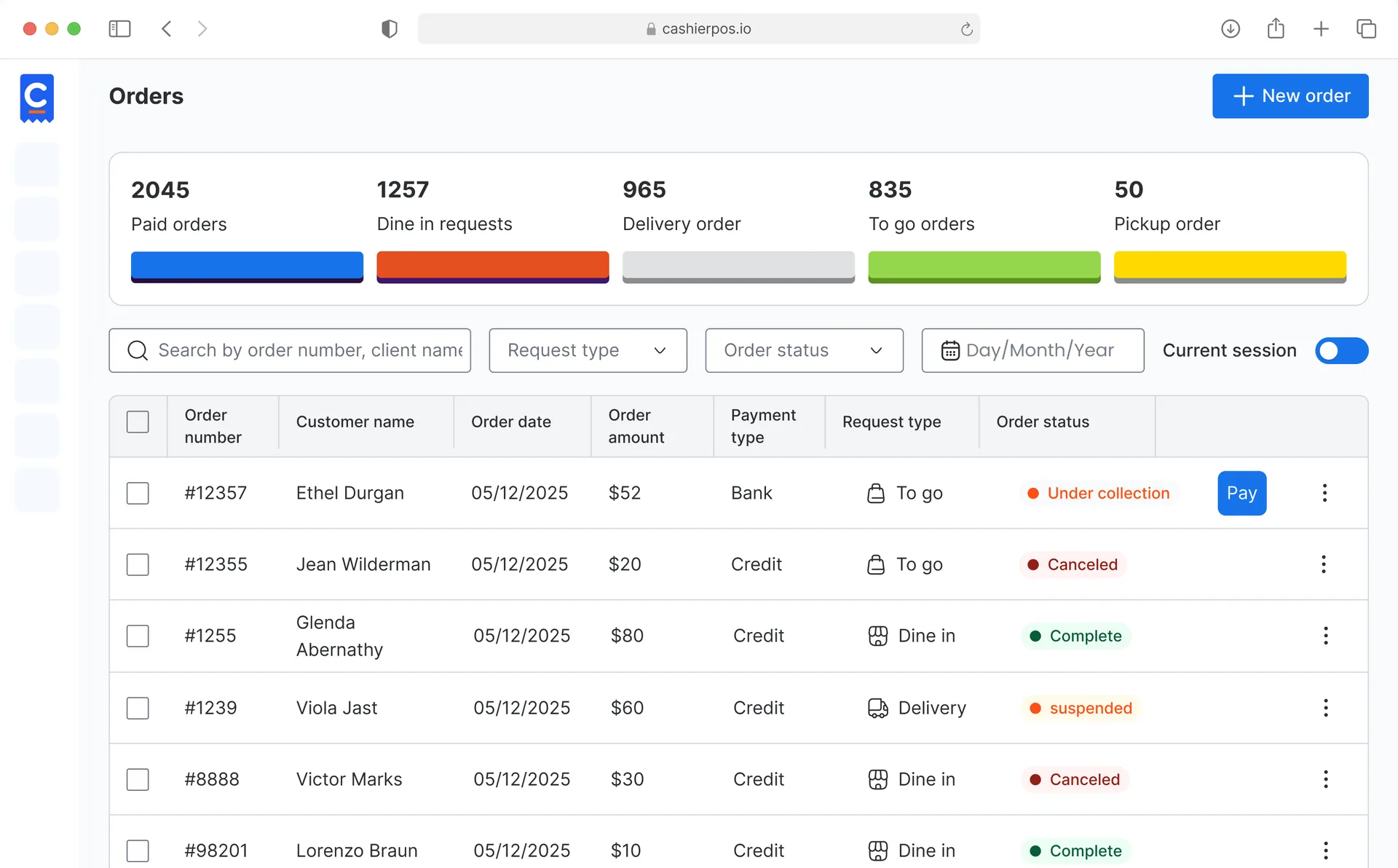
Every tool your counter needs on a busy day, built in and ready from your first sale.
Search
Find products by name, code or barcode, including weight barcodes from your scale.
Pricing
Apply a discount, an extra discount or a promo code to any order.
Payments
Take full or partial payment and collect the rest later. The order shows what’s still due.
Control
Cancelling an order requires an admin PIN, so mistakes and misuse stay visible.
Connected
Each order lands in the cashier’s session, the invoice list, the customer’s account and stock for that branch.
Free covers one user, one cashier and one branch. Pro removes the limits.
One user, one cashier and one branch.
Unlimited users, cashiers and branches, priced per extra cashier and branch.
From one café to a chain of stores, Cashier POS fits the way you sell.
Every Cashier POS feature shares one catalog and one set of numbers, so nothing needs to be entered twice.
Explore all features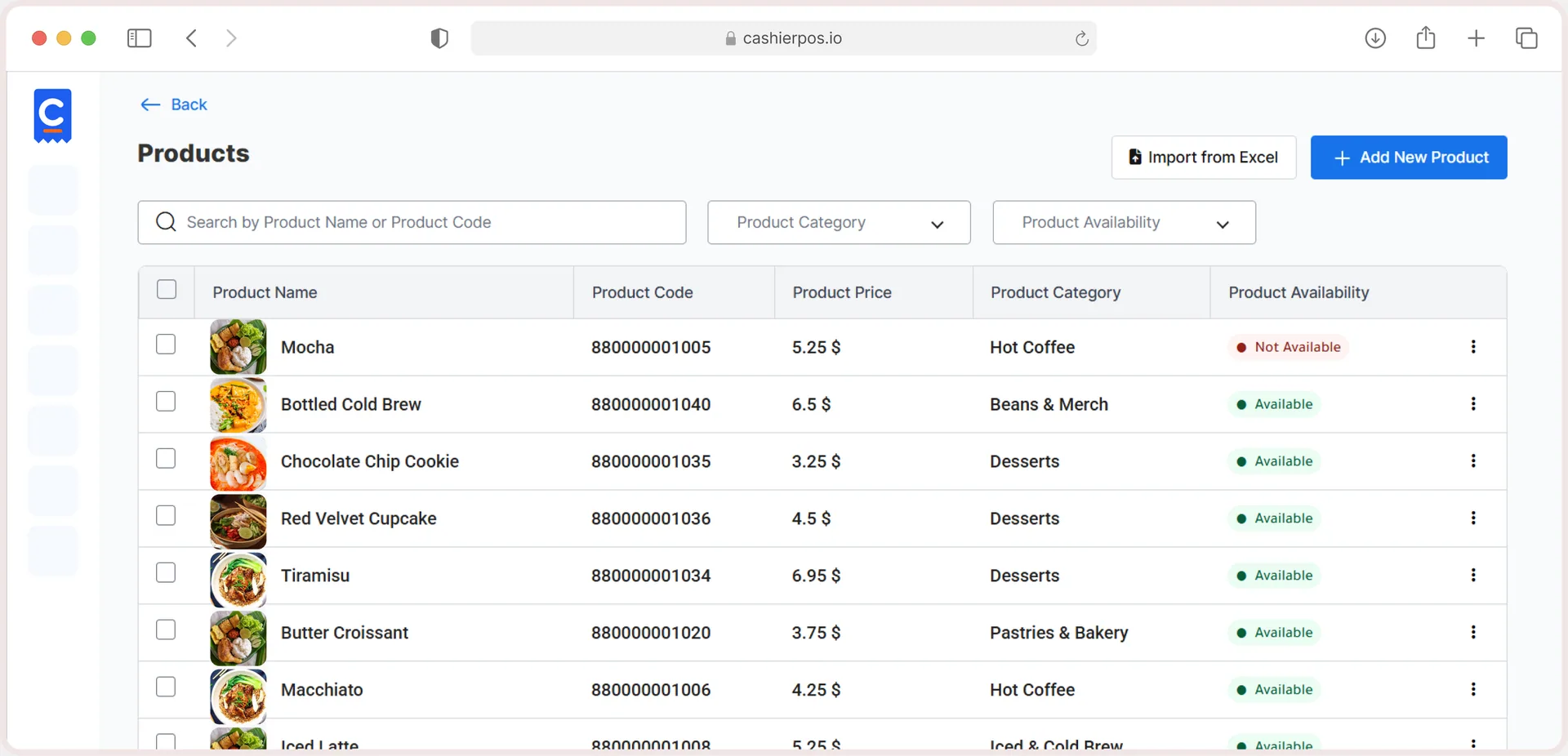
Free online store
Sell in-store and online from one catalog, with stock that stays in sync.
Yes. Search by barcode or product code, including weight barcodes for items sold by the kilo.
Cash, card (Visa) and bank transfer. You can change the payment method after the sale if needed.
Yes. Enter the amount paid; the remaining balance stays on the order until you collect it.
Only with an admin PIN.
Yes. Sessions keep each cashier’s sales, payments and expenses together for the end-of-shift report.
Yes. Talabat is its own order type and payment method, so its sales show separately in your dashboard.
Moving from another POS, opening a new branch or want help setting up? Our team is ready to help.
Get in touch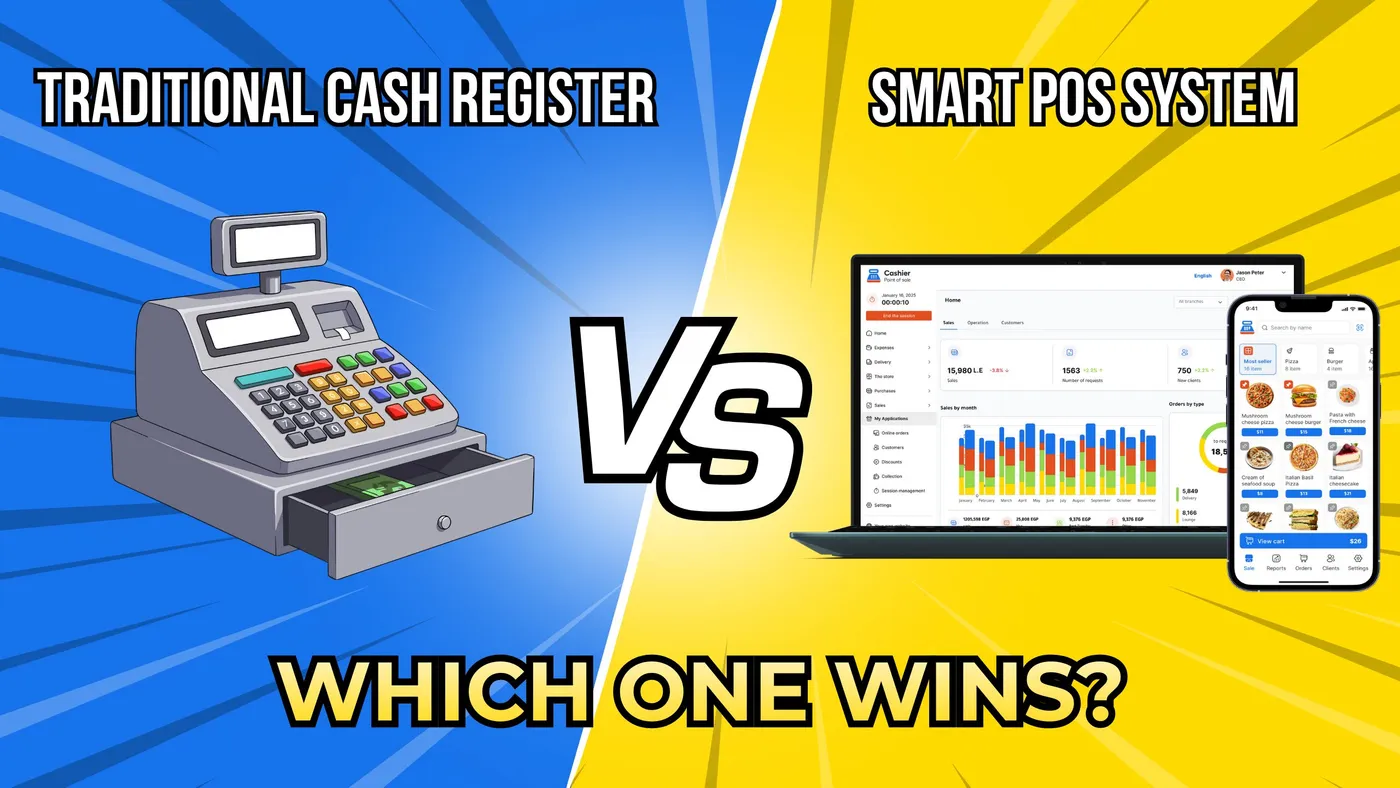
From the blog · Feb 9, 2026
Compare traditional cash registers and smart POS systems to see why modern businesses choose smarter, faster, and more scalable POS solutions.
Read the article
From the blog · May 10, 2026
Discover proven strategies to reduce restaurant wait times and boost efficiency with a modern POS system like Cashier POS.
Read the article
Sell faster, track every item and run every location from one free POS.