Cashier
 Deutsch
 Français
 Español
Offline
What works offline
Taking new orders, recording cash and printing receipts.
Wi-Fi drops in the middle of the lunch rush. Your counter keeps going. Offline mode is included on every plan, even Free.
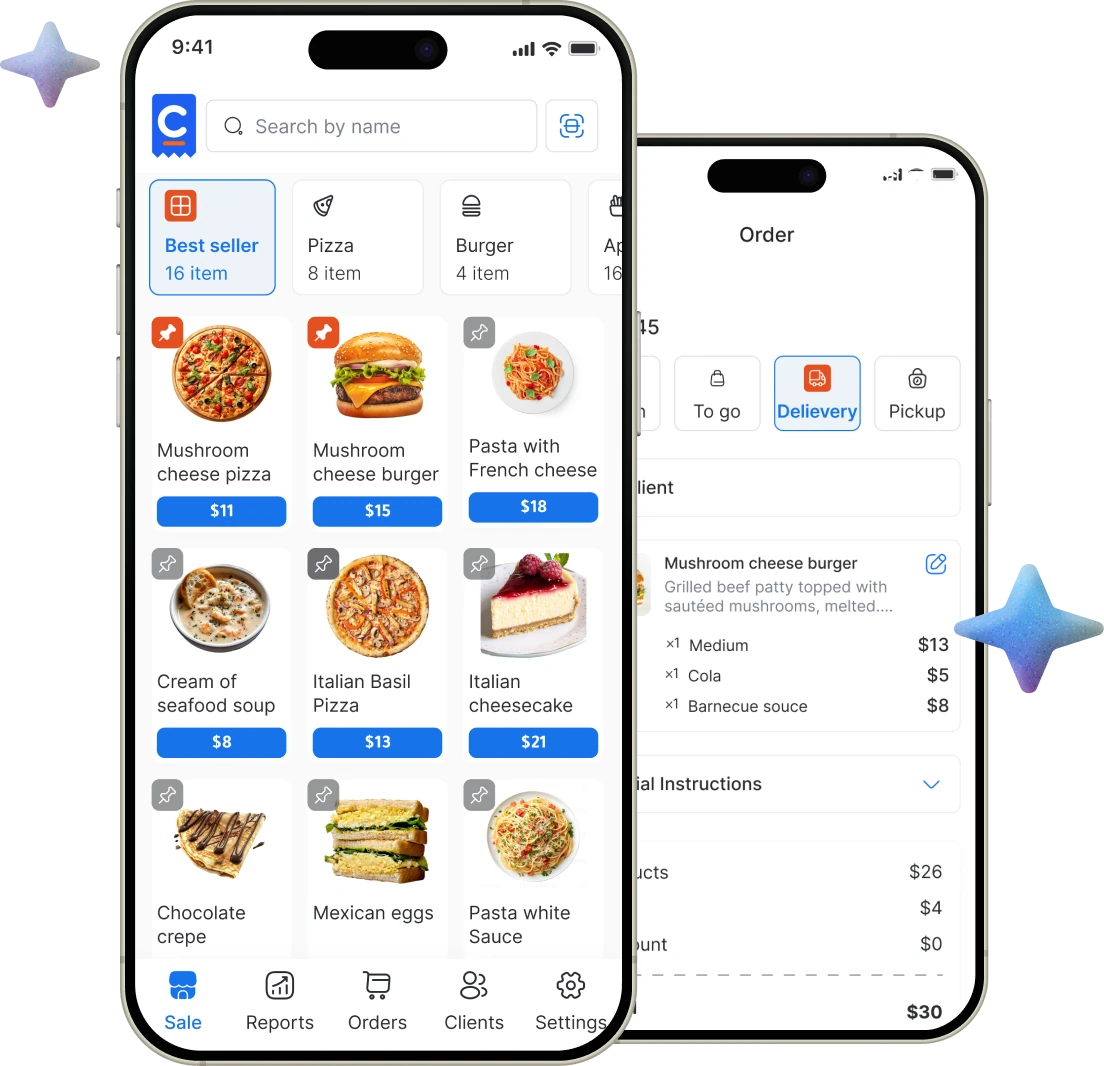
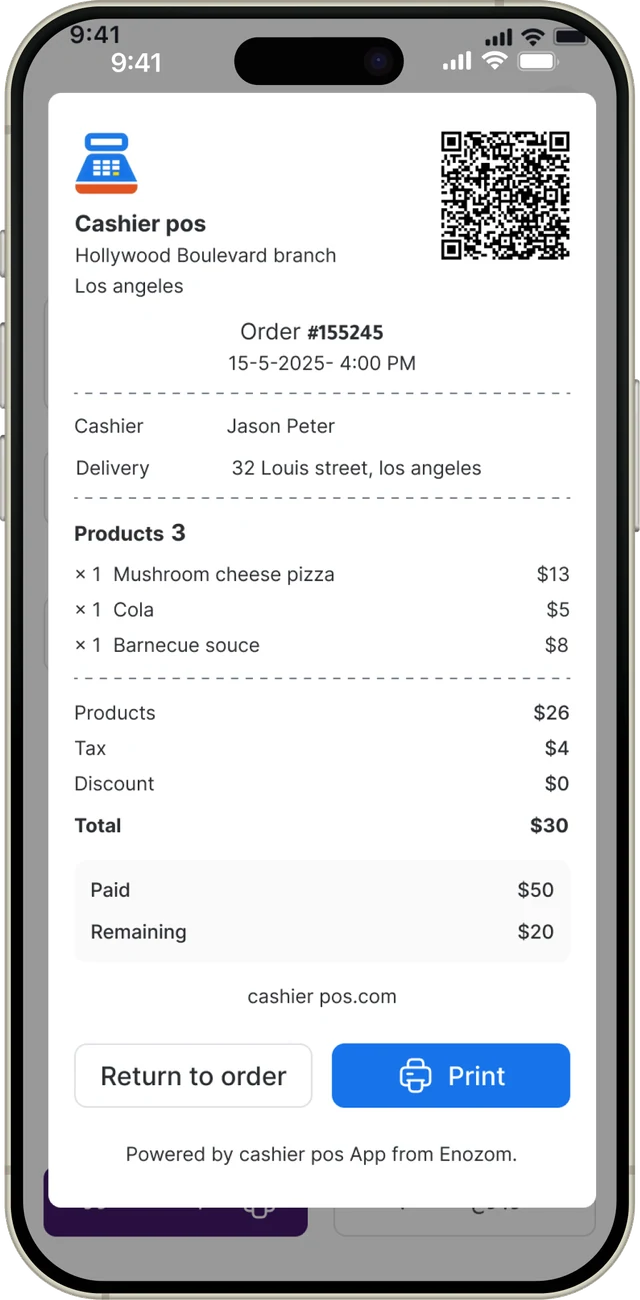
Sell offline, Free plan included, Auto catch-up, Cashier sessions and Printed receipts.
See all features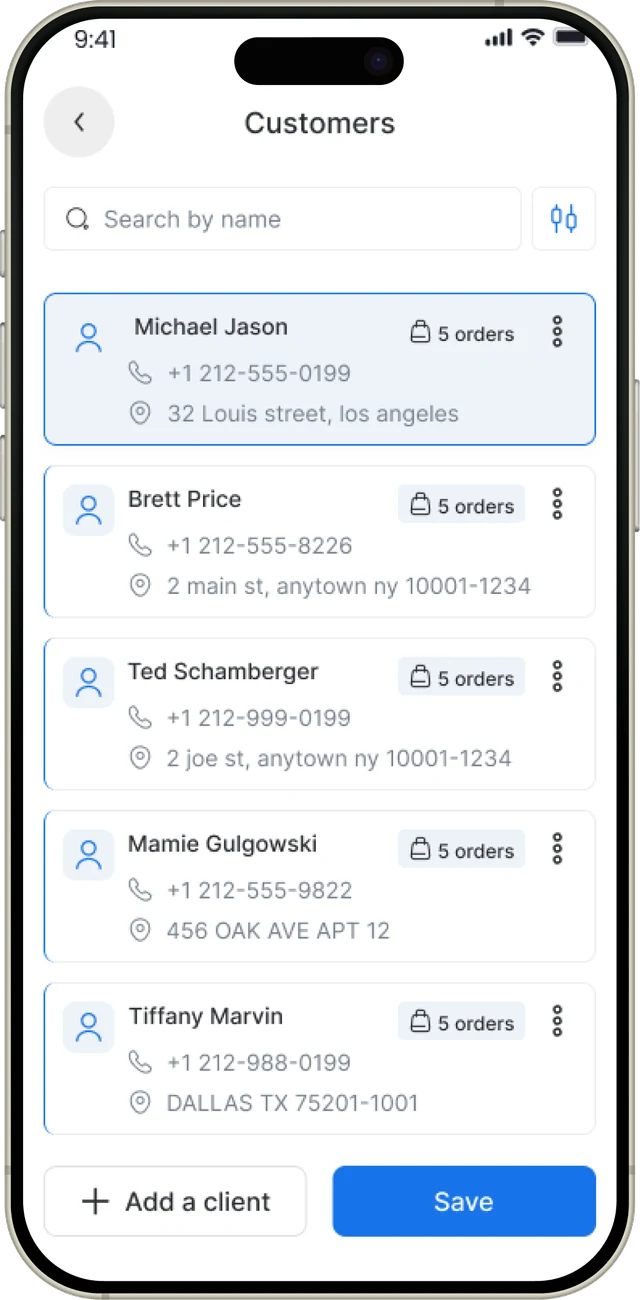
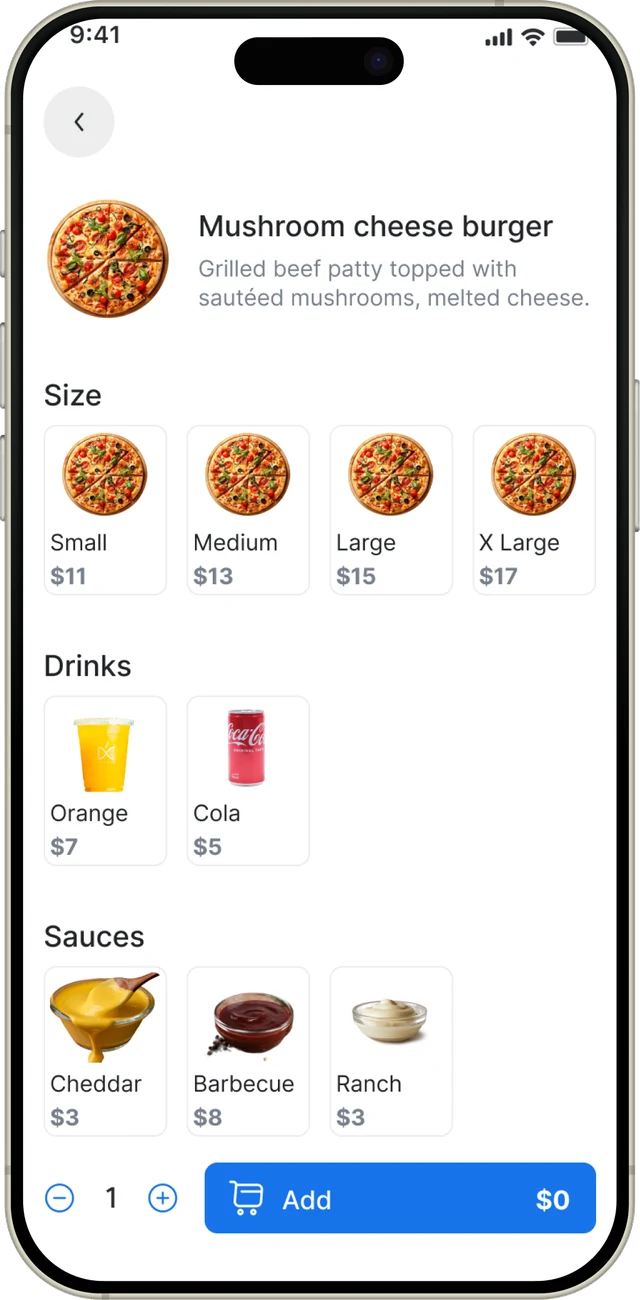
When you’re back online, offline sales reach your dashboard, sessions and reports.
Start free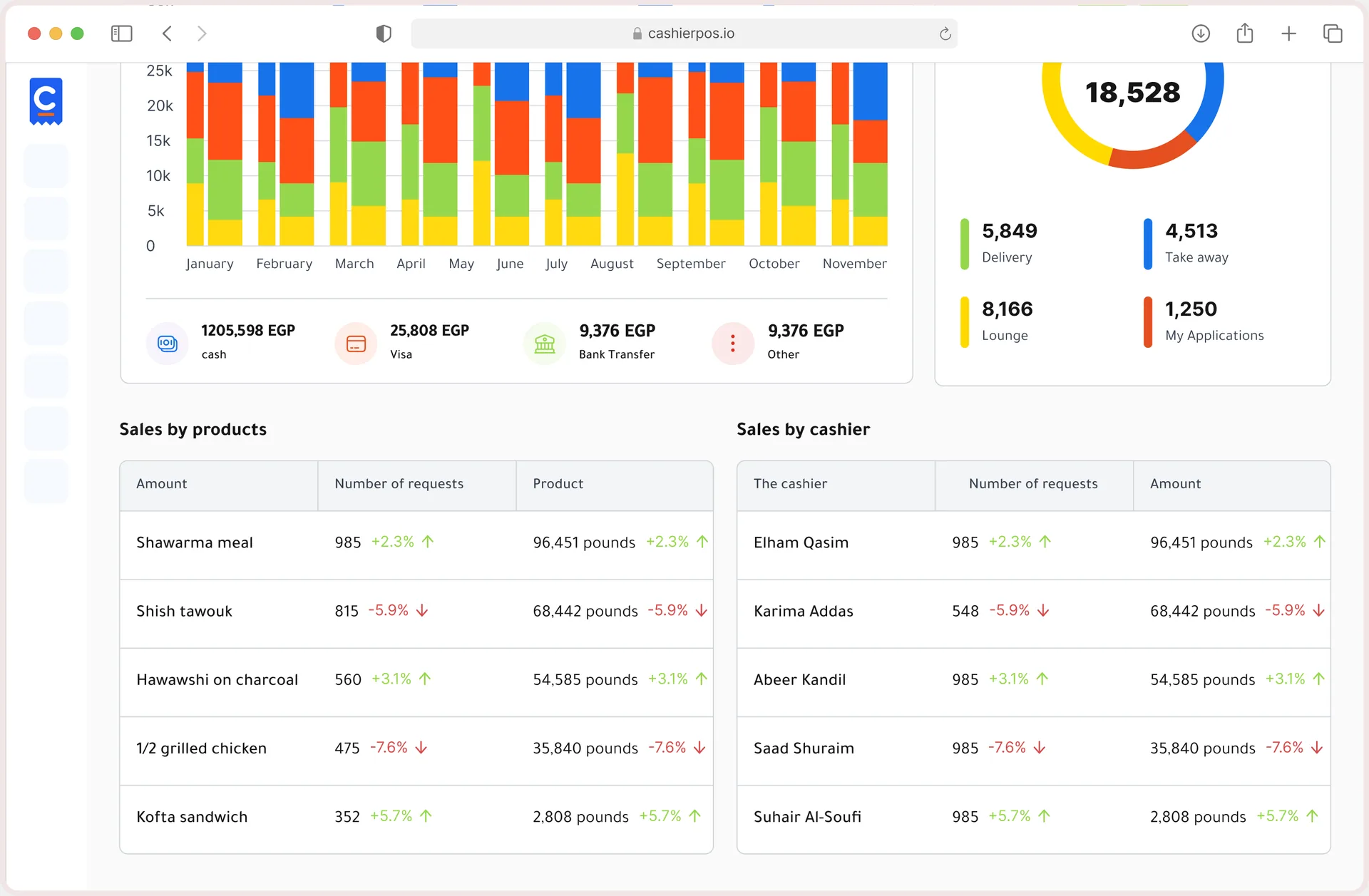
Every tool your counter needs on a busy day, built in and ready from your first sale.
Offline
Taking new orders, recording cash and printing receipts.
Online only
Online orders from your website, Fawry payments and delivery dispatch need a connection.
Plans
Offline is listed on the Free plan, not just Pro.
Records
Offline orders still belong to a cashier session and branch.
Connected
Once you reconnect, sales, sessions and the dashboard all line up again.
Free covers one user, one cashier and one branch. Pro removes the limits.
One user, one cashier and one branch.
Unlimited users, cashiers and branches, priced per extra cashier and branch.
From one café to a chain of stores, Cashier POS fits the way you sell.
Every Cashier POS feature shares one catalog and one set of numbers, so nothing needs to be entered twice.
Explore all features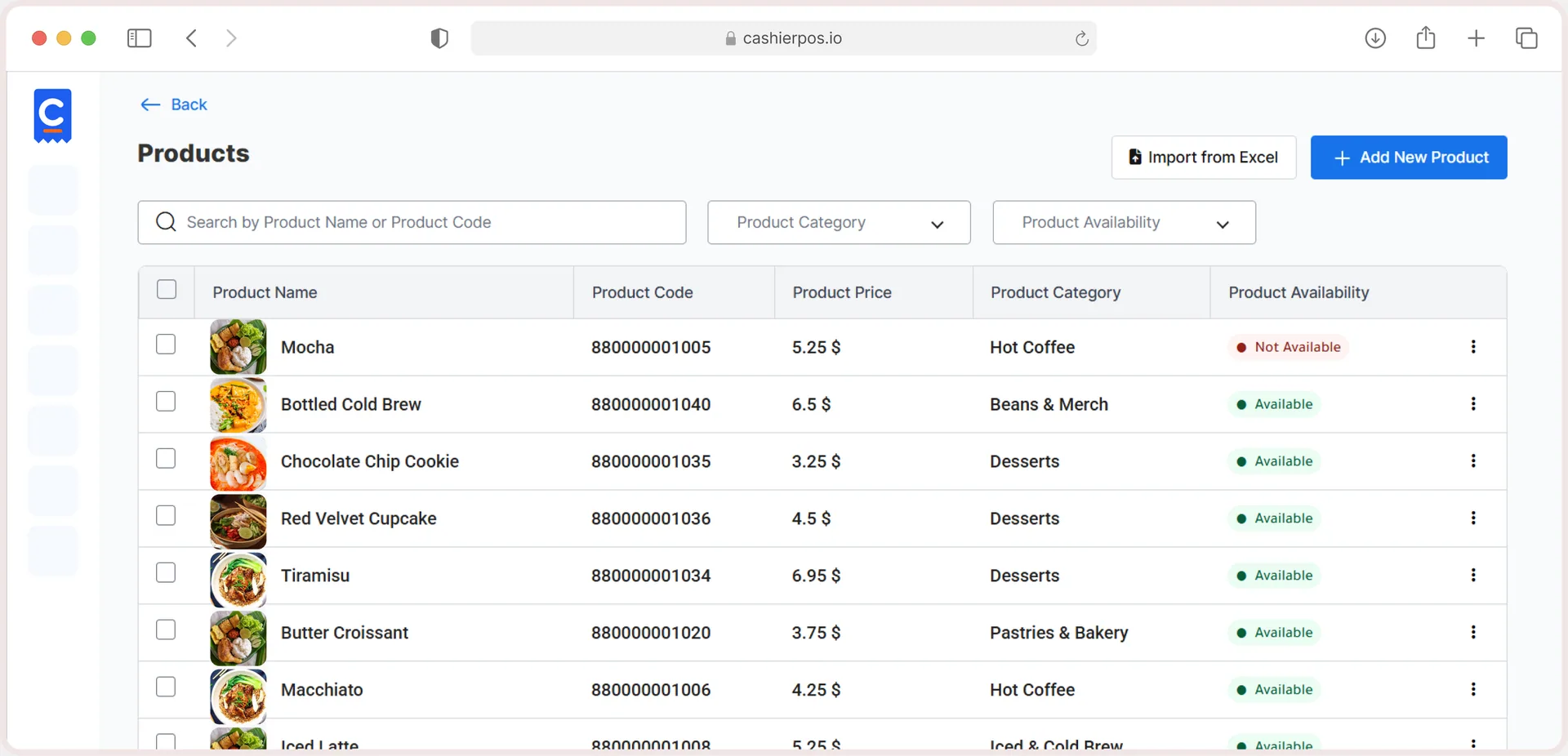
Free online store
Sell in-store and online from one catalog, with stock that stays in sync.
Yes. Offline mode is included on every plan, including Free.
They reach your dashboard and reports once you reconnect.
Card and bank transfer payments are recorded like any other payment.
No. Your ordering website and Fawry payments need a connection.
No, it’s part of the Free and Pro plans.
Moving from another POS, opening a new branch or want help setting up? Our team is ready to help.
Get in touch
From the blog · Jan 5, 2026
Discover what an offline POS is, how it works and why it matters. Learn how Cashier POS helps businesses sell anytime, even with no internet.
Read the article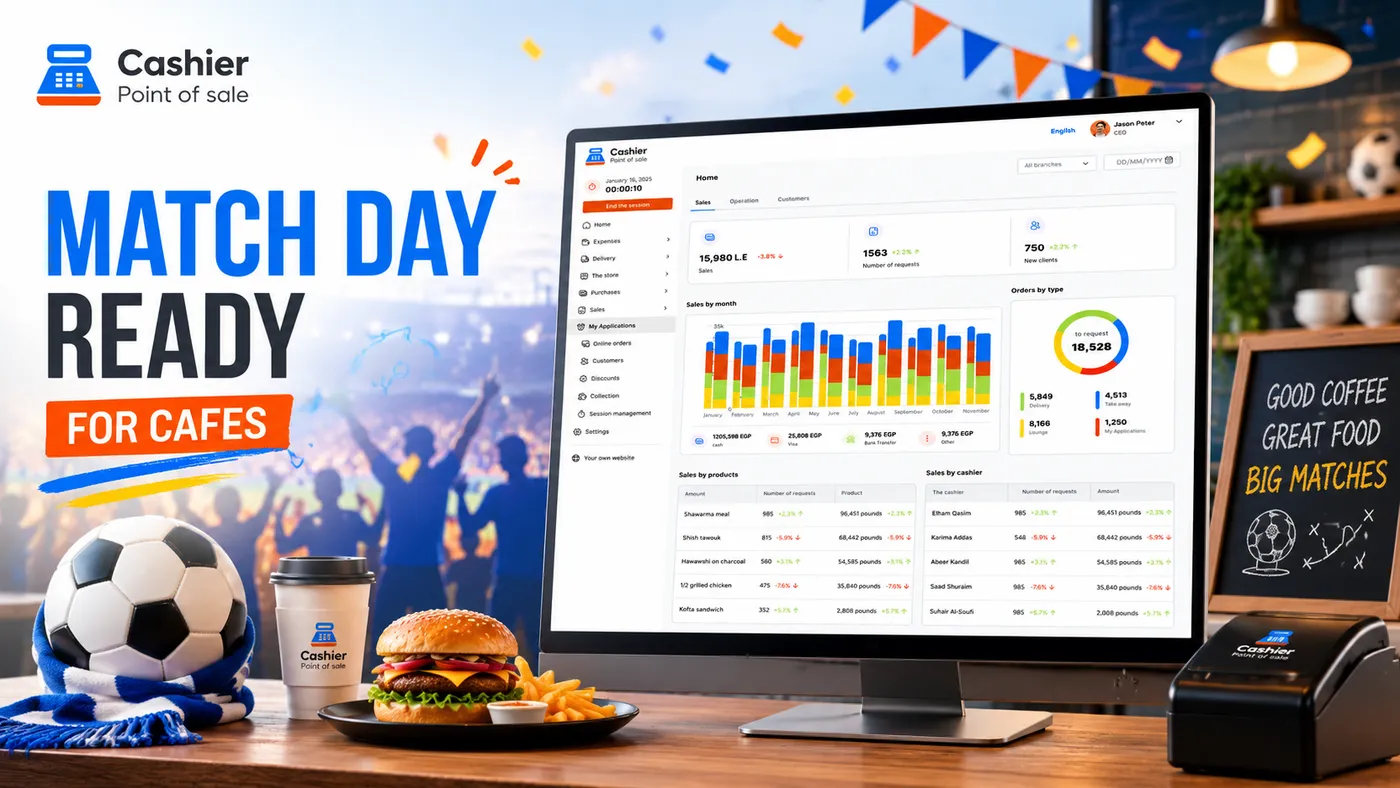
From the blog · Jul 7, 2026
Prepare your café for World Cup 2026 match-day crowds with a free POS system that helps manage orders, inventory, payments, and staff.
Read the article
Sell faster, track every item and run every location from one free POS.