Cashier
 Deutsch
 Français
 Español
Warehouses
Every store, its own stock
See quantities product by product in each warehouse.
Buy from your vendors, receive stock into the right warehouse, move it between stores and watch it sell, all in the same system as your checkout.
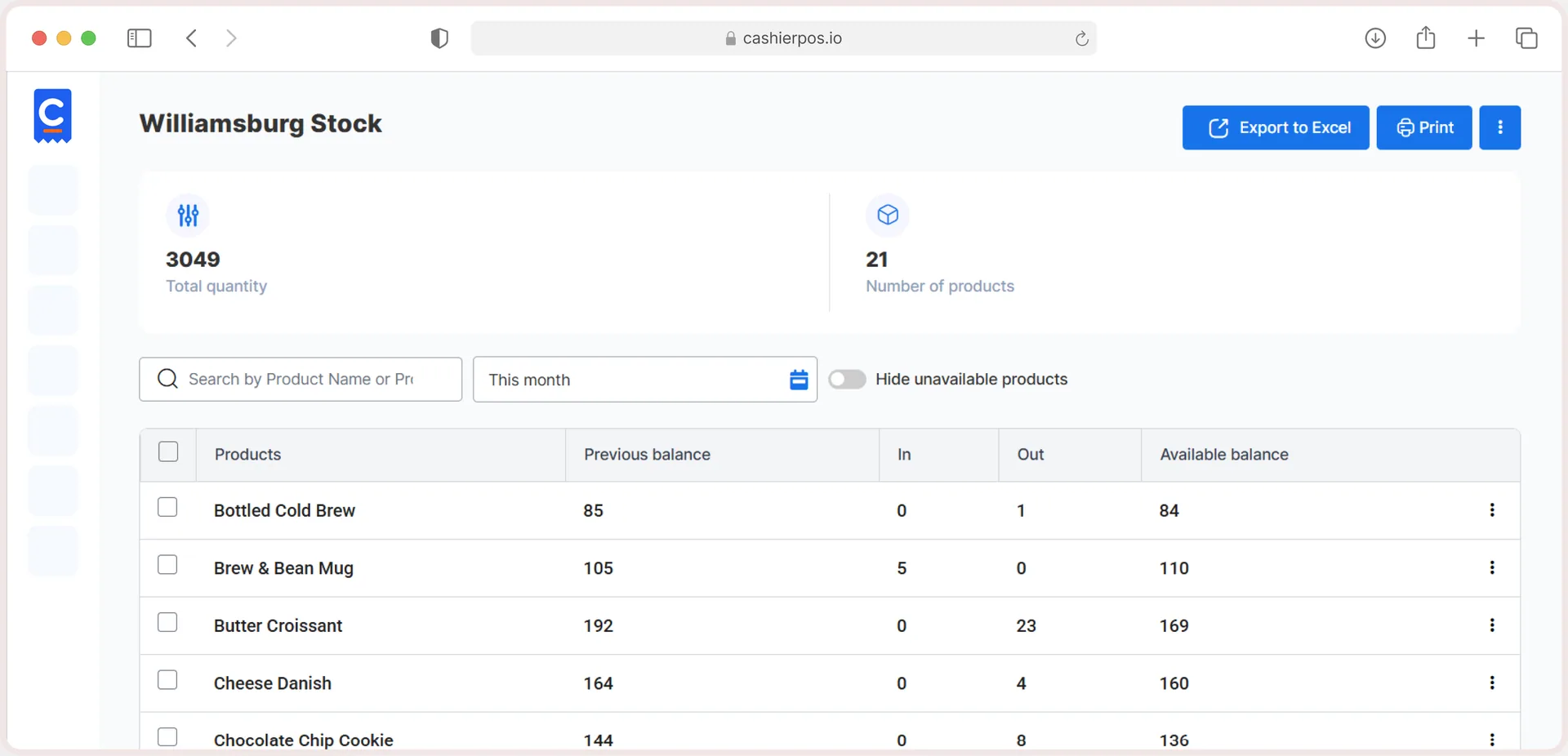
Multiple warehouses, Stock per warehouse, Stock transfers, Purchase invoices (Pro), Vendors (Pro), Units of measure and Import & export.
See all featuresPick the vendor and the store, add products with quantity and unit cost, save as draft or confirm.
Start free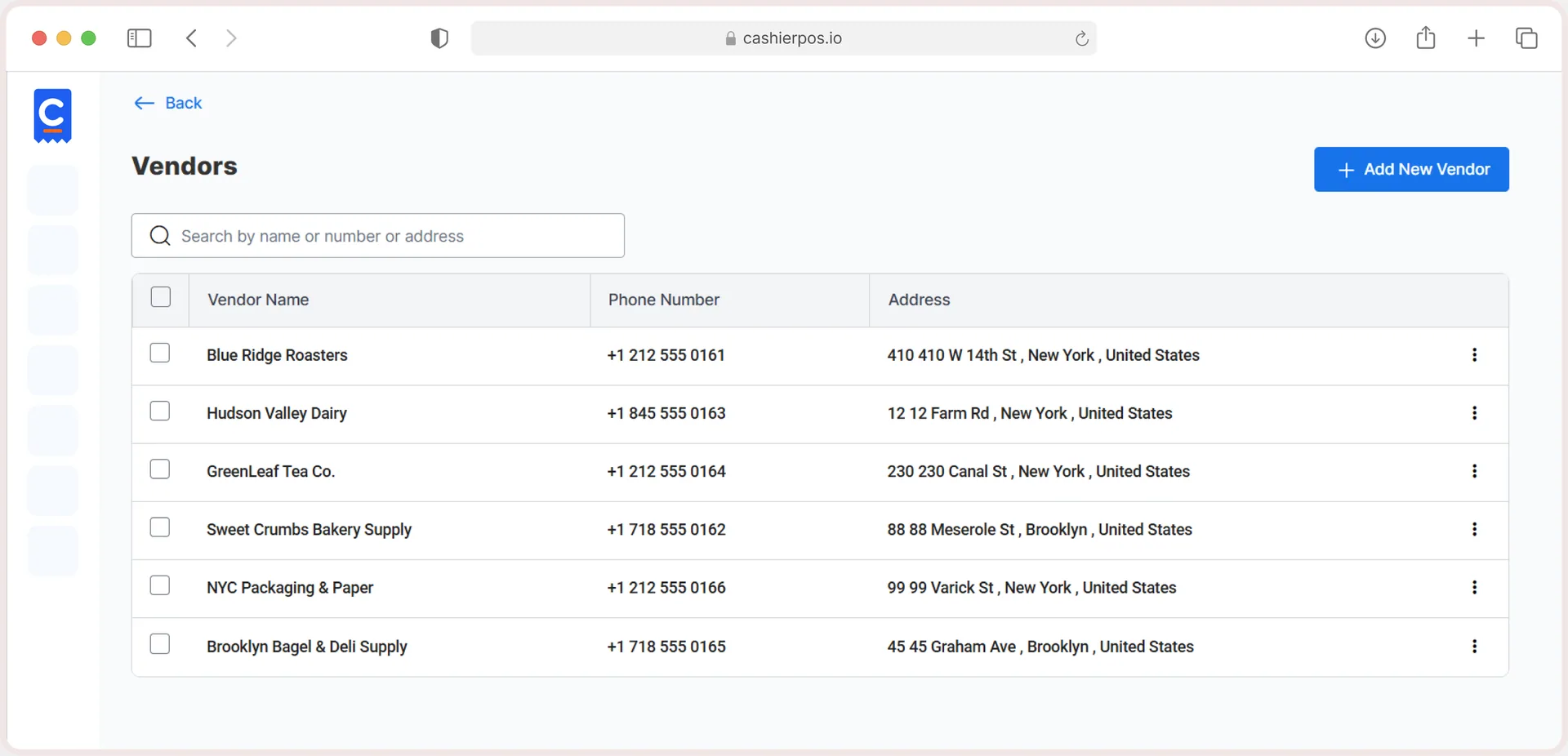
Confirmed purchase invoices add quantities to the linked warehouse. Cancelling one removes them.
Start free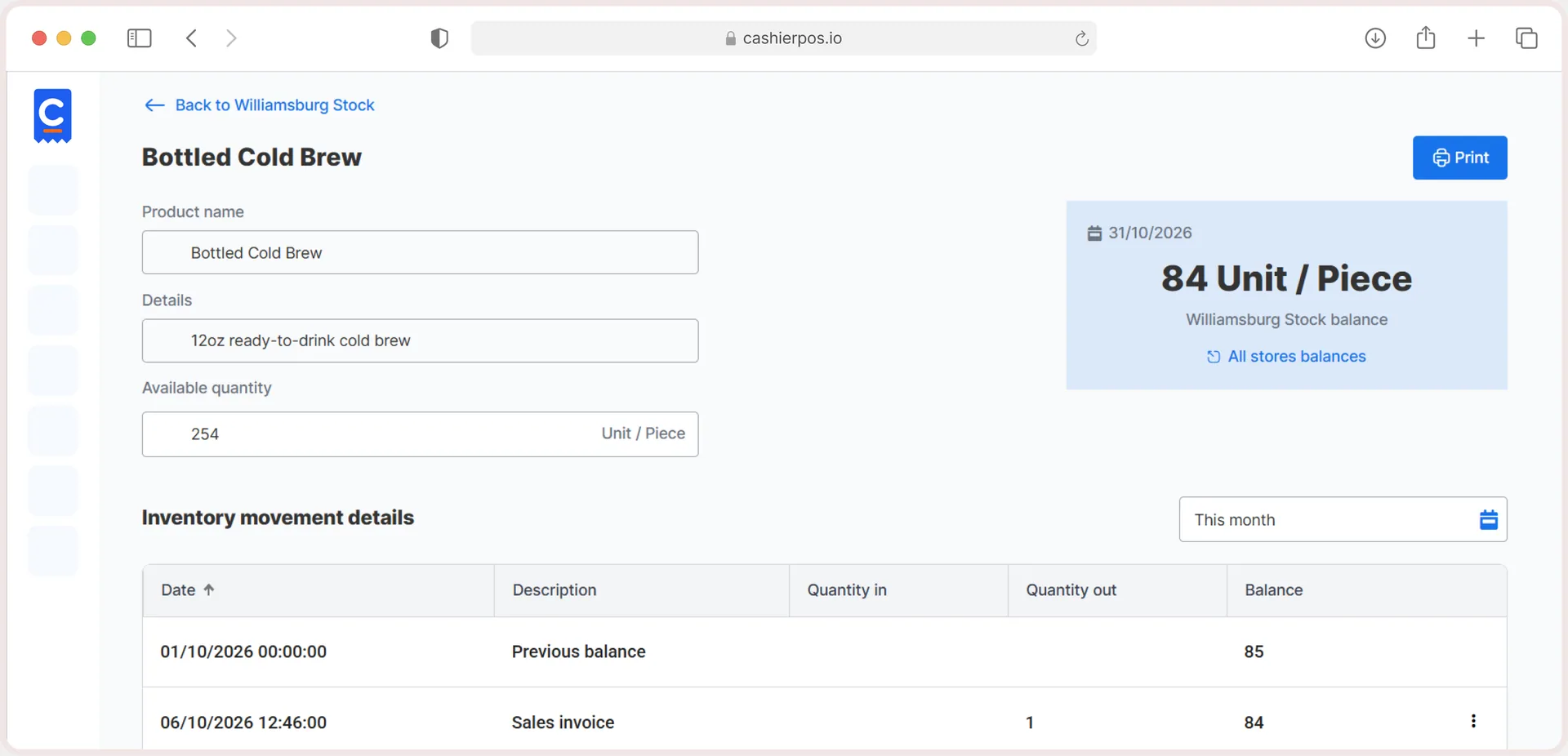
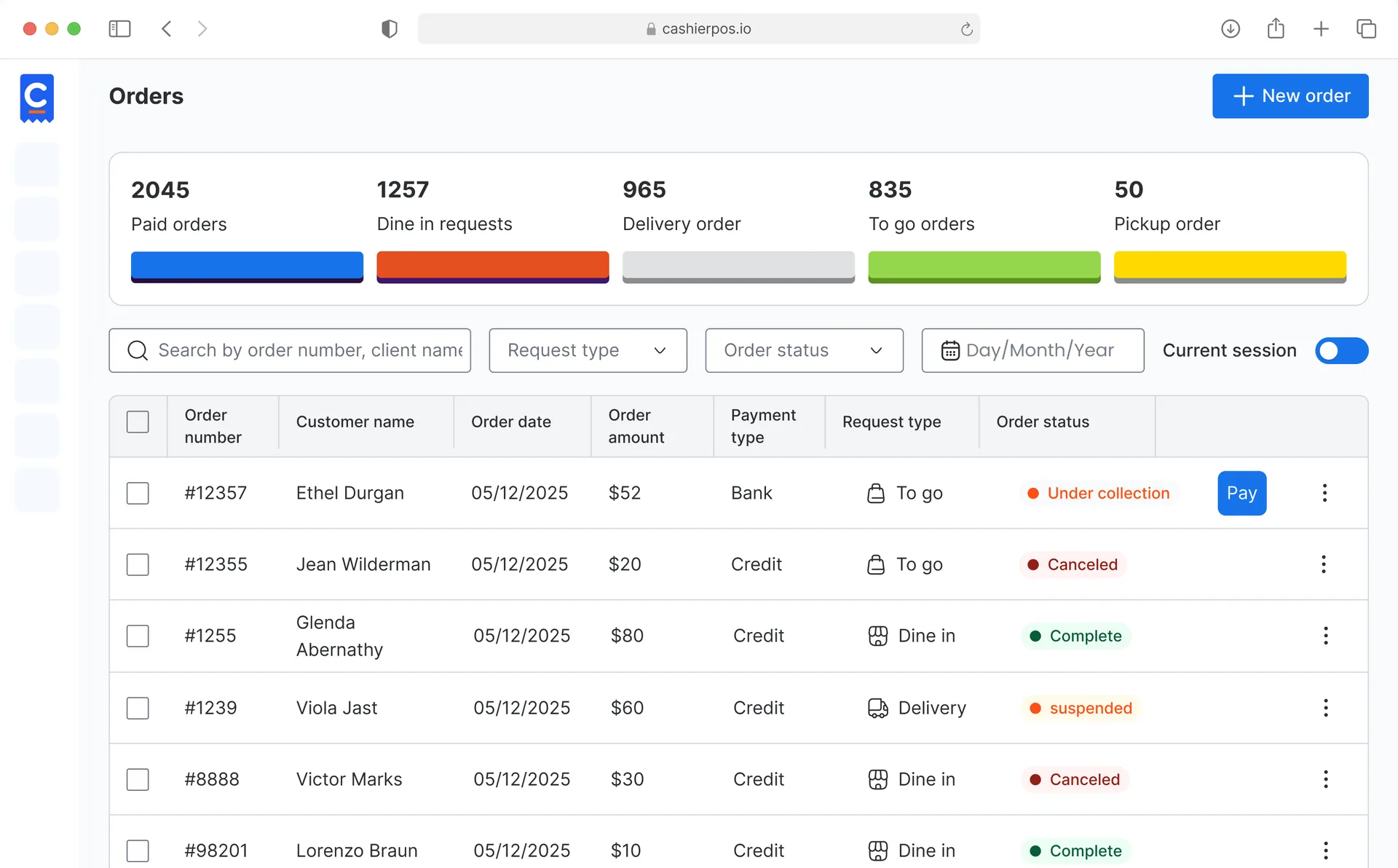
Every tool your counter needs on a busy day, built in and ready from your first sale.
Warehouses
See quantities product by product in each warehouse.
Transfers
Choose from-store, to-store and quantity; done.
Purchasing
Unit cost, totals and discounts per vendor invoice, with drafts. Pro
Vendors
Contacts, addresses and every invoice from each vendor. Pro
Connected
Stock, products and orders share one catalog, so the register and your ordering website see the same items.
Free covers one user, one cashier and one branch. Pro removes the limits.
One user, one cashier and one branch.
Unlimited users, cashiers and branches, priced per extra cashier and branch.
From one café to a chain of stores, Cashier POS fits the way you sell.
Every Cashier POS feature shares one catalog and one set of numbers, so nothing needs to be entered twice.
Explore all features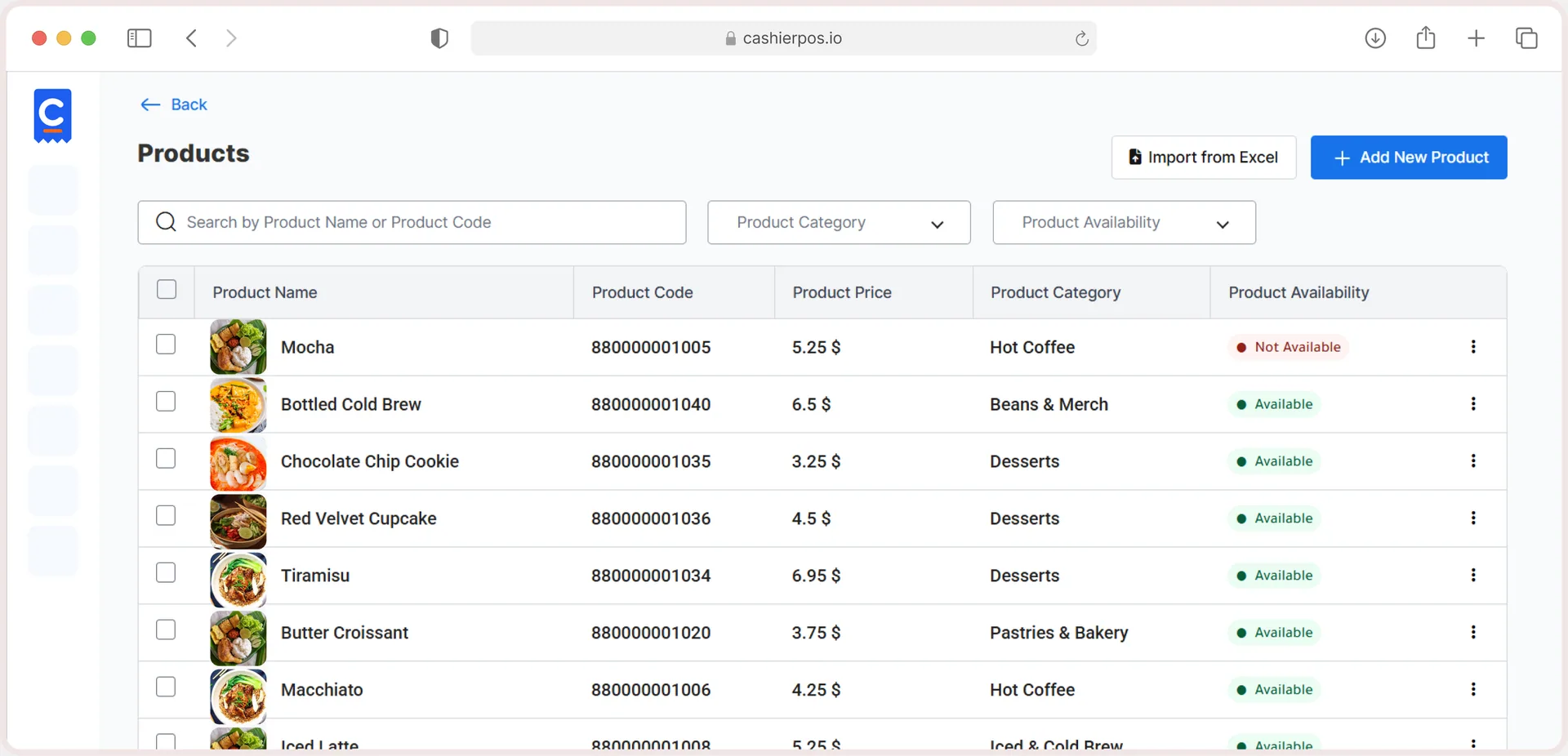
Free online store
Sell in-store and online from one catalog, with stock that stays in sync.
Purchase invoices add stock to a warehouse, transfers move it, and sales take it out.
Yes. Add stores or warehouses and see stock in each.
Yes, with a transfer record of quantity and date.
Yes. Add vendors and create purchase invoices, including drafts.
Not yet. [update if the feature ships]
Moving from another POS, opening a new branch or want help setting up? Our team is ready to help.
Get in touch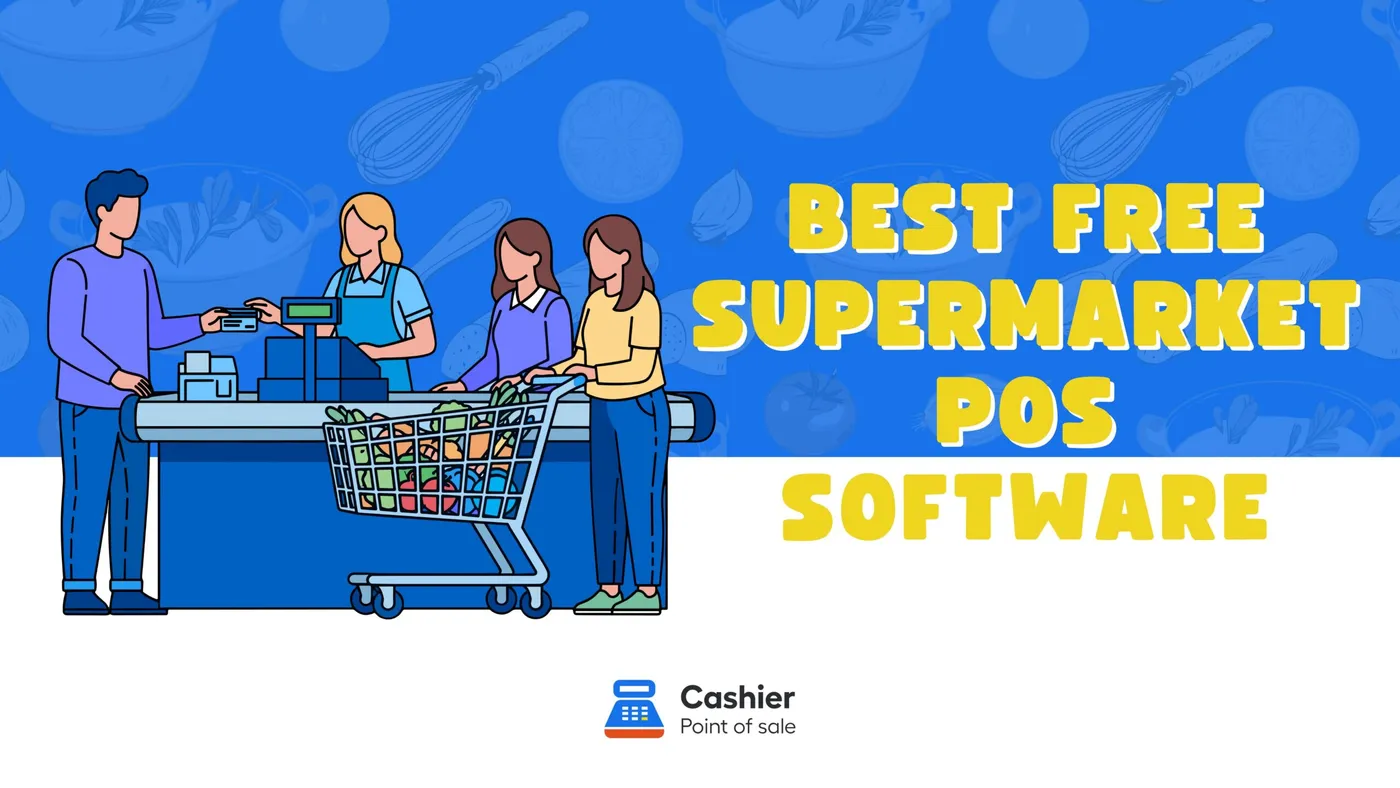
From the blog · Jan 6, 2026
Discover the best free supermarket POS software. Learn features, benefits, and why Cashier POS is the top free POS system for supermarkets.
Read the article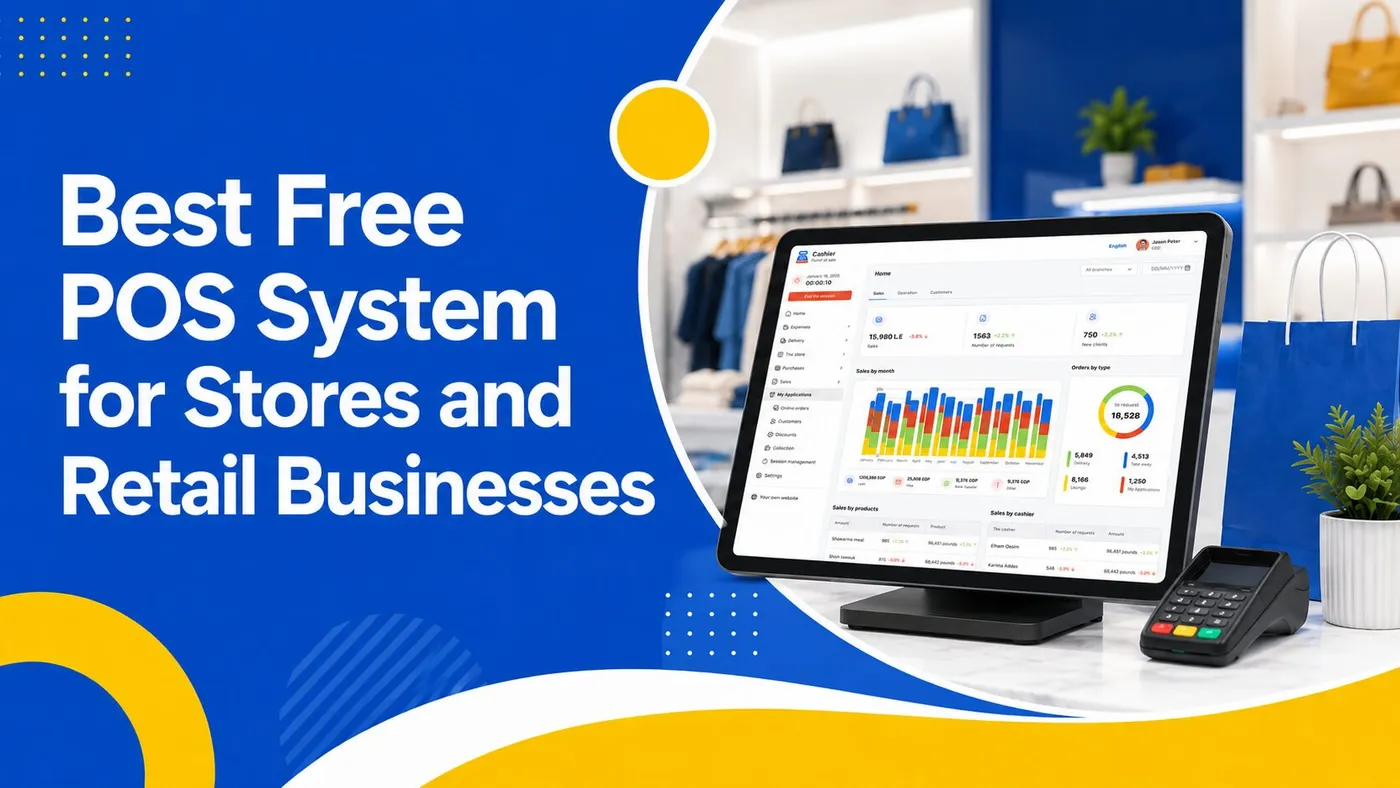
From the blog · Jun 14, 2026
Discover how to choose the best free POS system for your business. Learn the key features every store and retail business needs in a POS app.
Read the article
Sell faster, track every item and run every location from one free POS.