Big match days are a golden opportunity for cafés, especially during the World Cup, when customers gather to watch the matches, order drinks, try the offers and spend more time in the café. But this opportunity can turn into major operational pressure if the café is not well prepared. Sudden crowds, repeat orders, some products running out, delayed service and difficulty tracking sales are all challenges that show up clearly on match days.
The 2026 World Cup is no ordinary event; it is one of the biggest editions of the tournament in terms of the number of teams and matches, which means cafés may see long periods of high demand, especially during popular matches and the knockout stages. That is why café owners need a clear plan that combines preparing the venue, organizing staff, managing inventory, and speeding up sales and payment.
This is where modern point of sale software comes in, helping the café owner handle match-day pressure with confidence. Instead of relying on manual estimates or recording orders the traditional way, you can use a point of sale system to track orders, inventory, sales, payments, staff performance and best-selling products in real time.
In this guide, we will explain how cafés can prepare for World Cup match-day demand, and how advanced cashier software like Alcashier helps improve service speed, reduce errors and increase profits during the busy seasons.
Manage your sales and inventory in seconds with Alcashier!
Control sales, inventory and users in moments, and give your business an integrated system that runs smoothly without complexity.
Create your store for freeWhy do cafés need a special plan for World Cup match days?
Match days differ from ordinary days in customer behavior, order volume and how the venue is run. On a normal day, a customer may come in for a quick coffee or sit for a short while. On the day of an important match, customers may arrive in groups, stay for longer hours, and order more than once during the match.
This means the café is not just dealing with more customers, but with a different pattern of demand. Orders for cold drinks, snacks, desserts, specialty coffee and group offers may rise. There is also a greater need for fast order entry, accurate invoices, and making sure the basic products stay available throughout the match.
Without a clear system, problems can occur such as delayed orders, crowding at the cashier, billing mistakes, sudden stock shortages, or management being unable to tell which products are selling best during the event. That is why it is not enough to set up the screen or decorate the place; you need to prepare your internal operations completely.
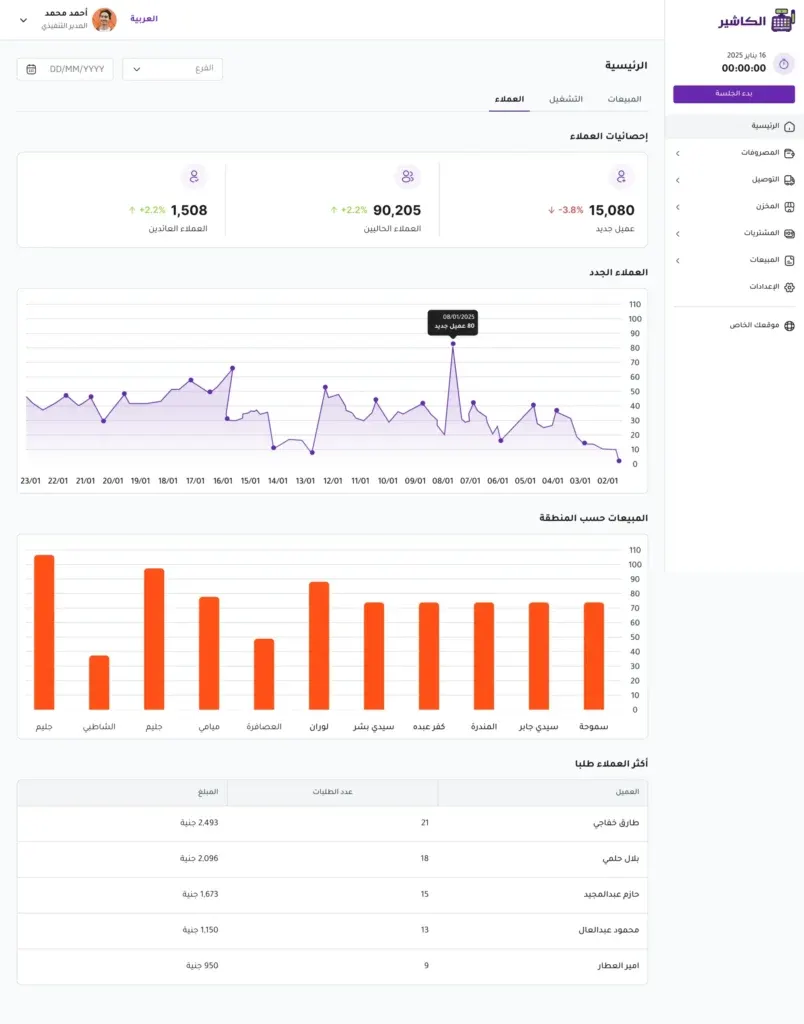
Using POS software that suits cafés helps turn match day from pressure and chaos into an organized sales opportunity. A good system does more than issue invoices; it helps you know what is happening in the café moment by moment.
First: forecast orders before match day
Real preparation starts before the match, not during the rush. The café owner or manager should review the match schedule, identify the matches that matter to their audience, and estimate the expected turnout. Matches featuring teams with big followings or played at a convenient time may attract more customers than other matches.
You can divide matches into three categories: high-demand, medium-demand and low-demand matches. Then prepare a plan for each category in terms of staff numbers, inventory quantities, offers and seating arrangements.
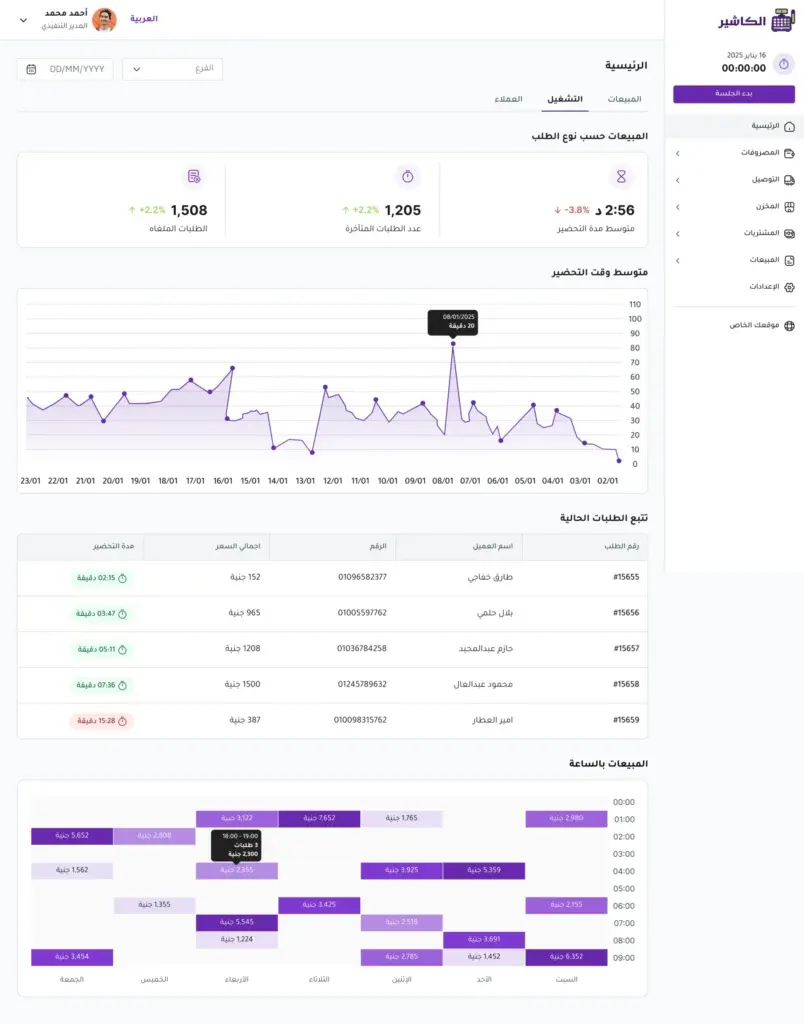
Sales management software helps at this stage by letting you review past sales data. For example, you can see the average sales of cold drinks on a weekend, or the products whose demand rose during previous sporting events. This data makes your preparation based on real numbers instead of random guesses.
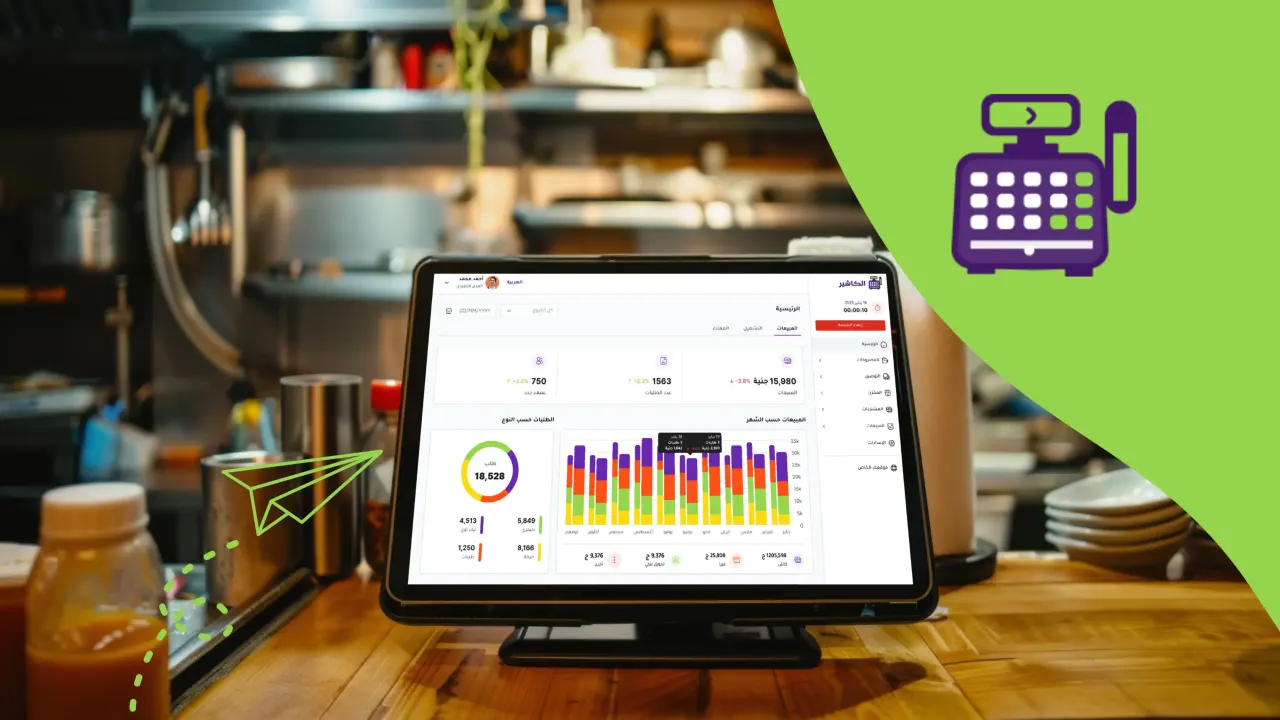
If you have a system like Alcashier, you can use the reports to understand customer behavior, find out which products are most in demand, and identify the times when sales rise. This information helps you prepare the café more precisely before the match begins.
Second: prepare a short, fast menu for matches
On busy days, a long menu can slow work down. Every product takes time to prepare, and every extra option can increase the chance of a mistake. That is why it is best to prepare a special match-day menu that contains the fastest and most profitable products.
The menu can include ready-made or easy-to-prepare drinks, group bundles, coffee-and-dessert deals, or snacks that suit watching a match. The goal is to make the customer's decision easier and speed up ordering and preparation.
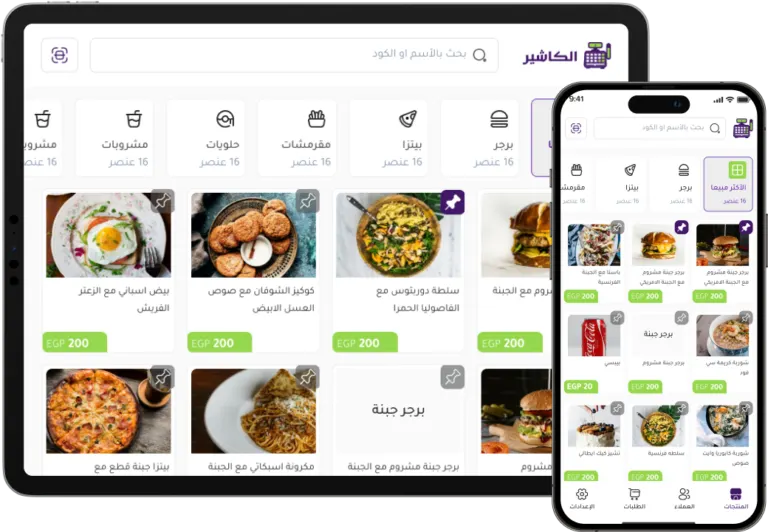
With point of sale software, you can create clear categories on the cashier screen such as “Match Offers”, “Quick Drinks”, “Group Orders” or “Best Sellers”. This helps staff enter the order quickly without searching at length through the menu.
And if you use restaurant or café cashier software that supports item management, you can easily change prices, activate temporary offers, hide unavailable products and add special match bundles. This flexibility is very important because demand can change from one match to another.
Third: watch your inventory before and during the match
Running out of an important product during a busy match can cause a direct loss in sales, and it can also affect the customer experience. Imagine running out of milk, ice, coffee, cups or a key ingredient in the middle of the match. In that case, you don't lose just one order; you may lose several repeat orders from the same group.
That is why you should prepare a list of the ingredients consumed most on match days. Review the available quantities before the event and set a minimum level for each product. Don't focus only on raw materials; also check cups, lids, napkins, delivery containers and takeaway bags.
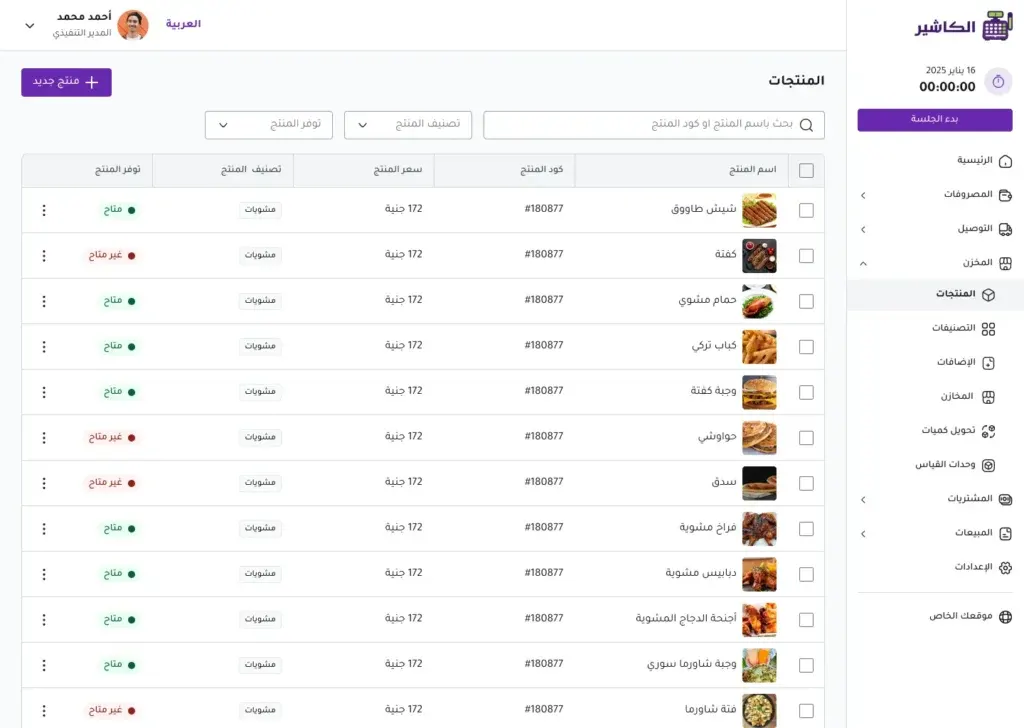
A point of sale system helps track inventory more accurately, especially when it is linked to sales. When a particular product is sold, the quantity is updated automatically, giving management a clearer view of which products are close to running out.
In cafés under heavy pressure, relying on manual checks alone is not recommended. Software like Alcashier helps manage inventory and track sales in real time, reducing the chance of surprises during peak hours.
Fourth: organize your staff by the stages of match day
Managing staff on match day does not just mean adding more people, but distributing the team smartly. Match day has different stages: before kickoff, during the first half, at half-time, after the match, and possibly during back-to-back matches on the same day.
Before the match, customers arrive and place their first drink orders. At half-time, there can be a sudden rush because most customers order at the same time. After the match, there may be more payment requests, takeaway orders or extra orders depending on the result and the mood of the crowd.
So you need a clear division of roles: a cashier, staff to prepare drinks, someone to organize orders, and someone to look after the tables or pickup. If the café offers online orders or delivery, a person should be assigned to follow those too.
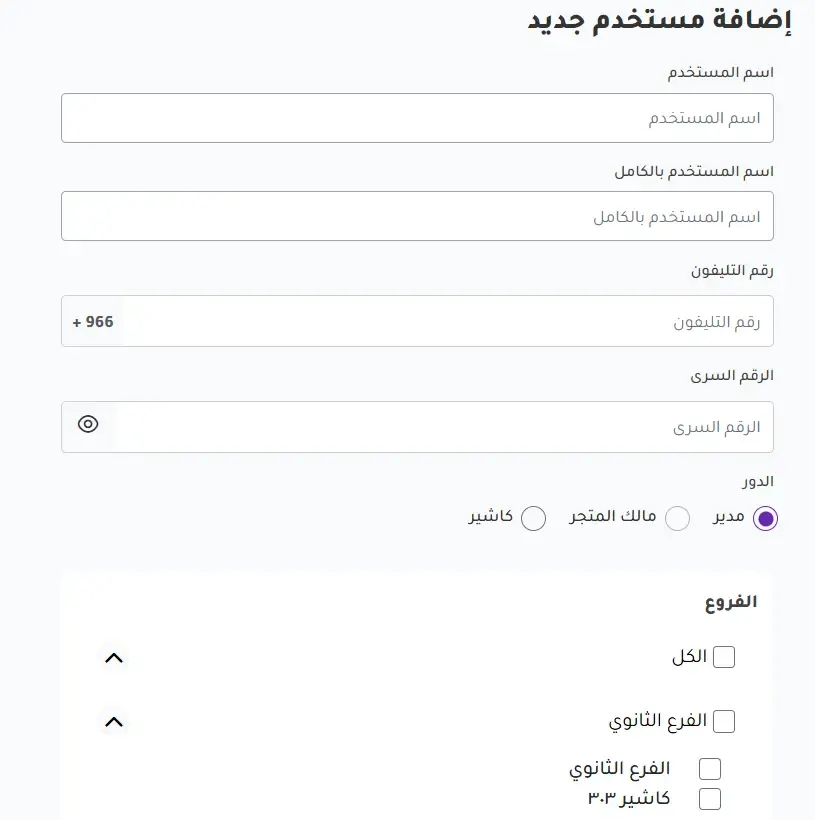
Good cashier software helps set staff permissions and track sales by user. This gives management a clearer view of team performance and helps reduce mistakes, especially when there is heavy pressure and many staff using the point of sale.
Fifth: cut waiting time at the cashier
One of the biggest causes of customer dissatisfaction on match days is long waiting. A customer who came to watch the match does not want to spend a long time in a queue. And every minute of delay can mean a bigger crowd and a worse experience.
To cut waiting time, make sure the order screen in your POS software is organized and easy to use. Put the most-requested products in clear places, set up buttons for offers, and use short names that staff understand.
Time can also be reduced by accepting multiple payment methods, preparing quick orders in advance where possible, and using clear order numbers to hand over products. If the system supports working on more than one device or point of sale, an extra point can be opened during busy times.
At this stage, effective point of sale software becomes a key part of the customer experience. The faster the order and payment, the more customers the café can serve without stress.
Sixth: design offers suited to groups
World Cup matches often attract groups of friends or families. So it is smart to offer group deals rather than relying only on individual orders. Group offers help increase the average invoice value, make ordering easier for the customer and reduce order entry time.
You can offer bundles such as: four drinks at a special price, coffee with a dessert, two drinks with a snack, or a viewing bundle for a group. What matters is that the offers are clear and easy to carry out, and do not put heavy pressure on the preparation team.
With sales management software, you can measure the performance of each offer after the match. Did sales go up? Was the offer profitable? Did customers order it more than others? This data helps you improve the offers for the following matches.
It is best to enter these offers into the point of sale system in advance so staff don't have to calculate discounts by hand. Manual calculation in the rush opens the door to mistakes, while the system makes the process faster and more accurate.
Seventh: link the viewing experience to service speed
The café experience on match day does not depend only on screen quality or sound power. It is true that the viewing atmosphere matters, but service speed and order accuracy are a core part of the experience. If the customer is enjoying the match but waits a long time for their order, the experience will not be ideal.
Arrange the space so the path for ordering and pickup is clear. Avoid customers crowding into one area. Make the offers menu clear at the entrance or on the tables. Train staff to handle repeated questions quickly, such as what is in the offers or how long an order takes to prepare.
You can also use data from restaurant or café cashier software to understand the best peak times. If you notice that demand rises 30 minutes before the match, you can prepare the team and ingredients before that period instead of waiting for the rush.
Every small detail affects the final impression. A customer may forget the price of a drink, but they will remember whether they got their order quickly or not.
Eighth: get ready for repeat orders within the same visit
On match days, customers don't order just once. Many order before the match, then at half-time, and perhaps after the match. This means the value of a single customer can be higher than on a normal day, provided the service is easy and fast.
It helps to prepare extra products that can be ordered easily during the visit, such as cold drinks, ready-made coffee, small desserts or snacks. Staff can also be trained to suggest suitable add-ons without bothering the customer.
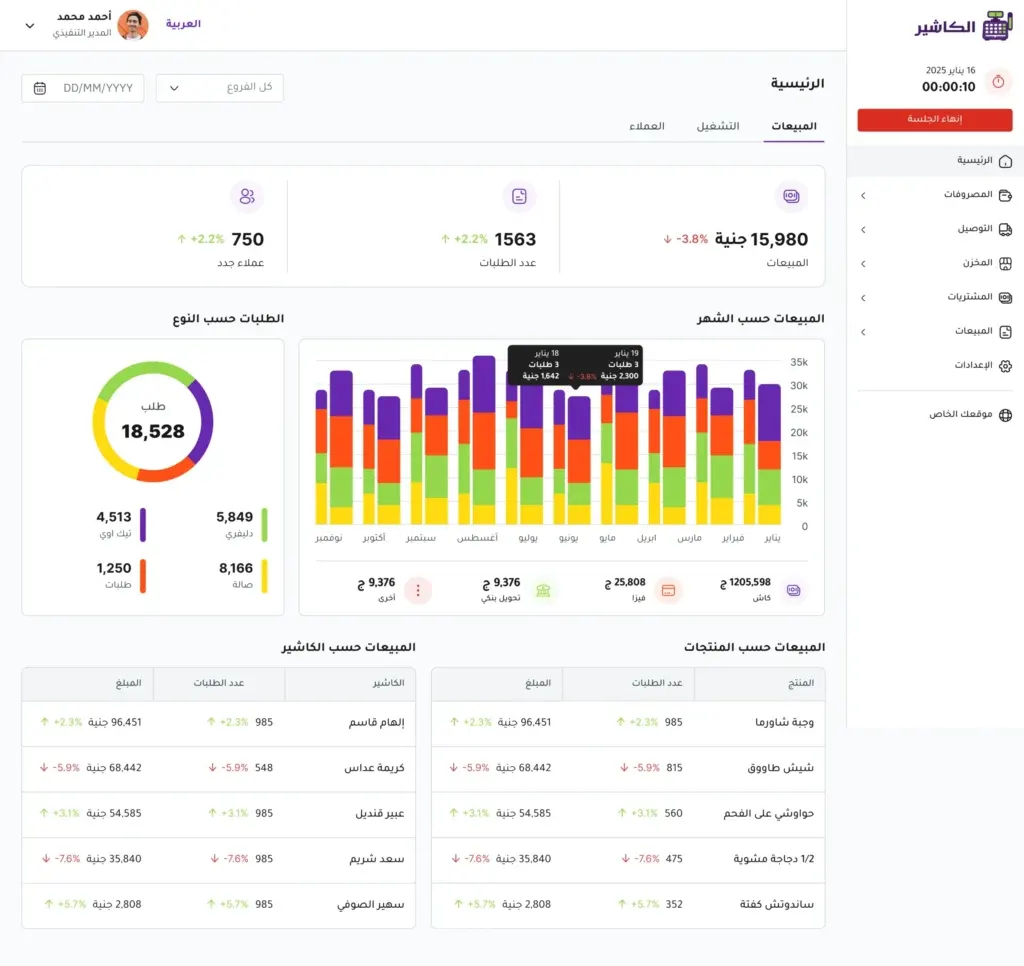
POS software helps you see the average invoice value and the number of orders at different times of the day. After several matches, you will start to see clear patterns: when do customers order the most? Which products repeat? Which offers perform best?
This information gives you a better ability to plan, instead of treating every match as a brand-new experience.
Ninth: review the reports after every match
The end of the match does not mean the end of the work. After every busy day, you should review the reports to see what worked and what needs improving. Don't rely only on the general feeling; a day may seem busy, but profits may be lower than expected because of discounts, waste or poorly organized orders.
Review total sales, best-selling products, least-requested products, average invoice value, payment methods, offer performance and peak hours. Also review inventory to see which products were used up quickly.
Sales management software helps turn match day into a practical lesson for the next matches. If an offer was successful, it can be repeated. And if a product is slow to prepare and does not make good profit, it can be removed from the match menu.
Over time, you will build a strong operating plan for every type of match, from the group stage to the final rounds.
Tenth: don't rely on the internet alone during the rush
On busy days, any loss of connection can disrupt work if the system does not support stable operation. That is why it is important to choose point of sale software you can rely on, ideally one that supports both online and offline work so orders and sales keep being recorded when the connection is weak.
This point is very important for cafés that see heavy crowds or use more than one device at the same time. A system outage of just a few minutes during peak demand can lead to a long queue, manual errors and some lost sales.
One of the strengths of Alcashier is that it offers a modern solution that helps café owners manage sales, inventory and staff flexibly, with support for online and offline work, making it suitable for busy periods like World Cup match days.
How does Alcashier help cafés on World Cup match days?
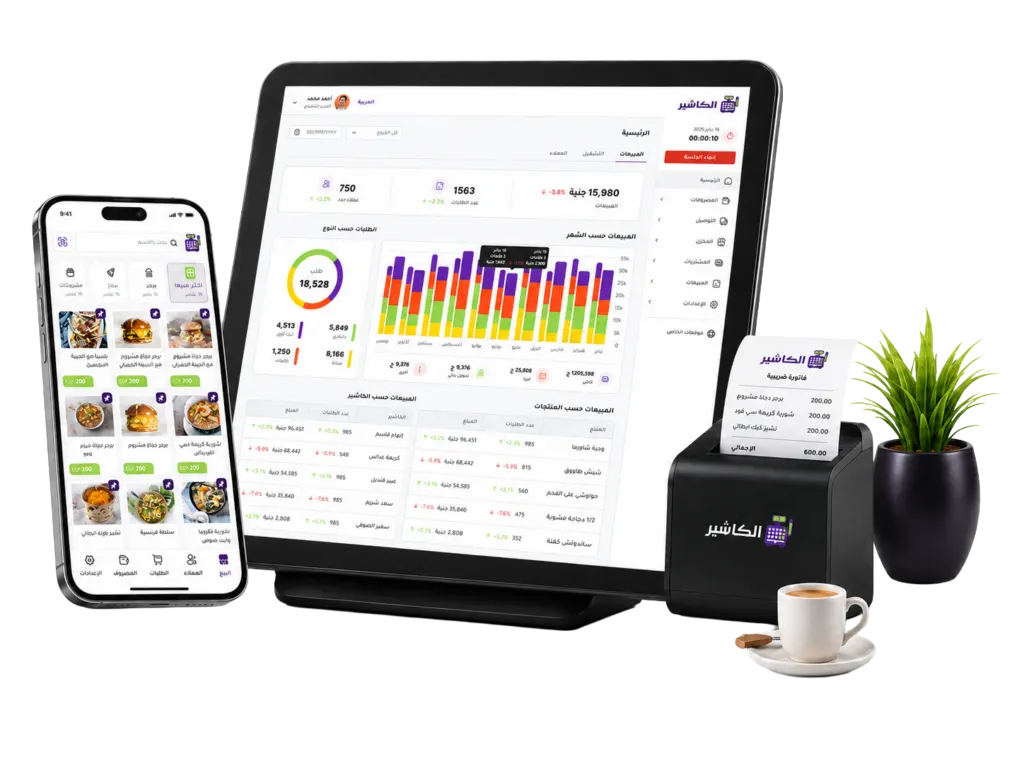
Alcashier helps café owners organize daily operations in a simpler and more accurate way, especially on busy days. With a single system, you can manage orders, issue invoices, track inventory, review reports and manage staff.
Instead of dealing with separate tools or manual sheets, Alcashier provides a central environment that helps you know what is happening inside the café in real time. This is very important on match days, because quick decisions depend on clear data.
For example, if you notice that a certain drink is selling strongly during the match, you can prepare more of it or promote it in the next match. If you notice that an offer is not selling well, you can adjust it quickly. And if an ingredient is close to running out, you can act before it affects service.
For this reason, cashier software is not just a tool for issuing invoices; it is part of managing the customer experience and increasing operating efficiency.
Quick practical tips for cafés before match day
Before every important match, review the work schedule and make sure enough staff are available. Prepare a short menu of quick orders and make sure the offers are entered in the system in advance. Check your inventory, especially the most-requested products, and don't forget operating supplies such as cups, napkins and ice.
Test the cashier devices, printers, connection and payment methods before the rush starts. Make sure staff know where products are in the point of sale system, and train them on the special offers so there is no confusion in front of customers.
After the match, don't just add up the final sales. Review the details, compare the results, and use the data to improve the next match. These simple steps can make a big difference to profit and the customer experience.
Manage your sales and inventory in seconds with Alcashier!
Control sales, inventory and users in moments, and give your business an integrated system that runs smoothly without complexity.
Create your store for freeFrequently asked questions (FAQ)
Why is point of sale software important for cafés on match days?Café point of sale software helps record orders quickly, track payments, reduce errors and monitor inventory during the rush. On match days, speed and accuracy are key factors in keeping customers satisfied and increasing sales.
Is Alcashier suitable for cafés?Yes, many of Alcashier's functions suit cafés, especially item management, orders, invoices, offers, inventory and reports. What matters is choosing a flexible system that can be customized to the café's nature and products.
How does a point of sale system help manage inventory?A point of sale system links sales to inventory, so quantities are updated when products are sold. This helps management see which products are close to running out, and avoid shortages of important ingredients during peak times.
Can POS software be used to analyze match-day sales?Yes, POS software helps analyze sales by time, product, payment method and employee. These reports help the café owner find the best offers, the most-requested products, and the times that need more staff.
What is the best way to choose cashier software for a café?The best way is to choose cashier software that is easy to use, supports Arabic, provides management of sales, inventory and staff, and works efficiently during busy times. It is also preferable to choose a system that supports real-time reports and online and offline work, like Alcashier.
Conclusion
World Cup 2026 match days are a strong opportunity for cafés to increase sales, attract new customers and improve their presence in the market. But success on these days does not depend only on the number of screens or the strength of the atmosphere; it depends on operational readiness behind the scenes: order speed, invoice accuracy, inventory availability, staff organization, and analyzing the results after every match.
Using modern point of sale software gives cafés the ability to handle the rush with confidence and turn match-day pressure into a real growth opportunity. With the right point of sale system, the café owner can run operations more clearly, reduce errors and improve the customer experience.
Alcashier is an example of a complete solution that helps cafés and restaurants manage sales, inventory, staff and reports in an easy, practical way. With good preparation, a café can benefit from every match, not as a passing event, but as a chance to build customer loyalty and increase profits.
SWOT analysis for restaurants: how to understand your restaurant's performance better
Running a successful restaurant does not depend only on the quality of the food or a good location; it needs a clear understanding of what is happening inside…
The best menu ideas to increase restaurant sales and improve profits
You may have excellent food, good service and a suitable location, and yet sales still fall short of expectations. In many cases,…
How to attract tourists to your restaurant: 12 strategies to boost sales with restaurant POS software
Tourists are an important opportunity for restaurants, especially in cities and areas with constant tourist traffic or seasons and events that attract visitors from…
The post POS software for cafés: how to prepare for the World Cup 2026 match-day rush appeared first on Alcashier Software.