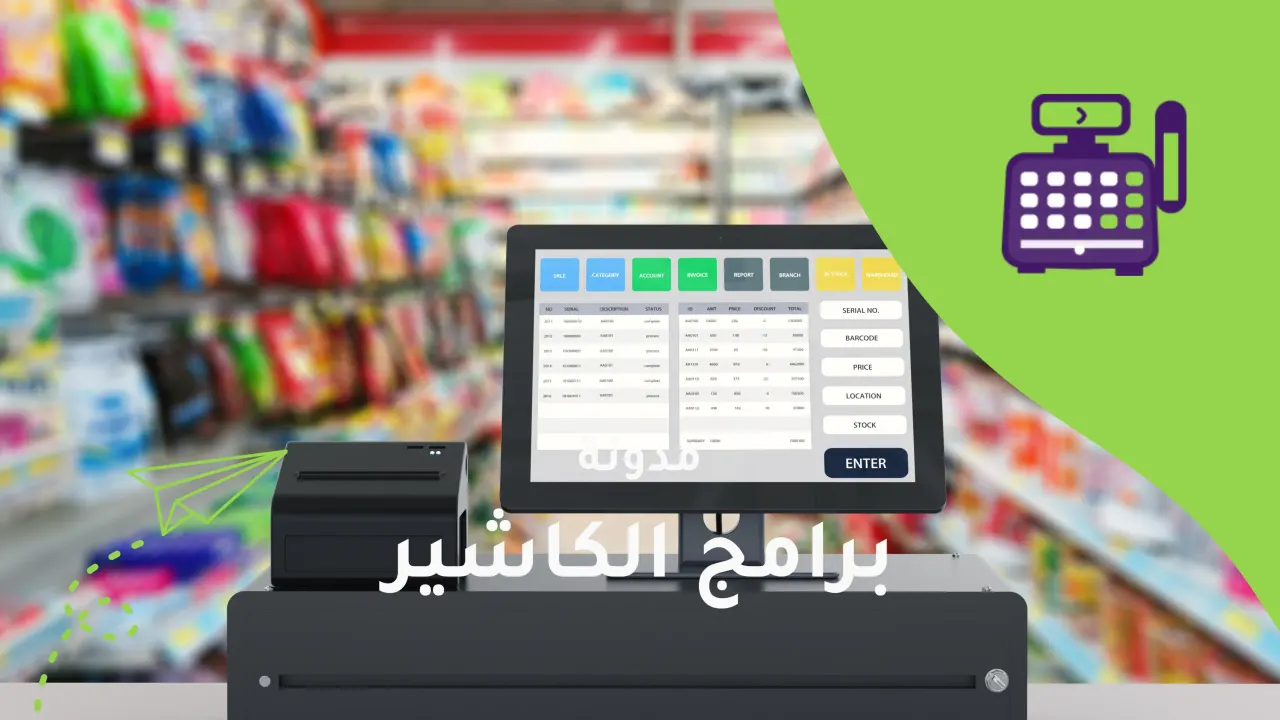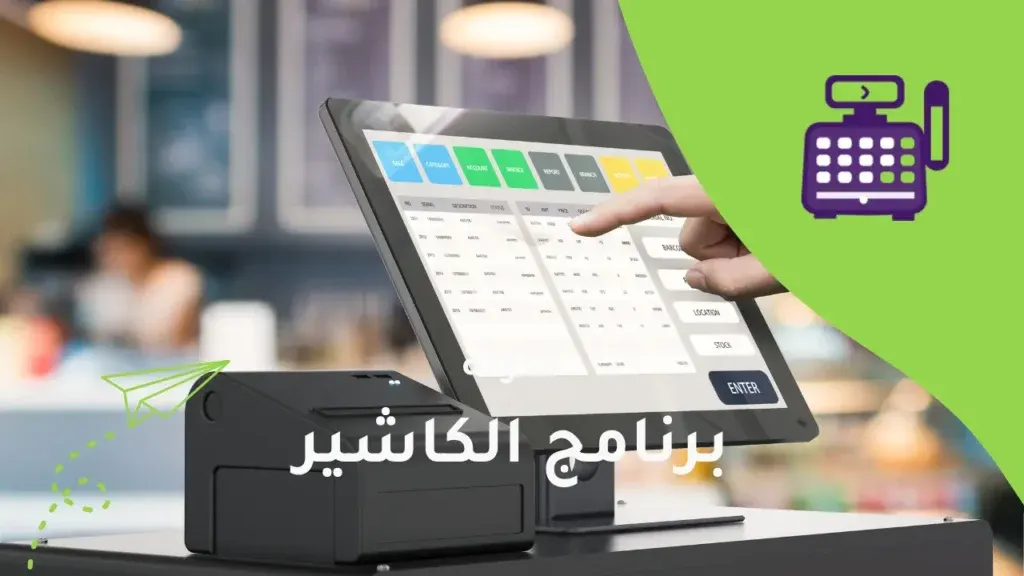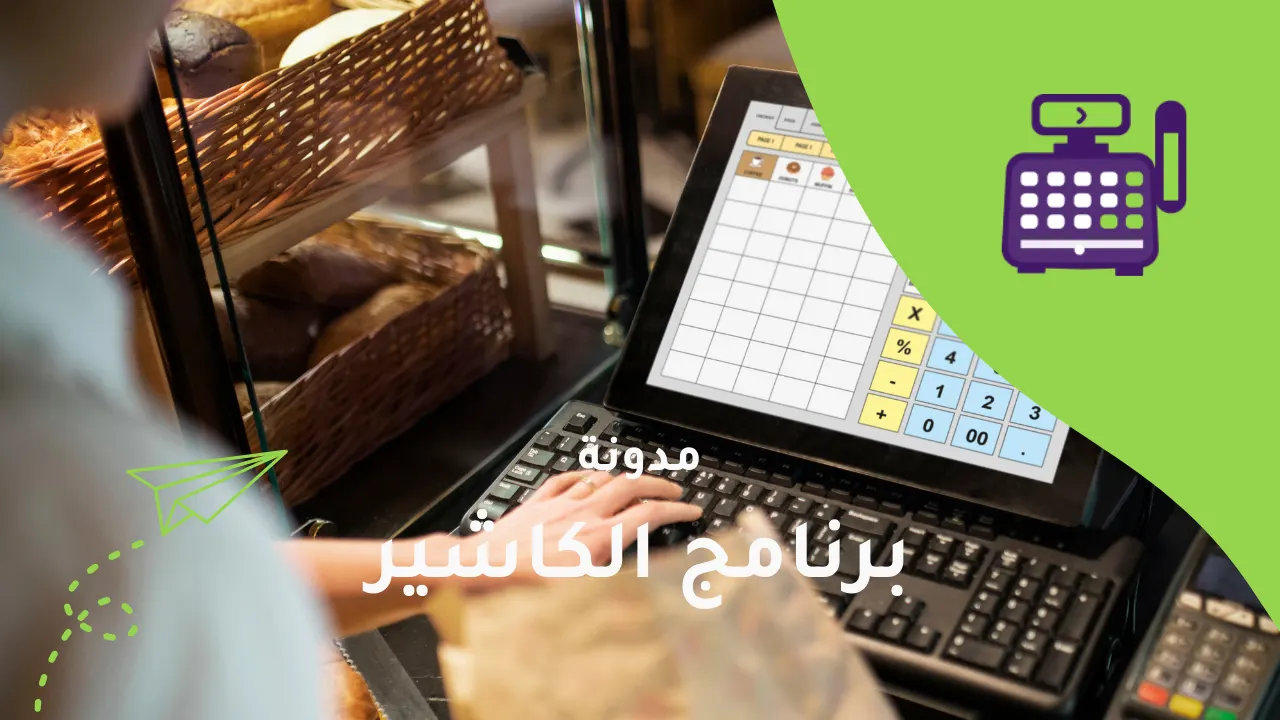
As digital transformation accelerates across the Kingdom, using a smart cashier system has become essential for any store or business that wants to succeed and last. But with so many solutions and options, you need a deep understanding of what the ideal cashier system should include. Below we review the most important features to check before deciding to buy or subscribe to any point-of-sale system.
1. Compliance with e-invoicing in Saudi Arabia
Alcashier is officially licensed by the Zakat, Tax and Customs Authority (ZATCA) and fully supports both phases of e-invoicing:
- Generation phase: It issues electronic invoices containing a QR code, the tax number and other mandatory details.
- Integration phase: The system connects automatically with the Authority and sends invoices instantly, with no manual intervention.
This compliance gives you legal peace of mind and spares you penalties and tax-compliance problems.
2. Ease of use and fast performance
Some systems may have powerful technical capabilities but fail to deliver a comfortable user experience, especially for users with no technical background. That is why the system should have a simple user interface, fully translated into Arabic and organized so that daily operations such as selling, refunds and closing the day are easy and quick.
In terms of performance, it is important that the system responds quickly, because any delay in processing orders can slow down the lines and reduce customer satisfaction. It should also run on different types of devices (computer, tablet, mobile), giving the store owner the flexibility to move around and manage operations from anywhere.
3. Automatic inventory management
One of the features that makes a real difference in a point-of-sale system is automatic inventory management, synchronized with sales. As soon as a sale is completed, the quantity should be deducted from stock immediately and the change recorded in the system. The system should also support low-stock alerts, along with analytics showing your best-selling and slowest-moving items.
This feature saves a lot of manual effort, helps improve purchasing decisions and reduces losses from expiry or overstocking. It also strengthens internal control and cuts down on waste and product leakage.
4. Peripheral device support
For a cashier system to work efficiently in the real world, it must integrate smoothly with different types of peripheral devices such as:
- Thermal printers for printing receipts.
- Barcode scanners to speed up sales.
- Customer price display screens shown during payment.
- Electronic payment devices that support systems such as mada, Visa, Apple Pay and STC Pay.
The more devices the system is compatible with, the more flexible it is and the easier it is to deploy in your store. This reduces the extra costs that may arise from having to change your infrastructure.
5. Instant reports and analytics
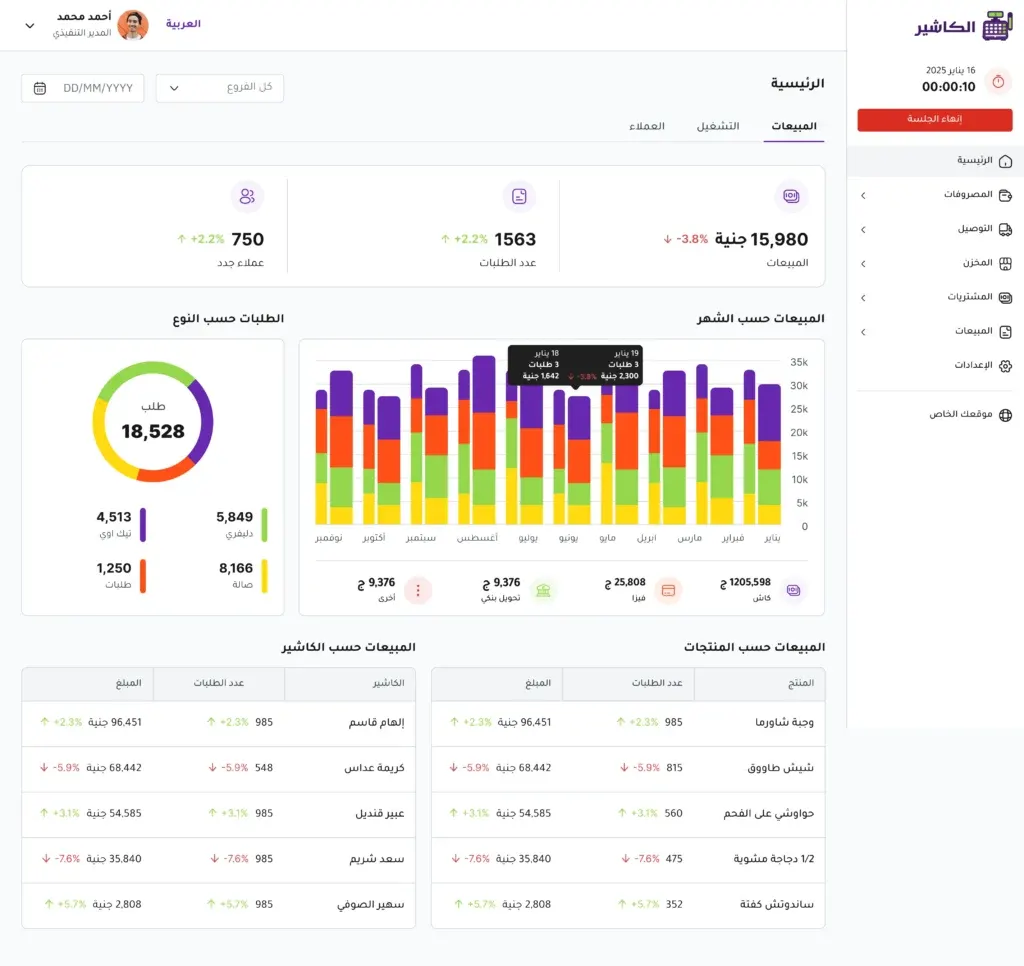
Data is the new gold in the world of commerce. That is why an advanced reporting system is a must, not an optional extra. The system should provide accurate, real-time reports on daily sales, items, revenue, performance compared with previous days, and more.
It should also offer “smart analytics” features such as:
- Most profitable products.
- Peak sales times.
- Cashier or staff performance evaluation.
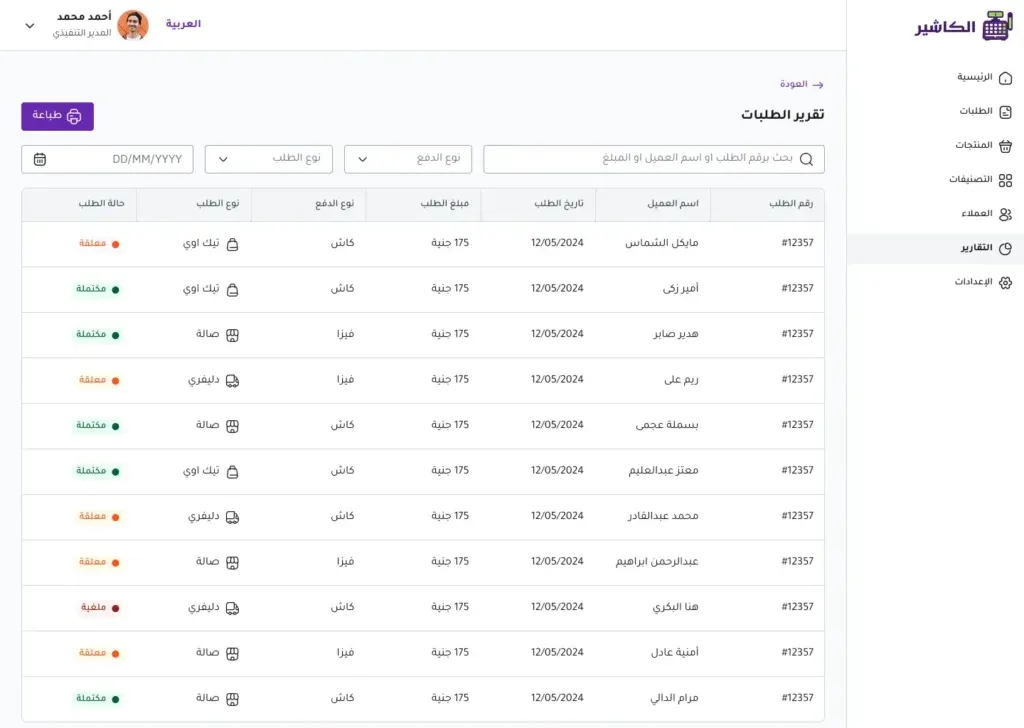
- Return or exchange rates.
All of these reports help you make fact-based decisions, whether you are launching promotions, adjusting staff working hours, or even expanding your business.
6. Ability to work without internet
Stores often face a temporary internet outage. This is where it matters that the system supports Offline Mode. It means the system keeps working without an internet connection, records and saves sales locally, and then syncs them automatically when the connection is restored.
This feature keeps your store running without interruption, keeps the customer experience smooth, and prevents losses caused by system downtime or lost sales data.
7. Support for multiple branches and stores
If you run more than one branch, or plan to expand in the future, make sure the system lets you manage all branches from a single central account. This includes:
- Tracking sales in each branch separately.
- Comparing performance between branches.
- Unifying or customizing prices.
- Managing inventory across locations.
This feature gives you a complete strategic view and saves you the time and effort of switching between separate systems, which improves management efficiency and control.
8. Language options and technical support
A cashier system that fully supports Arabic – in the interface, invoices and even system settings – is an indispensable feature, especially in the Saudi market. Fast, responsive local technical support in Arabic by phone or via chat apps like WhatsApp is also an important strength.
Good support means you are not alone if you run into any technical issue or have a question, and it is a key part of your peace of mind and the success of your operations.
9. Data security and backups
Data is one of your most important assets. That is why your cashier system should provide:
- Automatic backups on secure servers.
- A user permissions system to prevent tampering or unauthorized access.
- Data encryption in transit and at rest.
- A timeline of all operations to track any change or edit.
These safeguards provide a trusted environment that protects your business data from loss, theft or even human error.
10. Integration with your online store
If you sell online, your cashier system should be able to integrate fully with your online store. This includes:
- Automatic inventory synchronization.
- Recording sales from different channels in a single dashboard.
- Tracking orders and shipments.
- Issuing electronic invoices for online orders.
This integration makes work easier, saves you from using two separate systems, and gives you a complete view of all your sales channels.
Steps to get started with Alcashier:
Getting started with Alcashier is very simple and requires no technical background or long time. Here are the detailed steps:
1. Sign up on the official website
Go to: Alcashier website
Click “Start free now” and create a new account by entering:
- Business name
- Email address
- Password
- Mobile number
2. Choose your business type
Choose the activity that suits you: clothing store, restaurant, salon, pharmacy, or others. This helps the system set up settings and reports to fit the nature of your business.
3. Set up products and inventory
Start by entering your products manually or by using the import feature. You can specify:
- Price
- Quantity
- Tax
- Category
- Unit of measure
4. Connect your printer and barcode scanner
Alcashier supports many types of thermal printers and barcode scanners, as well as payment devices. You can connect them easily through the settings, or contact technical support for help with setup.
5. Start selling
Once setup is complete, you can immediately start:
- Issuing electronic invoices.
- Printing receipts.
- Managing payments.
- Tracking revenue moment by moment.
- Monitoring performance from the dashboard.
Frequently asked questions about Alcashier
1. Is Alcashier compliant with e-invoicing in Saudi Arabia?
Yes, the Alcashier system is fully compliant with the requirements of the Zakat, Tax and Customs Authority in both phases of e-invoicing:
- Issuing the electronic invoice with a QR code.
- Automatic integration with the Authority's platform and sending invoices directly.
2. Can Alcashier be used without internet?
Yes, Alcashier supports working in Offline Mode, where sales can be made and stored temporarily, then synced automatically when the internet connection returns.
3. Which devices does the system run on?
You can use Alcashier on:
- Computers (Windows and Mac)
- Tablets
- Smartphones (iPhone and Android)
It also supports connecting to receipt printers, barcode scanners and electronic payment terminals.
4. Does Alcashier support Arabic?
Yes, the system is designed fully in Arabic, from the interface to the invoices to management reports, which makes it easy for everyone working in the store to use.
5. Can I try the system before subscribing?
Absolutely. You can create an account for free and try all the core features before deciding to subscribe to the plan that suits your business.
6. Does the system support managing multiple branches?
Yes, with a single account you can manage several branches or points of sale, with the ability to customize permissions and reports for each branch or employee individually.
7. What payment methods are available for the subscription?
The Alcashier platform supports payment via:
- Bank cards (mada, Visa, Mastercard)
- Bank transfer
- Direct invoicing for companies
8. Do I need technical experience to use the system?
No, Alcashier is designed to be easy to use with no technical background required. You can get started in just minutes, with direct technical support available to help at any stage.
9. How do I get technical support?
You can contact the support team via:
- Phone
Email address
Support is available in Arabic with a fast response.
Conclusion
In a world experiencing unprecedented digital acceleration, the importance of choosing a smart cashier system that meets your business needs and contributes to its growth and stability cannot be ignored. A cashier system is not just a tool for selling. It is a strategic partner that helps you manage inventory, improve the customer experience and analyze performance continuously and accurately.
By choosing a system like Alcashier, you don't just get full e-invoicing compliance. You also benefit from ease of use, reliable technical support, and advanced capabilities that keep pace with your ambitions to expand and grow.
Don't wait until you run into problems with traditional systems. Start today with Alcashier and try all the features for free, and see for yourself the difference the right system can make to your business's success.

How does restaurant management software ease the pressure of daily orders?
In the world of retail, restaurants, and small shops, daily order chaos is one of the biggest challenges facing business owners. Especially with the increase…

How do you ensure data security in a cloud cashier system?
With the acceleration of digital transformation and the growing reliance on advanced technology solutions and cloud systems across business sectors, the question of security has become…
Common challenges in e-invoicing and how to avoid them
E-invoicing is one of the most important digital shifts brought about by recent technological change, especially in the Saudi market, which is undergoing a major transformation…
The post The most important features to look for in a cashier system appeared first on Alcashier software.