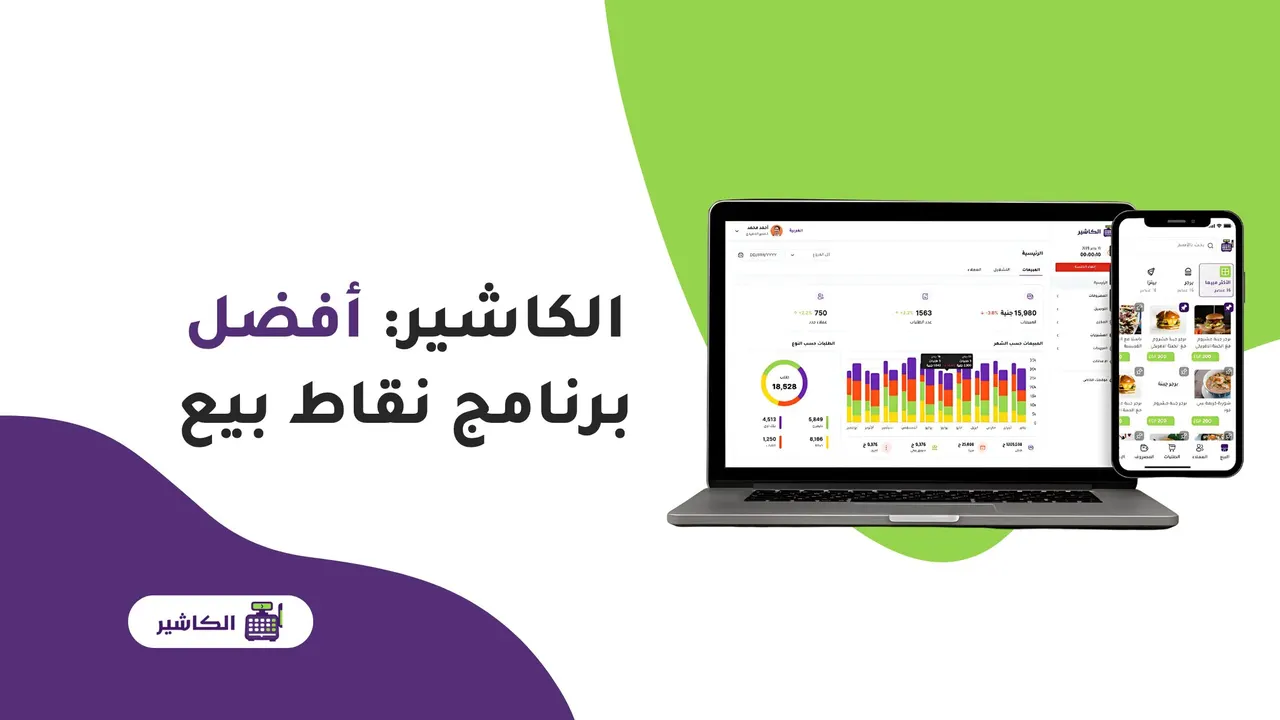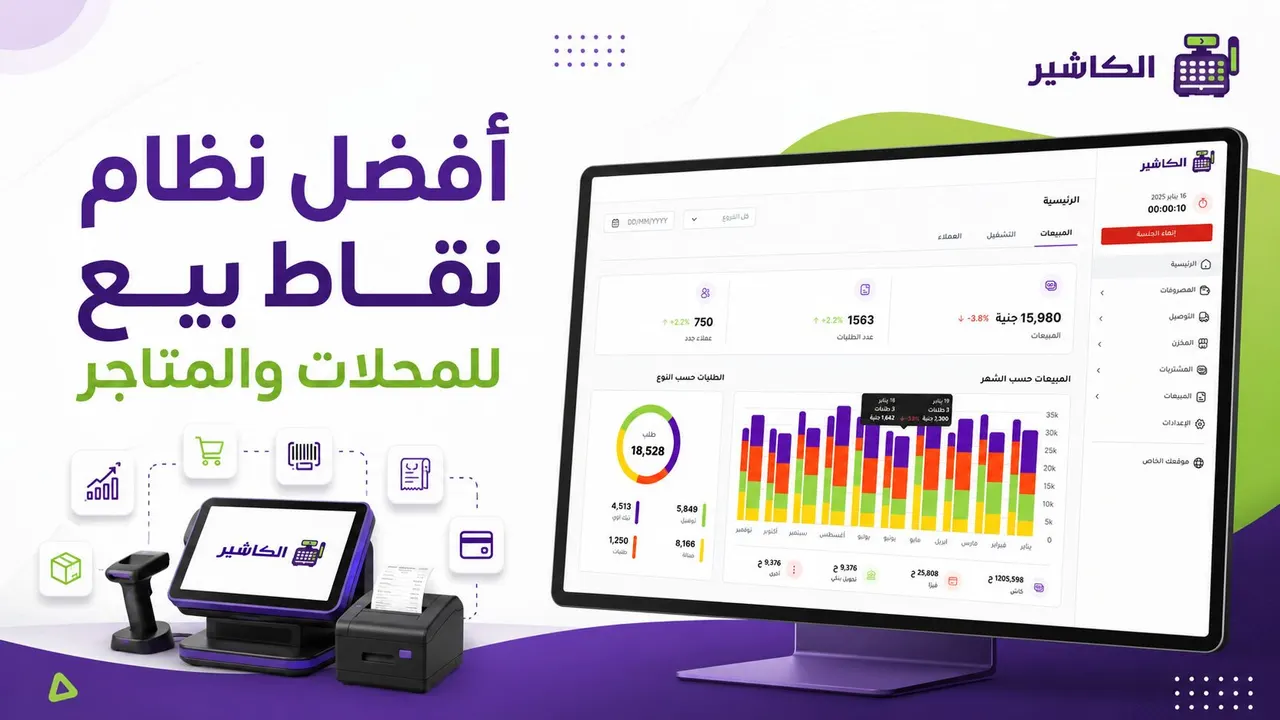
Choosing the best point of sale system for shops and stores is no longer just a technical decision. It has become a management decision that directly affects sales speed, inventory accuracy, the customer experience and the profits of the business. Today a shop or store doesn't just need software that records an invoice. It needs a system that helps it understand everything happening in the business: what was sold? Which products are about to run out? Which employee carried out the transaction? What is the value of discounts? And which products make the most profit?
With growing competition and changing customer behavior, relying on manual methods or a traditional cashier is no longer enough. Small mistakes in prices, inventory or reports can turn into clear losses over time. That is why many business owners are looking for a point of sale system that combines ease, speed and accuracy.
In this article, we explain how to choose the best point of sale system for shops and stores, which features a professional POS system should have, and which mistakes to avoid before subscribing to any cashier software. We also show how modern solutions such as Alcashier can help shop owners manage sales, inventory, expenses and staff from one place.
Manage your sales and inventory in seconds with Alcashier!
Control sales, inventory and users in moments, and give your business an integrated system that runs smoothly without complexity.
Create your store for freeWhat is a point of sale system?
A point of sale system is the software or system through which sales are completed in the shop or store. The system records products, calculates prices, applies discounts, issues invoices and records the payment method. But modern systems now offer much more than that.
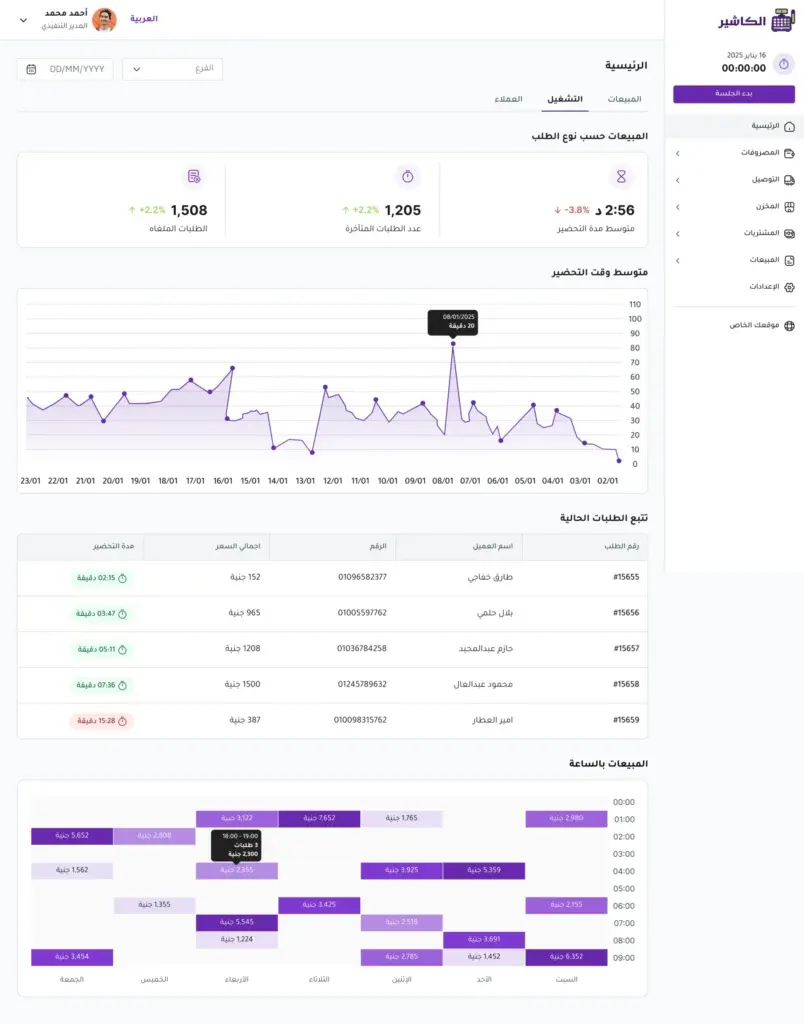
Today, POS software has become an integrated tool for managing a business. When a product is sold, it is automatically deducted from inventory. At the end of the day, the business owner can see total sales, the number of invoices, best-selling products, slow-moving products and staff performance.
So it's fair to say that the best point of sale system is not just a cashier screen, but an operations hub that helps you run your store in an organized and smart way.
Why do shops and stores need a modern point of sale system?
Any store, whether small, medium or multi-branch, needs a clear way to manage its daily operations. Relying on notebooks, spreadsheets or memory may be acceptable at first, but it becomes difficult as products, customers and employees increase.
Fewer daily errors
Sales errors happen easily when you rely on manual calculation. A wrong price may be entered, a discount forgotten, a wrong quantity recorded, or an inaccurate invoice issued. These errors affect customer trust and the store's profits.
The best point of sale system reduces these errors because it relies on data saved inside the system. The price appears automatically, the discount is applied clearly, and inventory is updated after every sale.
Faster checkout
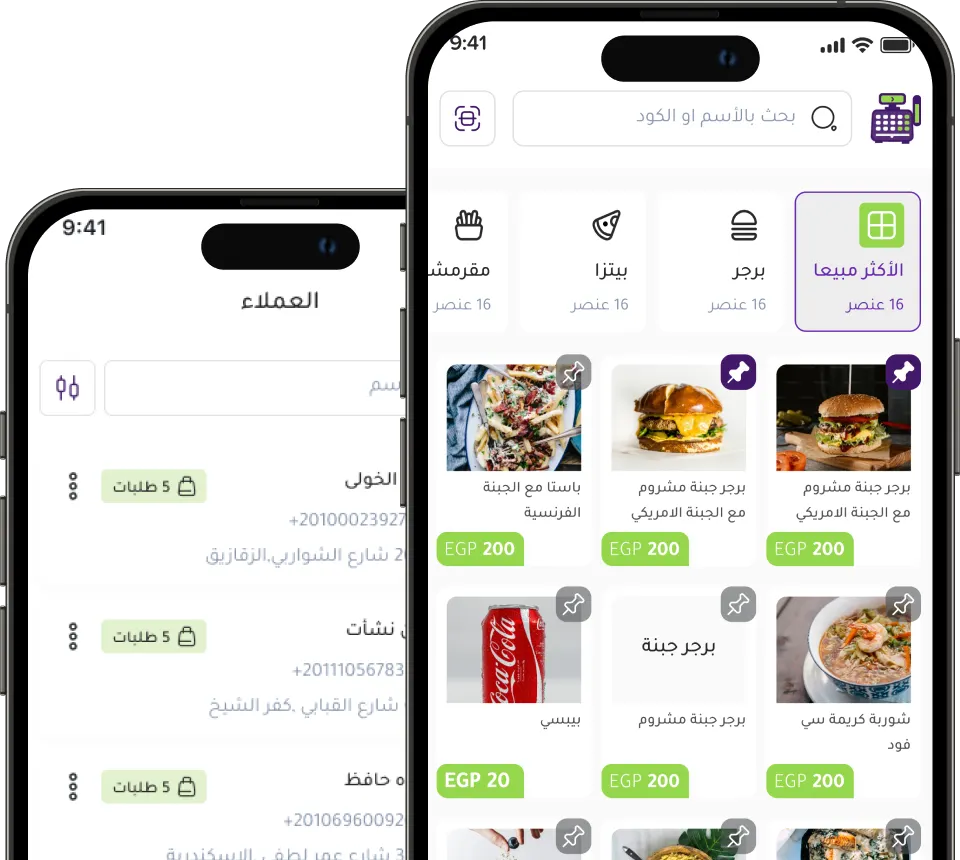
Customers don't like waiting long at the cashier. The faster and more organized the sale, the greater the chance of customer satisfaction and of them coming back. Modern cashier software helps record products quickly, especially when it supports barcodes or quick item search.
Better inventory management
Inventory is one of the most important parts of any business. If you don't know exactly what you have, you may lose sales because products run out, or tie up your money in goods that don't move.
A point of sale system helps you track quantities in real time. When a product is sold, inventory is updated automatically. And when a quantity gets low, the system can alert you so you can reorder the product before it runs out.
Understanding store performance
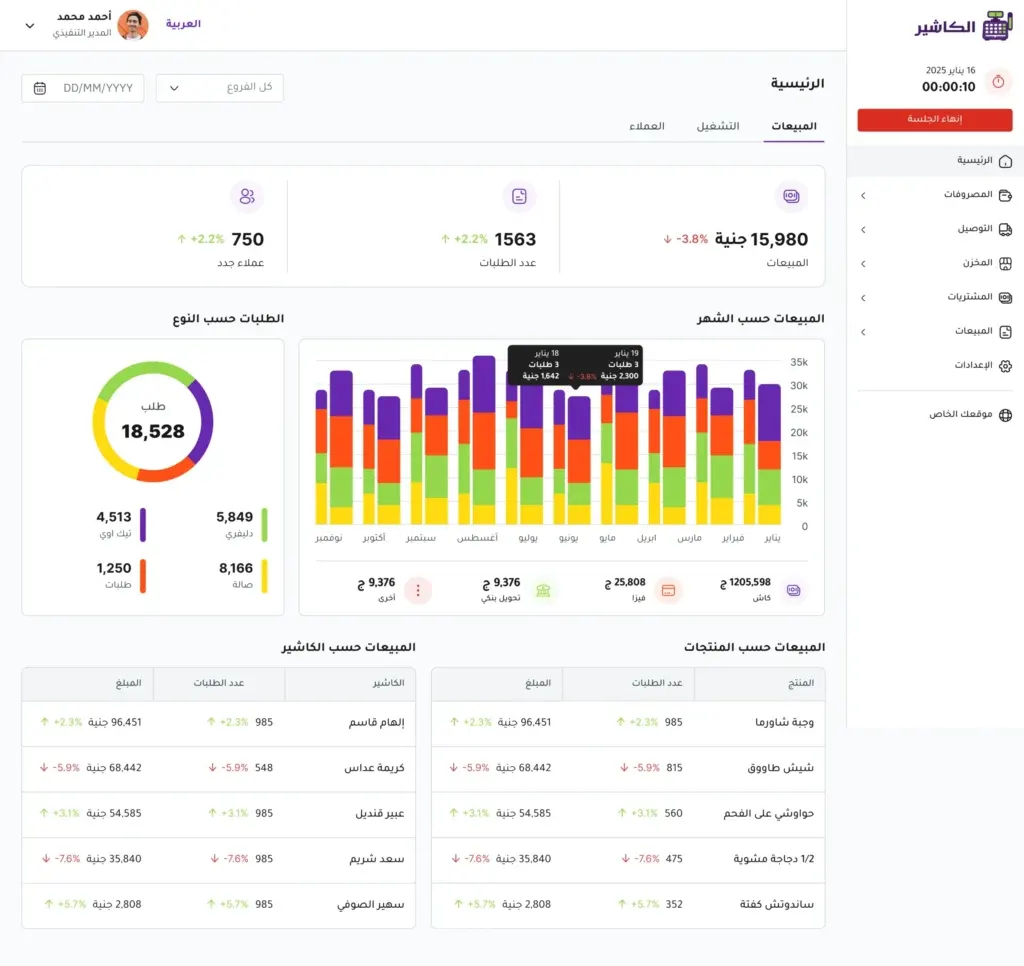
The best point of sale system gives you reports that help you understand your business. Instead of asking “Are sales good?”, you can find the answer in numbers: today's sales, the average invoice value, best-selling products, the value of discounts, the payment methods used, and each employee's performance.
This data lets you base your decisions on clear information, not on guesses.
Features of the best point of sale system for shops and stores
Not every POS software suits every business. The best system combines ease of use, powerful features and room to scale. Here are the most important features to look for.
1. A simple, fast interface
The sales interface is the part employees use every day. So it must be simple, clear and not require long training. A complicated system can slow work down and increase errors.
The best point of sale system should let an employee add products, search for them, apply discounts, choose the payment method and print the invoice within seconds. Ease of use doesn't mean a weak system. It means the software is designed in a practical way that suits the pressure of daily work.
2. Accurate inventory management
Inventory management is not an extra feature, but a core element of any professional point of sale software. The system should let you add products, set quantities, track stock movement and see which products are about to run out.
It's best if the system provides low-stock alerts, because this feature helps you avoid running out of important products. It should also show you slow-moving products that don't sell well, so you can decide what to do about them.
3. Clear sales reports
Reports are what set a good system apart from an ordinary one. If the software only records sales and doesn't give you a clear view, you won't get the full benefit from it.
The best point of sale system should provide easy-to-read reports on:
- Total sales.
- Number of invoices.
- Best-selling products.
- Worst-selling products.
- Discounts and returns.
- Payment methods.
- Staff performance.
- Branch performance, if applicable.
These reports help the business owner improve prices, offers, supply and team organization.
4. Support for multiple payment methods
Customers today use more than one payment method. Some prefer cash, while others use cards or digital wallets. So cashier software should support more than one payment method so you don't lose a customer because of limited options.
Recording payment methods in the system also helps you organize your accounts and better understand customer behavior.
5. Professional invoicing
An invoice is not just proof of payment. It is part of the customer experience and an important record for the store. The system should be able to issue clear invoices that include products, prices, discounts, taxes and the payment method.
Well-organized invoices also help you when handling returns, reviewing accounts or tracking daily sales.
6. Staff permissions
Not every employee needs the same permissions in the system. A sales employee needs to record invoices, while a manager may need to review reports or edit prices, and the business owner needs full permissions.
The best point of sale system should let you set different permissions for each user. This feature protects the store's data and reduces random changes or unintentional mistakes.
7. Online and offline operation
An internet outage can happen at any time. If the sales system stops completely because of a weak connection, sales may be disrupted and customers affected. So it's important to choose a system that works online and offline.
This feature means the store can keep selling even when the internet goes down, and data is synced when the connection returns. Modern solutions such as Alcashier pay attention to this point because it matters for business continuity, especially during busy times.
8. Support for more than one branch
If you manage more than one branch or plan to expand, you need a system that supports branch management. This feature helps you track each branch's sales, compare performance and monitor inventory from one place.
Without a central system, managing branches becomes exhausting and needs constant manual follow-up. With a suitable POS system, you can see the performance of the whole business from a single dashboard.
9. Support for Arabic and English
In the Arab market, Arabic support is very important to make the system easy for employees to use. English support also adds more flexibility for multilingual teams.
The best point of sale system for shops and stores should be clear and easy to understand, so employees don't need a long time to learn or be trained.
10. Room to scale as the business grows
You may start with a small store and a limited number of products, then expand later to branches or more items. So you should choose a system that can grow with you.
A good system doesn't only serve your current needs. It stays suitable as the number of products, employees, branches or daily operations increases.
How do you choose the best POS software for your store?
Choosing the best point of sale system takes a practical evaluation, not just a price comparison. Before subscribing to any software, follow these steps.
Define your business needs
Start with a simple question: what is the biggest problem you want to solve?
Is the problem slow sales? Weak inventory control? No reports? Difficulty managing staff? Too many errors? Or difficulty tracking more than one branch?
When you define your needs, you will know which features are essential for you and which can be considered extras.
Choose a system that suits your type of business
A clothing store needs to manage sizes, colors and categories. A supermarket needs speed, barcode support and a large number of items. An electronics store needs precise tracking of products and invoices. Restaurants and cafés may need restaurant cashier software that supports menus, orders and items.
So don't choose a generic system without making sure it suits the nature of your daily business.
Test the ease of use
Before relying on any software, make sure an employee can use it easily. Try carrying out a sale, applying a discount, recording a return, searching for a product and printing an invoice.
If the steps are long or confusing, the system may slow work down instead of making it easier.
Review the quality of the reports
Reports should be understandable and useful. It isn't enough for the system to show lots of numbers. It must give you information that helps you make decisions.
Look for sales, product, inventory, staff, discount and return reports. The clearer the reports, the more value the system has for the business owner.
Make sure technical support is available
Even if the system is easy, you may need help with setup, training or solving a specific problem. So it's important to choose a provider that offers clear and fast support.
Good technical support makes using the system more stable, especially at the start of operation.
Tips for getting the most out of your point of sale system after launch
Owning the best point of sale system is not enough on its own. What matters most is how you use it every day. Many stores use the software only to issue invoices, when it can be used to improve the whole business.
Review sales reports daily
Make reviewing daily sales a regular habit. Watch total sales, the number of invoices, the average invoice value, best-selling products and the value of discounts.
This review helps you spot any change quickly. If sales drop or returns rise, you will know early instead of waiting until the end of the month.
Use product reports in purchasing decisions
Don't rely only on gut feeling when buying new goods. Use best-selling product reports to see what needs reordering, and worst-selling product reports to see what you should buy less of or put on offer.
This approach helps you reduce slow-moving stock and make better use of your capital.
Organize product names from the start
Entering products in a disorganized way causes problems later. Try to set a consistent way of naming products, such as: product name, type, color, size or brand.
The more organized your product data, the more accurate the reports and the easier it is for employees to search inside the system.
Don't neglect physical stock counts
Although a point of sale system helps you track inventory, physical stock counts are still important. You should check quantities on the ground regularly to make sure they match the system.
Regular stock counts help you discover errors, damage, loss or any discrepancies in inventory.
Monitor discounts and returns
High sales don't always mean high profits. If discounts are frequent or returns are high, your profits may be clearly affected.
Use sales management software reports to track discounts and returns, understand their causes, and set clear controls for them.
Common mistakes when choosing a point of sale system
Choosing software based on price alone
Price matters, but it shouldn't be the only factor. The cheapest system may lack important features such as reports, inventory management, permissions or technical support.
The best approach is to choose the system that offers real value for the cost.
Ignoring future needs
A system may suit you today but not support expansion later. If you plan to add branches, products or employees, choose a flexible system from the start.
Not training employees
Even the best cashier software needs some basic training. Employees should know how to sell, apply a discount, record returns and close the shift. Training reduces errors and makes operations smoother.
Not reviewing reports
If you use the system only for selling and don't review the reports, you are not benefiting from the most important part of the software. Reports are what turn the system from a recording tool into a management tool.
Why is Alcashier a good choice for shops and stores?
When searching for the best point of sale system for shops and stores, a business owner needs a solution that combines ease with practical functionality. Alcashier is an example of modern POS software that helps business owners manage sales, inventory, expenses and staff from one place.
Alcashier supports online and offline operation and provides a suitable interface in Arabic and English, which makes it suitable for stores that need a clear, easy-to-use system. It also helps track performance through organized reports that give the business owner a better view of daily sales operations.
What makes modern solutions like Alcashier useful is that they don't focus only on recording the invoice, but help manage the business as a whole. Sales, inventory, employees, expenses and branches are all connected, and managing them from one system saves time and effort and reduces errors.
A quick checklist before choosing the best point of sale system
Before making a decision, make sure the system answers these questions:
Is the sales interface easy for employees?
Does it support inventory management?
Does it provide clear sales reports?
Does it support invoices and returns?
Does it work online and offline?
Does it support more than one payment method?
Does it let you set staff permissions?
Does it suit your type of business?
Can it be used for more than one branch?
Does it support Arabic?
Is technical support available when needed?
Can it scale as the business grows?
If most of the answers are “yes”, you are closer to choosing a suitable point of sale system. But if the system lacks essential features such as inventory, reports or ease of use, it's better to think again.
Manage your sales and inventory in seconds with Alcashier!
Control sales, inventory and users in moments, and give your business an integrated system that runs smoothly without complexity.
Create your store for freeFrequently asked questions (FAQ)
What is the best point of sale system for shops and stores?The best point of sale system is the one that helps you record sales quickly, manage inventory accurately, issue invoices, track staff and provide clear reports. Alcashier is one of the suitable options for shops and stores because it combines these features in an easy-to-use system that scales as the business grows.
Do small shops need point of sale software?Yes, small shops benefit a lot from point of sale software because it reduces errors, organizes sales, helps track inventory and gives the business owner a clearer view of daily performance.
What is the difference between POS software and sales management software?POS software focuses on managing sales operations at the point of payment, such as recording orders and issuing invoices. Sales management software covers broader performance tracking, such as reports, product analysis, sales monitoring and linking data to inventory and expenses.
Can a point of sale system be used without internet?Some modern point of sale systems support online and offline operation. This feature is important because it lets the store keep selling even when the internet goes down, and data is synced when the connection returns.
What is the most important feature to look for in point of sale software?The most important features are ease of use, inventory management, sales reports, invoice support, multiple payment methods, permissions, and online and offline operation. Priorities vary by type of business, but these elements are essential for most shops and stores.
Conclusion
Choosing the best point of sale system for shops and stores is an important step for any business owner who wants to run their business more professionally. The right system doesn't just issue invoices. It helps you understand sales, track inventory, reduce errors, organize staff and make decisions based on clear data.
When choosing point of sale software, focus on ease of use, strong reports, inventory accuracy, payment method support, permissions, and the ability to work online and offline. And don't see the software as an extra cost, but as a tool that helps you reduce waste and improve daily performance.
Whether you run a small shop, a multi-branch store, a supermarket, or a business that needs sales management software on an ongoing basis, investing in suitable POS software gives you more clarity and better control over your business. Solutions like Alcashier are a practical choice for store owners looking for a modern system that helps them manage sales, inventory, expenses and staff efficiently.
In the end, the best point of sale system is the one that makes your day easier, your numbers clearer and your decisions better.
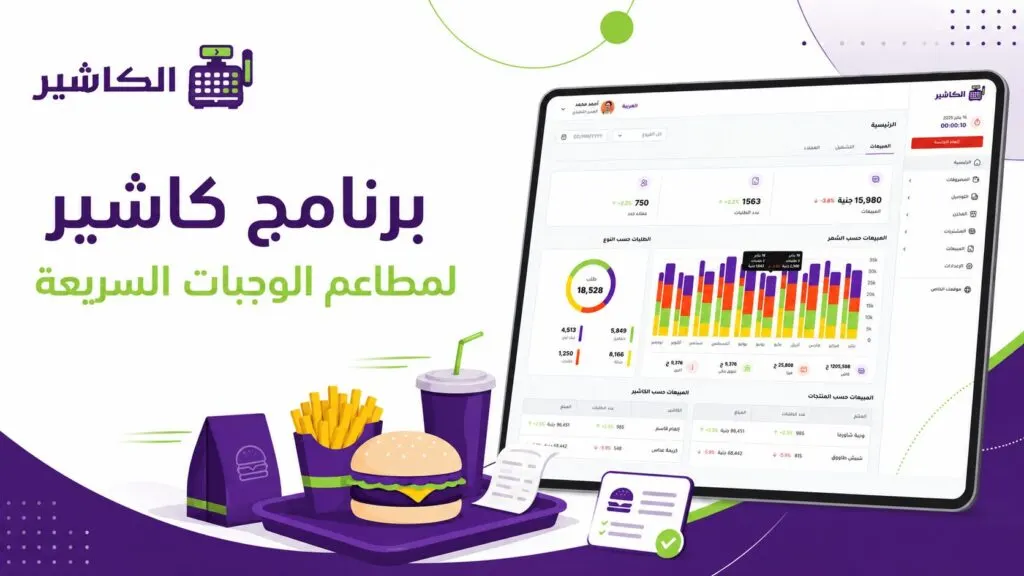
Cashier software for fast food restaurants: which features do you really need?
Running a fast food restaurant is not as simple a task as it looks from the outside. Customers expect fast service, accurate orders, flexible payment and an experience…

Types of restaurants and the best cashier software for each
No two restaurants work in exactly the same way. A fine dining restaurant that welcomes guests at elegant tables is radically different from a…
Business digitization: why has POS software become a necessity, not an option, for every business owner?
Business digitization is no longer an optional extra that a business owner can postpone until later. It has become an essential step to ensure continuity and growth…
The post The best point of sale system for shops and stores appeared first on Alcashier.