In an age of accelerating technology and digital transformation, efficiency in store management has become a basic requirement for success, not just a luxury. Even so, many owners of small and medium shops still rely on a manual cashier, exposing them to repeated losses, some visible and most hidden.
What is cashier software?
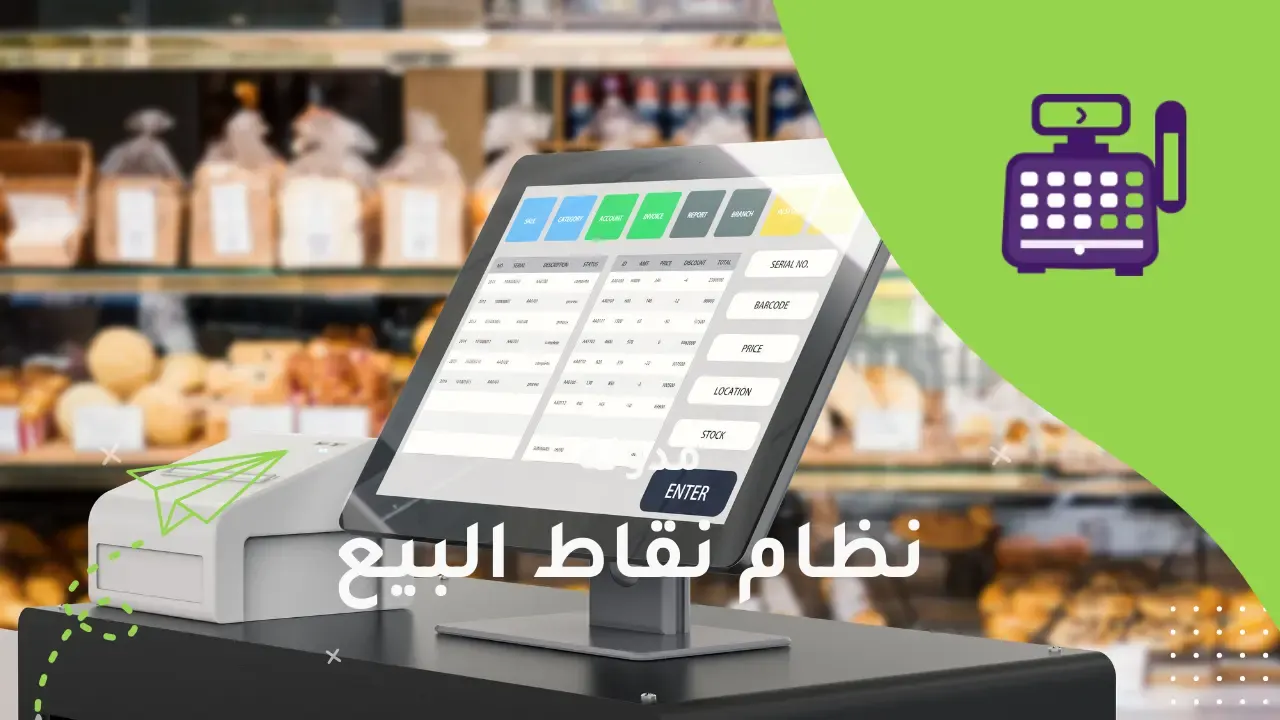
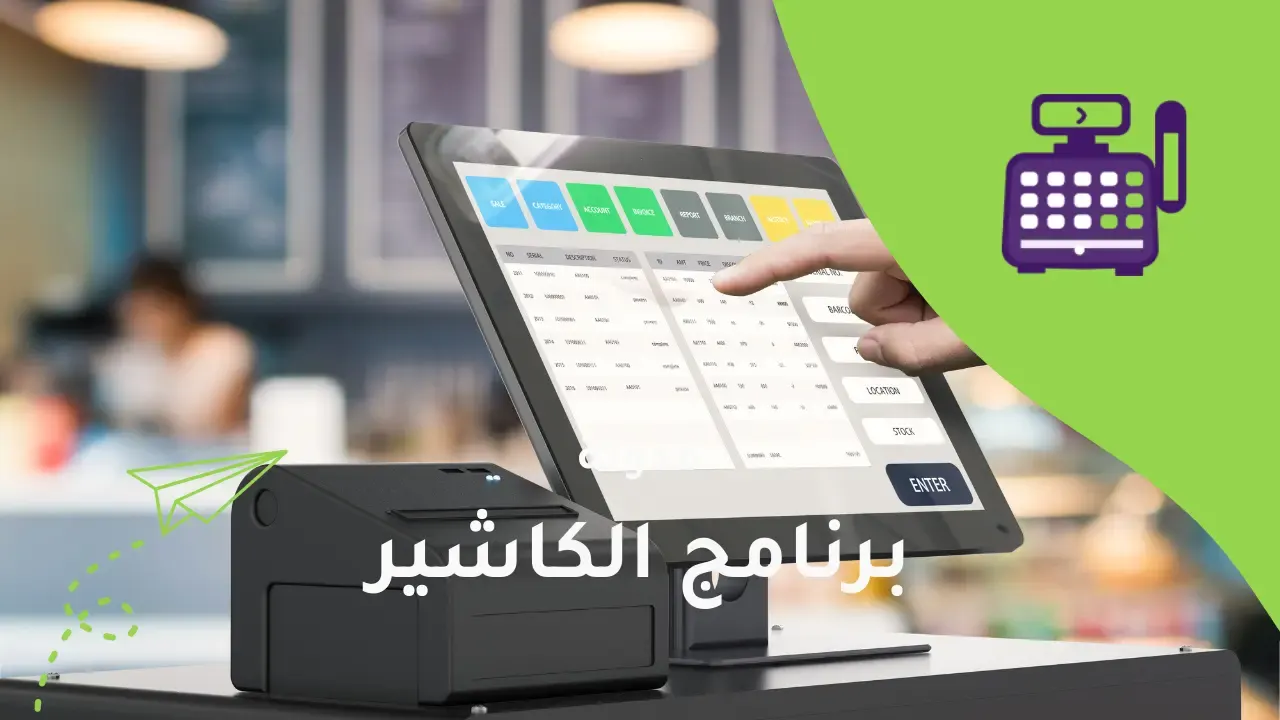
Cashier software is a smart technical system designed specifically to simplify daily sales operations, turning slow manual procedures into a fast, accurate electronic process. The software records sales and purchases, issues invoices electronically, tracks product movement, and provides detailed reports on performance, inventory and sales.
What sets cashier software apart from a manual cashier is its ability to combine accounting, administrative and analytical functions in one platform. It does not just record sales, but also helps you understand customer behavior, evaluate staff and control expenses, making it a pivotal tool in growing your business.
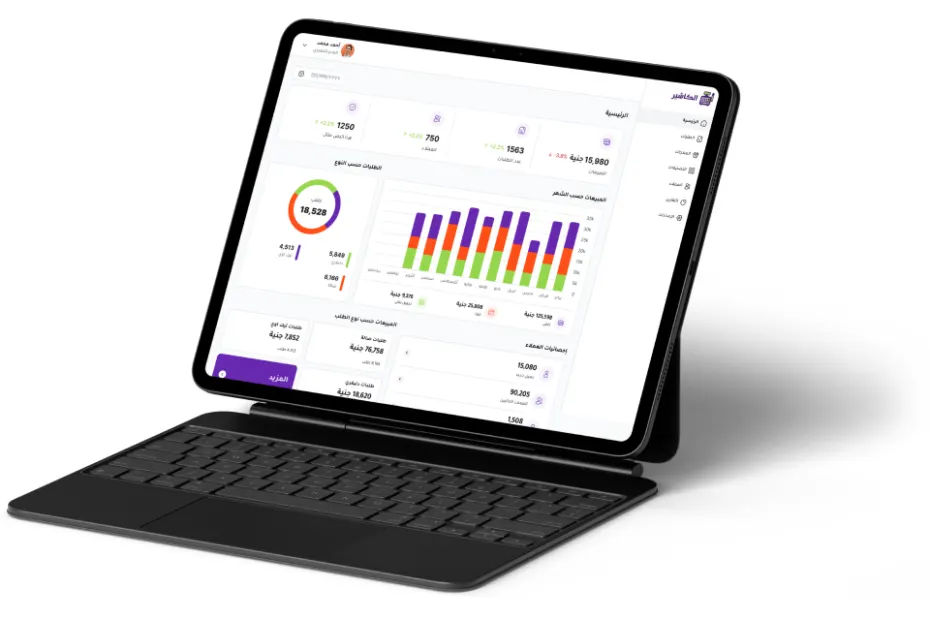
Features of cashier software
Ease of use
The Alcashier interface is designed to be simple and clear, so any employee – whatever their technical experience – can handle it within minutes, with no need for long training.
Issuing e-invoices
The software lets you issue e-invoices in approved formats (such as XML and PDF), ensuring full compliance with the requirements of the Zakat and Tax Authority and sparing you fines or regulatory problems.
Instant inventory updates
Every sale or return updates inventory automatically, giving you an accurate view at any moment without constant manual stock counts.
Smart alerts when products run out
When the quantity of a given product runs low, you get an instant notification, helping you reorder in time without facing a sudden shortage.
Multi-user management with defined permissions
You can create a separate account for each employee with different permissions, such as selling only, returns, or access to reports, which strengthens control and reduces errors or manipulation.
Detailed, accurate reports
The software provides automatic reports showing:
- Daily and weekly sales.
- Best-selling products.
- Staff performance.
- Gross and net profits.
All of this helps you make smart decisions based on real data.
Managing offers and discounts
You can create automatic discounts on specific products or certain categories, during a set period, without having to change prices manually.
Full Arabic support
All menus and options in the software are in Arabic, which makes it comfortable for staff and management in the Saudi market.
Managing cashier sessions (shifts)
You can track each work shift: when it started, how much was sold, and who was responsible, with the option of printing end-of-shift reports.
Easy retrieval of old invoices and transactions
Whether a customer needs their old invoice, or you want to review a sale from last month, you can find it easily in seconds through search.
Fast support, always available
Many cashier systems provide direct support to help you at any time, whether by chat, phone or email, to keep your business running without interruption.
Cashier software lets you manage inventory effectively
Inventory management is one of the most complex challenges for shop owners, especially as products grow in number and vendors multiply. With a manual cashier, it is hard to know how much of each product is left, or to predict when it will run out. Cashier software, however, does all of that automatically.
Automatic quantity updates: every sale is deducted immediately from the stored quantity, preventing errors.
Smart alerts: when stock is close to running out, you get an instant notification that helps you reorder in time.
Product analysis: the software shows you the best-selling and worst-selling products, helping you improve your purchasing policy and reduce waste.
The result? Less spoilage, no sudden stockouts, and the products customers want always available.
Cashier software manages points of sale and organizes your sales team's sessions effectively
Disorganized work directly affects the customer experience. With a manual cashier, it is hard to assign specific tasks to each employee or track sales sessions for each shift. With cashier software, by contrast:
Defined permissions for each employee: you can set who is allowed to open a session, process a return or give a discount.
Detailed recording of every sales session: the system knows when the shift started, how much was sold, and who was responsible.
Staff performance analysis: through the reports, you can evaluate who sells the most, and who causes losses or errors.
This improves oversight, encourages staff to stay compliant, and prevents manipulation or financial mistakes.
How much are you actually losing by using a manual cashier?
| Type of loss | Expected impact |
|---|---|
| Wasted time | Each customer takes 2-3 extra minutes, equal to more than 5 working hours a day. |
| Calculation errors | Estimated at 2% of total sales, a significant figure over a month. |
| Slow service | Leads to losing 5–10 customers a day during peak hours. |
| Tax violations | If you are not compliant with e-invoicing, you could face fines of up to 5,000 SAR. |
Frequently asked questions (FAQ)
Is cashier software suitable for all types of shops?
Yes, cashier software is designed to suit a range of businesses, whether you own a grocery store, café, pharmacy, clothing shop, or even an online store. Settings can be adapted to fit the nature of your products and the way you sell.
Do I need technical experience to use cashier software?
No, cashier software has an easy, simple interface and is aimed at ordinary users with no technical background. It also offers quick training for staff to ensure a smooth start with the system.
Can I manage my store remotely using cashier software?
Absolutely. The software is cloud-based, so you can follow sales, reports and inventory from anywhere via phone or computer. This feature is ideal for owners of multiple stores or for keeping track while traveling.
What is the difference between a cloud cashier and a traditional cashier?
A cloud cashier does not need one particular device or location to run, but works over the internet and can be accessed from anywhere. A traditional cashier, on the other hand, depends on a specific device and does not allow flexible remote management.
Is it possible to try the software before subscribing?
Yes, the company offers a free trial version, or a demo, to try the system before deciding to buy. It is always best to take advantage of this opportunity to make sure the software fits your store's needs.
Conclusion
By relying on cashier software, you can turn your business from traditional management that consumes time and effort into a smart system that saves you losses and gives you an accurate view of every aspect of your store or restaurant. Moving from a manual cashier to a modern system is no longer a choice, but a real necessity to stay in business and compete in the market.
Start today with a simple step toward greater professionalism, and try cashier software yourself to see the difference.
Every accurate sale and every clear report brings you a step closer to greater success.
Alcashier: the best restaurant software for managing your business with ease
In the fast-changing, ever-evolving world of restaurants, success no longer depends only on the quality of the food or a prime location. It has become…
The cloud point-of-sale system: the future of modern commerce
In a world moving fast toward digitalization, stores and business owners can no longer rely on traditional methods of managing sales…

How to choose the right cashier system for your store?
If you own a shop or run a small business in Saudi Arabia, choosing the right cashier system is a decisive step in…
The post Still Using a Manual Cashier? Here's What You Lose Every Day! appeared first on Alcashier.