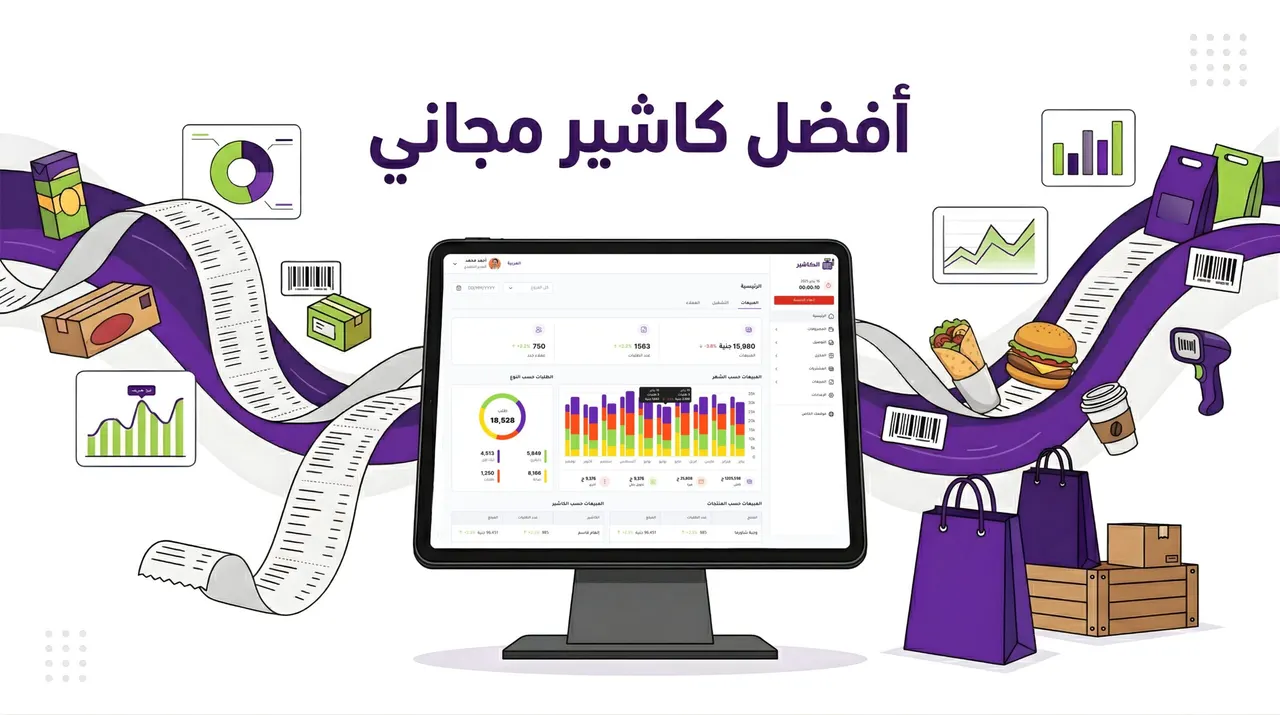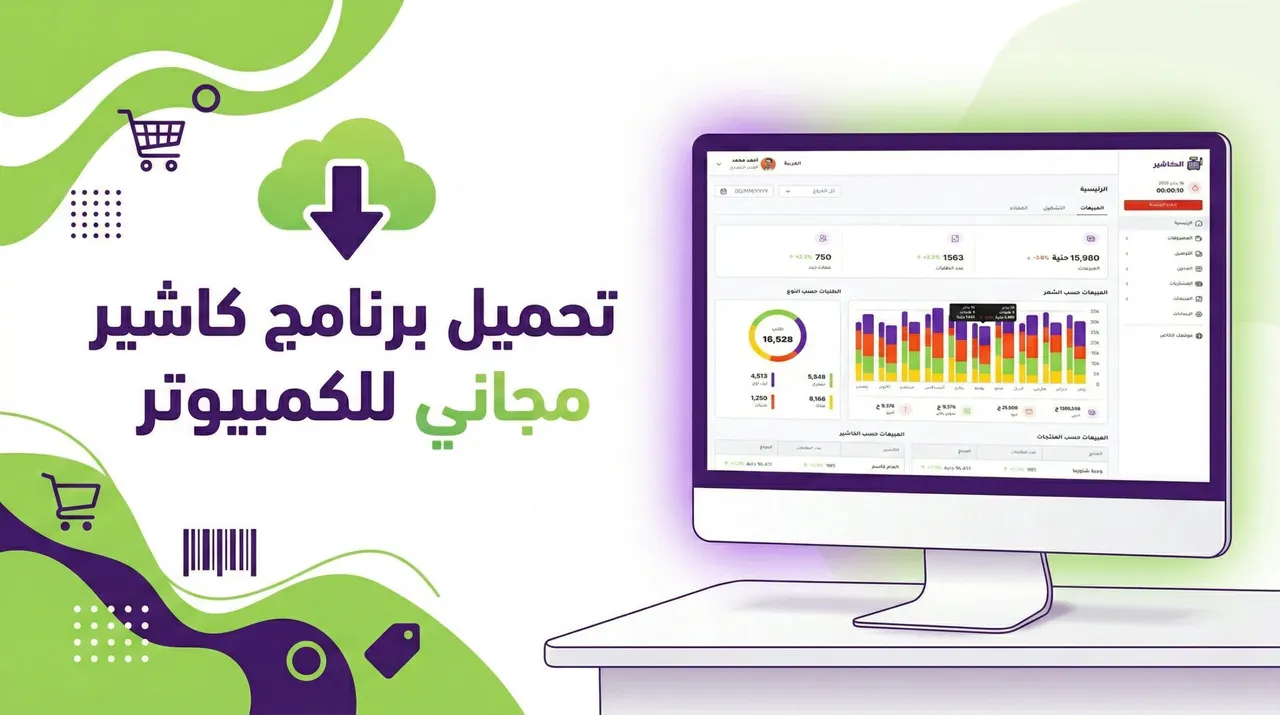
With the rapid development of retail, restaurants and services across the Arab world, searching for free cashier software for PC has become one of the most common topics among owners of small and medium businesses. Digital transformation is no longer a luxury, but a necessity for accurately managing sales, inventory, customers and employees.
But the most important question is: is free cashier software enough? What is the difference between free systems and professional cloud systems? And how do you choose the right solution for your business without risking your data or your growth?
In this comprehensive guide, we explain everything you need to know before downloading free cashier software for PC, presenting the criteria for choosing the best system and the key features to look for, along with a trusted professional alternative such as Alcashier , designed specifically for the needs of the Saudi market.
Manage your sales and inventory in seconds with Alcashier!
Control sales, inventory and users in moments, and give your business an integrated system that runs smoothly without complexity.
Create your store for freeWhat is cashier software for PC?
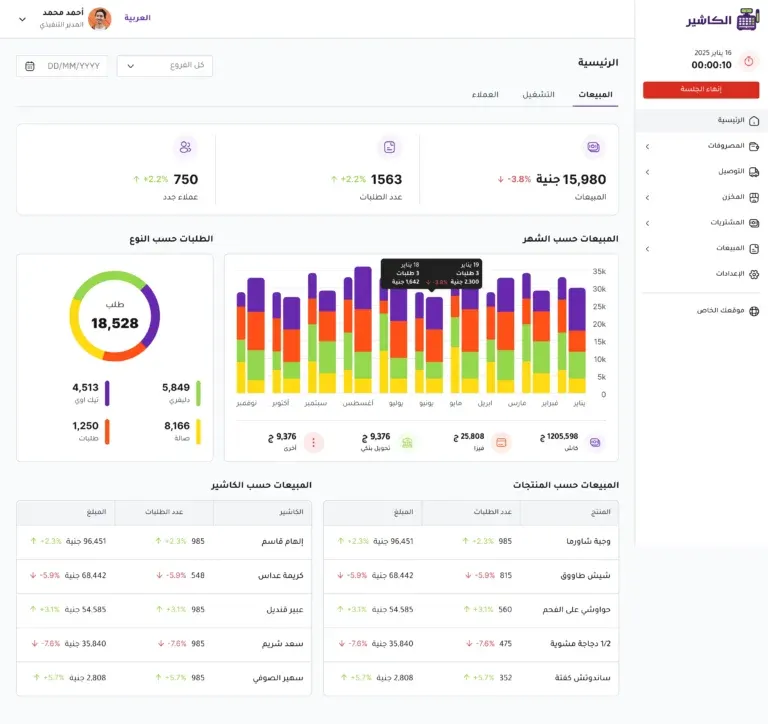
Cashier software (a POS system) is a point-of-sale system used to manage sales operations inside a store, whether a retail store, a supermarket, a restaurant, a pharmacy, or any business that issues invoices to customers.
When you download cashier software for PC, you usually get a set of core functions such as:
- Recording daily sales
- Issuing invoices and printing receipts
- Managing products and prices
- Tracking inventory
- Preparing profit and loss reports
- Managing users and permissions
Some programs run locally on the computer only (offline), while other systems work over the internet (cloud-based) and let you access your data from anywhere.
Why do so many people search for a free cashier software download for PC?
There are several reasons that push business owners to search for free cashier software, the most important of which are listed below, especially when they consider downloading free cashier software for PC as a quick way to manage daily sales:
1. Reducing costs at the start of the business
When launching a new business, the budget is limited, so some people prefer to start with free solutions to cut expenses. At this stage, the owner focuses on reducing operating costs such as rent, salaries and inventory, and therefore sees downloading free cashier software for PC as a suitable option to avoid monthly subscriptions. Some entrepreneurs also see a free system as a first step to test the workflow inside the store before investing in a complete professional point-of-sale system.
2. Trying the system before investing
Some business owners want to try the idea of a point-of-sale system before subscribing to a paid one. Instead of committing to a long contract or paying subscription fees, they prefer to try free cashier software to see how to manage invoices, track sales and organize products. This experience gives them a practical sense of how important a cashier system is in speeding up service and reducing calculation errors, and helps them identify the features they actually need when moving to a more advanced system.
3. Simple needs
Very small businesses may only need to record sales, without advanced reports or integrations with other systems. For example, a small kiosk or a home-based shop may be content with issuing simple invoices and tracking a limited number of products. In this case, free cashier software for PC may seem sufficient to cover the basic needs without complexity or advanced settings.
But despite these reasons, it is important to understand that free software is often limited in capabilities and may not support your business's future growth. As your sales volume grows and you add customers or new branches, you will need accurate analytical reports, professional inventory management and ongoing technical support, which are advantages rarely found in free cashier systems.
Advantages of free cashier software for PC
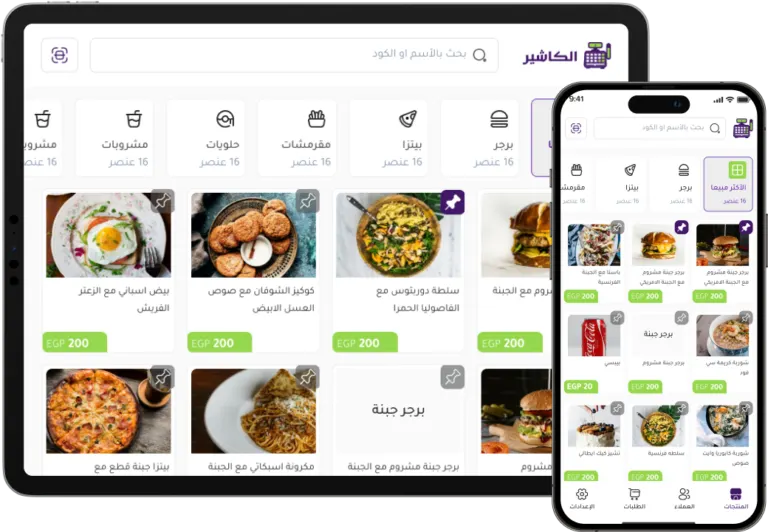
When you download free cashier software for PC, you may benefit from the following advantages, especially if you are in the early stages of your business and looking for a simple way to manage daily sales without technical complexity or major financial commitments:
Ease of use
Most free software is designed with a simple interface to suit beginners, focusing on core functions such as recording sales and printing invoices. You usually do not need advanced technical expertise to run the system, and employees can be trained on it in a short time. This simplicity helps owners of small businesses get started quickly without complex settings or multiple technical integrations.
No subscription fees
You can use the software without paying a monthly subscription, which makes it an attractive option for those on a limited budget. The absence of recurring fees gives a sense of control over costs, especially at the start of a business. However, be aware that some free software may later charge fees for updates or additional features.
Suitable for small businesses
It may be enough for small grocery shops, kiosks or home-based businesses that rely on a limited number of products and simple daily sales. In these cases, there is no urgent need for advanced analytical reports or multi-branch management, which makes free cashier software for PC a practical option for running basic operations.
Local operation without internet
Some free software works entirely without an internet connection, which is useful in areas with a weak or frequently interrupted network. Working offline ensures sales continue without interruption, but on the other hand it may not let you access your data remotely or sync it easily across more than one device.
Drawbacks of downloading free cashier software
Despite the apparent appeal, there are drawbacks you should be aware of before making a decision, especially if you are thinking of relying on free cashier software for PC as the main system for running your business in the long term:
Weak security and data protection
Free systems often do not provide strong encryption or automatic backups, which puts your data at risk of loss. If the computer breaks down, gets infected with viruses or suffers a technical error, you may lose all your sales and inventory data with no easy way to recover it. Some free software also does not use advanced security protocols to protect customer data or invoice information, which can pose a serious risk to your business's reputation and your customers' trust.
Incompatibility with e-invoicing requirements
In Saudi Arabia there are regulatory requirements for e-invoicing, and many free programs do not support them. Failing to comply with these requirements could expose you to violations or fines. Some free cashier programs also cannot issue invoices that are compatible with local systems or generate QR codes in the approved format, which later forces you to change the system entirely or add costly external solutions to make up for the gap.
No technical support
If a problem occurs, you may not find quick support to solve it. Imagine the system stopping during peak hours with no technical team to help you right away; this could halt sales and lose you customers. Free systems usually rely on forums or generic tutorials with no direct support service, which does not suit businesses that need a fast, immediate response.
Limited reports and analytics
You will often not get detailed reports that help you make strategic decisions. You may only see total daily sales, with no analysis of product performance, peak times or profit margins. The lack of advanced analytics means you will run your business on guesswork rather than accurate data, which reduces your chances of improving profits or cutting operating costs.
Difficulty scaling
When you open a new branch or add more devices, you may need to change the system entirely. Most free cashier software does not support multiple branches or syncing between several devices in a professional way. As your business grows, you will face challenges in unifying data and tracking performance from one place, making the move to a professional cloud system inevitable after a short period of use.
The key features cashier software must have
If you are looking for the best cashier software for PC, whether free or paid, make sure it offers these core features, which give you professional, stable management of your business and help you get the most out of your point-of-sale system in the short and long term:
1. Integrated sales management
Cashier software should let you record transactions quickly and easily, with the ability to search for products by barcode, product name or even category. Integrated sales management also means support for multiple payment methods such as cash, bank cards and digital wallets, and the ability to split the bill. The faster and more accurate the sales process, the greater the work efficiency and the better the customer experience in the store.
2. Accurate inventory management
Inventory management is one of the most important elements of any business's success. The system should update quantities automatically after every sale, with alerts when stock falls to a certain level. It is also best if it includes product movement reports, best-selling items and slow-moving products. This data helps you reduce waste, improve purchasing decisions and manage vendors more efficiently.
3. Advanced financial reports
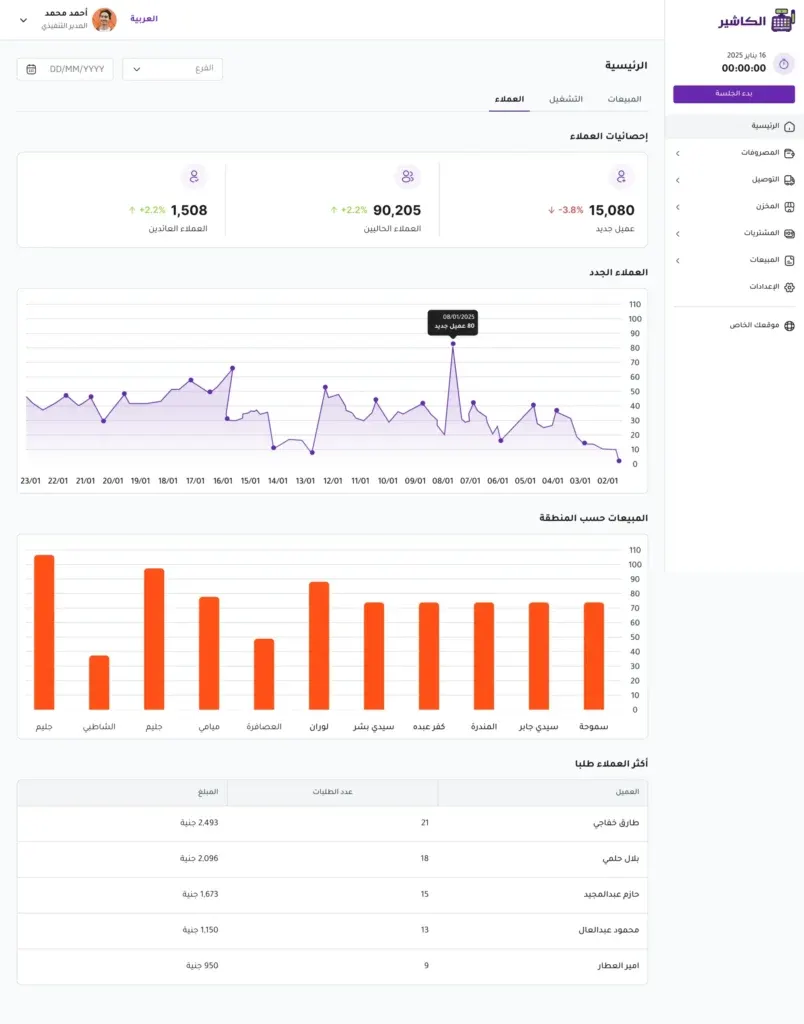
Reports are not just numbers, but a decision-making tool. Make sure the cashier software provides daily, weekly and monthly reports showing profits, expenses and net income, as well as employee performance and peak-hour reports. Clear analytics help you understand sales trends, evaluate marketing campaigns and identify growth opportunities or weak points in your business.
4. Employee and permissions management
It is essential that the system lets you set permissions for each user according to their role in the business. For example, a cashier employee can be given permission to sell only, while the manager has permission to view reports or edit prices. It is also best if the system records every operation under the user's name, which promotes transparency and helps reduce errors or abuses.
5. Working online and offline
The best point-of-sale systems are those that keep working even when the internet goes down, syncing data automatically when the connection returns. This feature ensures work continues without interruption, especially at busy times or in areas with weak connectivity. A system that combines cloud operation with the ability to run offline gives you greater flexibility and better control of your data from anywhere.
6. E-invoicing support
E-invoicing is an essential feature in the Saudi market to ensure compliance with local regulations. The system should be able to issue invoices that meet official requirements, generate a QR code and save invoices electronically. Choosing cashier software that supports e-invoicing protects you from violations and strengthens your business's credibility with customers and regulators.
The difference between free cashier software and a professional cloud cashier system
Comparison | Free software | Professional cloud system |
|---|---|---|
| Security | Limited | High, with backup |
| Technical support | Often unavailable | Ongoing support |
| Reports | Basic | Advanced and analytical |
| Updates | Rare | Ongoing |
| Scalability | Difficult | Easy and flexible |
Investing in a professional system such as Alcashier gives you a stable, secure work environment that can grow with you.
Why is Alcashier a better choice than downloading free cashier software?
When you compare free systems with professional solutions, the difference is clear, not only in features but in the real impact on your business's stability and growth.
Alcashier is a cloud point-of-sale system designed specifically for the Saudi market, offering a complete solution that goes beyond recording sales to become a comprehensive management tool that helps you take full control of your daily operations.
Among the most prominent features it offers:
- Advanced sales management with an easy, fast interface that reduces waiting time at the cashier
- Live real-time reports that let you track performance from anywhere
- Professional inventory management with smart alerts and detailed movement reports
- Full support for e-invoicing in line with local requirements
- Connecting your online store to the point of sale to unify inventory and sales in one system
- Support for working online and offline to ensure uninterrupted operation
- Support for Arabic and English to make it easy for all employees to use
- The ability to manage multiple branches from a central dashboard
- Advanced user permissions to control operations and strengthen internal oversight
In addition, Alcashier provides continuous updates and specialized technical support, giving you peace of mind and reducing the operational risks you may face when using free cashier software for PC.
Instead of risking your data with limited free software, you can rely on an integrated system that supports your business growth and gives you a clear view based on accurate data, helping you make strategic decisions with confidence.
Steps to download free cashier software for PC
If you decide to try free software, follow these steps carefully to minimize risk as much as possible and keep your business data safe:
- Look for a trusted download source: Do not download any free cashier software for PC from unknown websites or random links. Make sure the site is official or has a good reputation, ideally with clear reviews and a trusted track record. Avoid modified or pirated versions, as they may contain malware.
- Make sure the file is free of viruses: After downloading the software, use up-to-date security software to scan the file before installing it. It is also best to scan the whole computer to make sure there are no threats that could later affect your sales or inventory data. Digital security is an essential step when using free systems.
- Read user reviews and experiences: Look for opinions from other users who have tried the same cashier software. Did they run into technical problems? Did they lose their data? Is technical support available when needed? This information helps you form a clearer picture before relying on the system in practice.
- Try the software before entering your real data: Do not start by entering real sales data or customer information straight away. Create test data to check the system's speed, ease of use and report accuracy. Make sure the software meets your core needs before adopting it for daily work.
- Create regular backups: Since most free cashier software does not provide automatic backups, make sure to save a copy of the database regularly on an external device or a secure storage service. This step protects you from data loss in the event of a sudden failure or damage to the device.
But remember that these steps do not guarantee full protection; they are only precautionary measures. As your business grows and you rely more on data and reports, it may become necessary to move to a professional point-of-sale system that offers higher security, automatic backups and ongoing technical support.
Is free cashier software suitable for every business?
The short answer: no. Not every business can rely on free cashier software for PC as a permanent system for running its operations.
- Very small businesses may benefit temporarily: Such as kiosks or home-based businesses with a limited number of products and a small sales volume. In these cases free software may be an interim solution, but with any growth in operations the need for a more advanced system will appear.
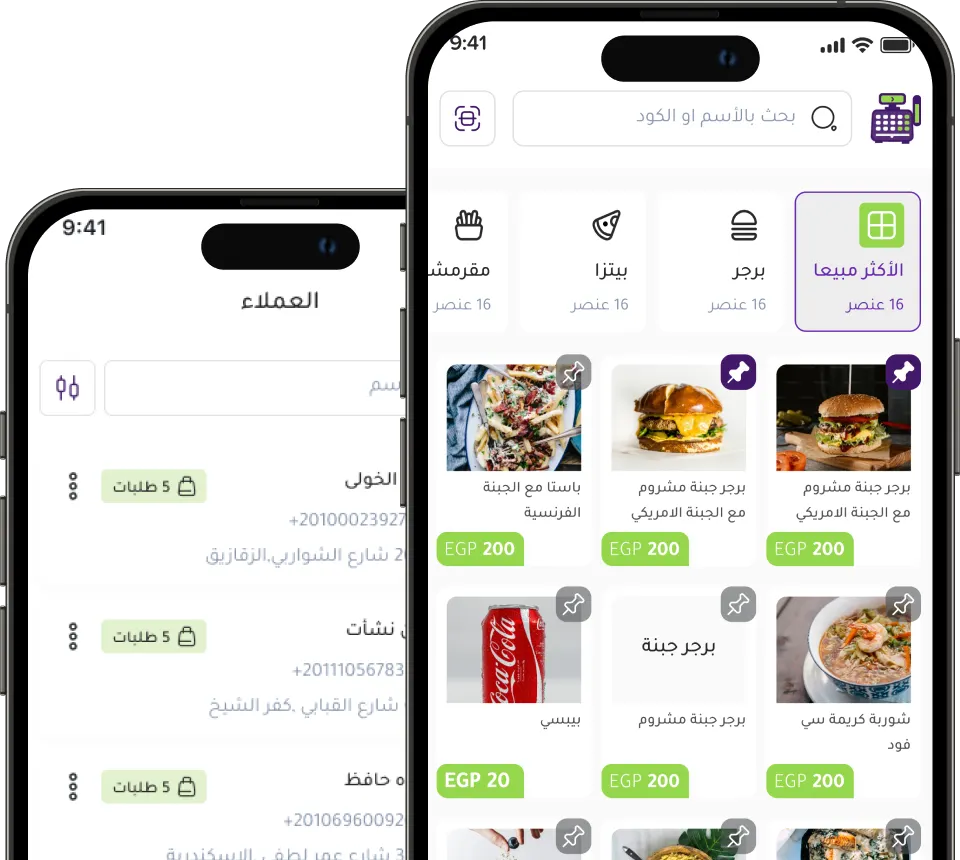
- Restaurants and cafés need an advanced system to manage tables and kitchens: These businesses depend on service speed, order splitting, table management, kitchen integration, and tracking dine-in and outside orders. Free cashier software often does not provide these specialized features, which may affect the customer experience and operational efficiency.
- Multi-branch stores need a unified cloud system: When you have more than one branch, it becomes essential to track sales and inventory centrally and in real time. Free local systems do not usually support data sync between branches, which causes conflicting numbers and makes oversight difficult.
- Businesses that require accurate accounting reports need professional solutions: Such as pharmacies, wholesale stores, or businesses with variable profit margins. These businesses need detailed analytical reports, expense tracking and accurate profit calculation, which are features rarely found in free cashier software for PC.
When should you move from free software to a professional system?
As your business expands, you will reach a stage where relying on free cashier software for PC is no longer enough to manage operations efficiently. Moving to a professional point-of-sale system does not just mean paying a monthly subscription; it means investing in the long-term stability and growth of your business.
Consider upgrading when:
- Your daily transaction volume rises noticeably: If you have a large number of invoices every day and the system starts to slow down or cause repeated errors, that is a clear sign that the free software's technical foundation can no longer handle the workload. A high volume of transactions requires a fast, stable system able to process data without delay.
- You face problems with reports and analytics: When you need to know your exact net profit, analyze the performance of a particular product, or compare sales across different periods, and the free system does not give you this data clearly, it means you are running your business without a full view. A professional system gives you detailed reports that help you make strategic decisions based on real numbers.
- You need to manage multiple branches: When you open a new branch, syncing between branches becomes essential. If you rely on a local program installed on a single device, you will not be able to track sales and inventory centrally. A professional cloud system lets you manage all branches from one dashboard in real time.
- You want to connect your online store to the point of sale: With the growth of e-commerce in Saudi Arabia, integration between the online store and the cashier system has become important for unifying inventory and sales. Free software often does not support this integration, which leads to quantity errors or duplicate data entry.
- You need e-invoicing support and compliance with local regulations: If you are required to issue e-invoices that meet official requirements, using non-compliant software may expose you to violations. A professional system ensures full compliance and updates itself automatically with any regulatory changes.
- You are looking for higher security and automatic backup: As your data grows in value, protecting it becomes a top priority. If the free software does not provide automatic backup or advanced protection, you could be exposed to major losses in the event of a technical fault.
- You want to monitor employee performance more closely: As your team grows, you need a system that sets clear permissions and records every operation under the user's name, which promotes transparency and reduces errors or abuses.
At this stage, investing in a professional system such as Alcashier is a smart step to support expansion, as it gives you an integrated platform to manage sales, inventory, branches and reports in real time, with ongoing technical support and regular updates that keep pace with market developments.
Moving to a professional point-of-sale system at the right time is not an extra cost, but an investment that protects your profits, organizes your operations, and paves the way for sustainable growth based on accurate data and professional management.
Manage your sales and inventory in seconds with Alcashier!
Control sales, inventory and users in moments, and give your business an integrated system that runs smoothly without complexity.
Create your store for freeConclusion
Searching for free cashier software for PC is a natural step for any business owner looking to cut costs, but the decision should be based on long-term consideration.
Free software may be a temporary solution, but it often lacks security, updates, technical support, and compatibility with local regulations.
If you are looking for stability, growth and full control of your operations, choosing a professional point-of-sale system such as Alcashier gives you an integrated environment for managing sales, inventory and employees in real time, with full support for the Saudi market.
In the end, remember that a cashier system is not just a tool for issuing invoices, but the heart of your operations. Choose the system that supports your ambition, not the one that restricts your growth.

Managing your point of sale in Ramadan: how to benefit from the cashier system
Ramadan is one of the most important commercial seasons in the Kingdom of Saudi Arabia and the Arab world, when consumption rises noticeably, especially…
Ramadan 2026: The role of a cashier system in boosting restaurant efficiency
Ramadan is one of the most important commercial seasons in Saudi Arabia, especially for restaurants and cafés. With changing working hours and rising…
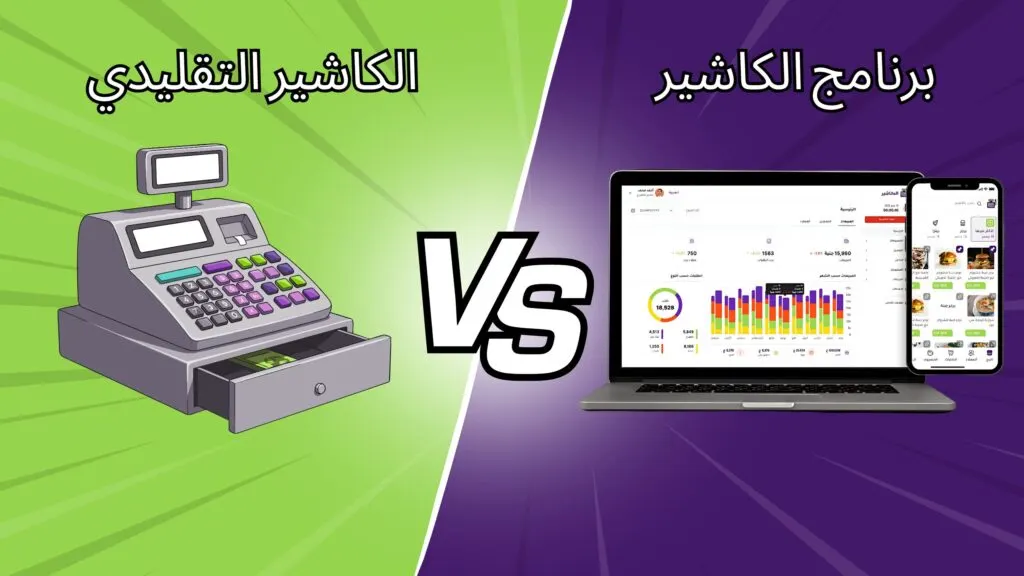
The difference between a traditional cash register and smart POS systems
For many decades, traditional cash registers were the backbone of sales operations in shops and restaurants. They were used to record sales, open the drawer…
The post Download free cashier software for PC: the complete guide to choosing the best POS system for your store appeared first on Alcashier.